I have searched the existing open and closed issues
Required Information
-
DietPi version |
Core:9 Sub:20 RC:1 branch:master owner:MichaIng -
Distro version |
trixie -
Kernel version |
Linux DietPi 6.1.115-vendor-rk35xx #1 SMP Mon Dec 1 08:58:34 UTC 2025 aarch64 GNU/Linux -
Architecture |
arm64 -
SBC model |
ROCK 5B (aarch64) -
Power supply used | 30 W (5V-3A 9V-3A 12V-2.5A 15V-2A 20V-1.5A)
-
NVMe used | Kingston NV2 NVMe PCIe 4.0 1TB M.2 2280 -SNV2S/1000G
Additional Information
- Software title | Jellyfin
Steps to reproduce
When trying to connect to the Jellyfin server I enter the address 192.168.2.205:8096 since my LAN IP is 192.168.2.205
Expected behavior
I connect to the server.
Actual behavior
I get an connection error with this message:
We are currently unable to connect to the selected server. Please ensure that it is running and try again.
Extra details
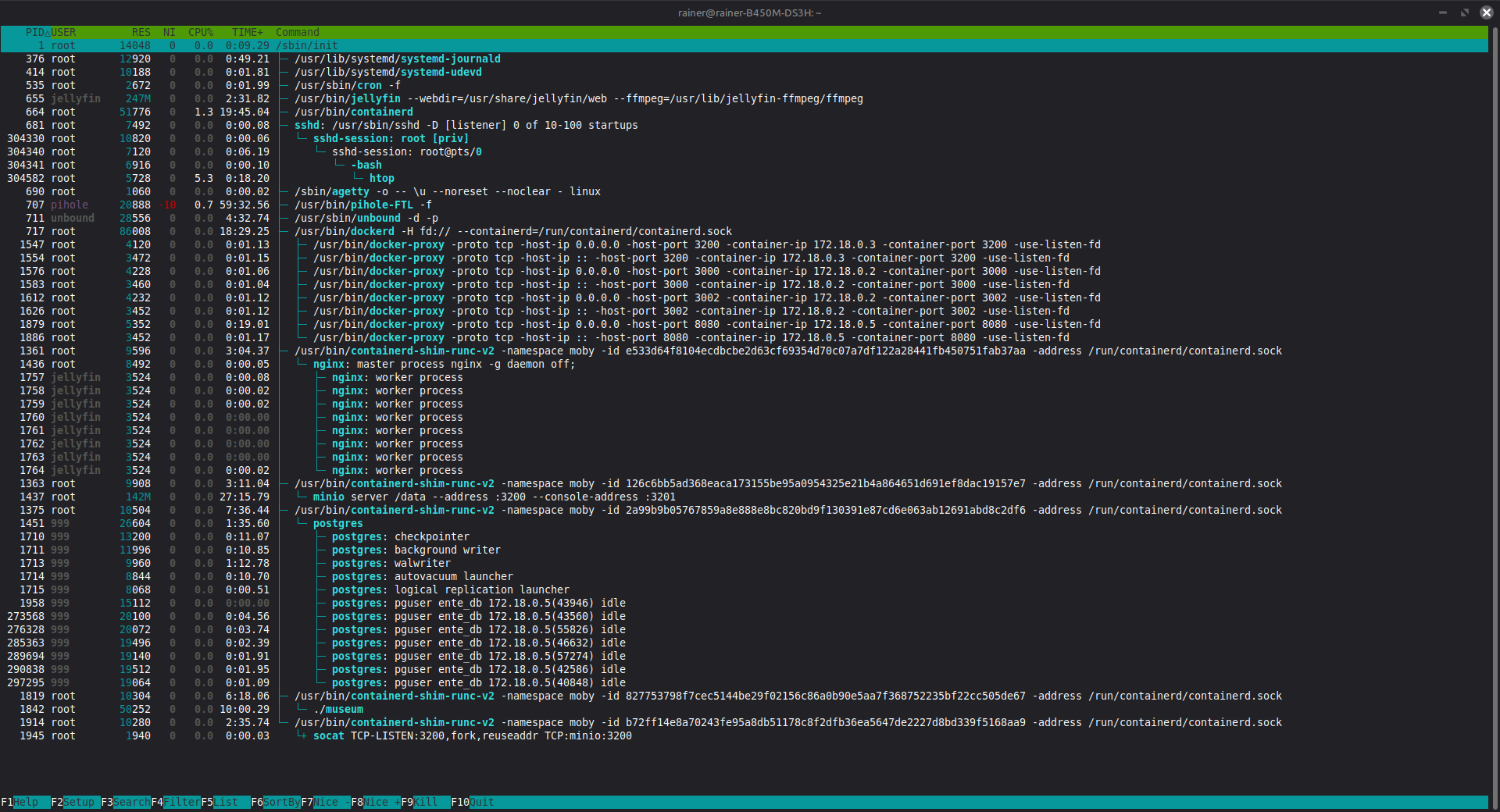
htop shows the server running