I have obtained the open vpn config files from Private Internet Access, the also provided the following tutorial, which I am not sure is relevant to Diet-Pi.
If you connect via SSH, copy&paste would work. You need to enter credentials once. It is internally converted into a dedicated file, hence would be a nice feature to allow providing this file directly. But it does not work yet.
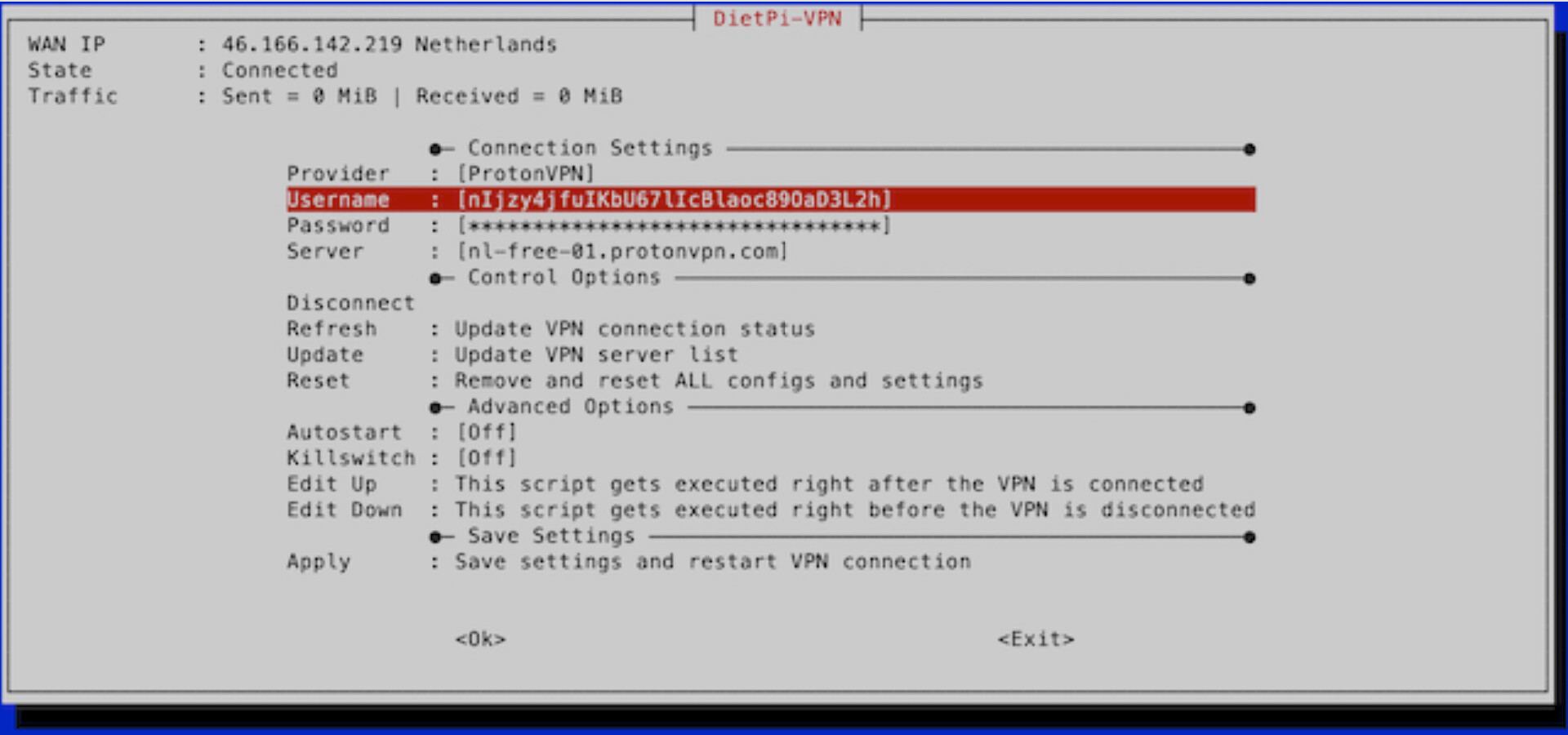
From the screenshot, you have ProtonVPN selected as provider. We actually support PIA directly, i.e. no need to download the OVPN manually. But adding one with “Custom” provider works as well.
But in your screenshot you’ve chosen ProtonVPN, but you’ve said you use PIA.
YOu would need to chose “custom” and the select the .ovpn file you have copied onto the device
Or “PIA”. Little benefit is that the OVPN templates are updated automatically when changing/saving settings and there should be a server/location submenu to switch to a different country when needed.