Hi Folks,
I’m just getting back into Linux. Since I’m using an older RPi 3 Model B+ (aarch64) device, I thought I would try/use dietpi OS. I want to place the device at a remote site for remote access.
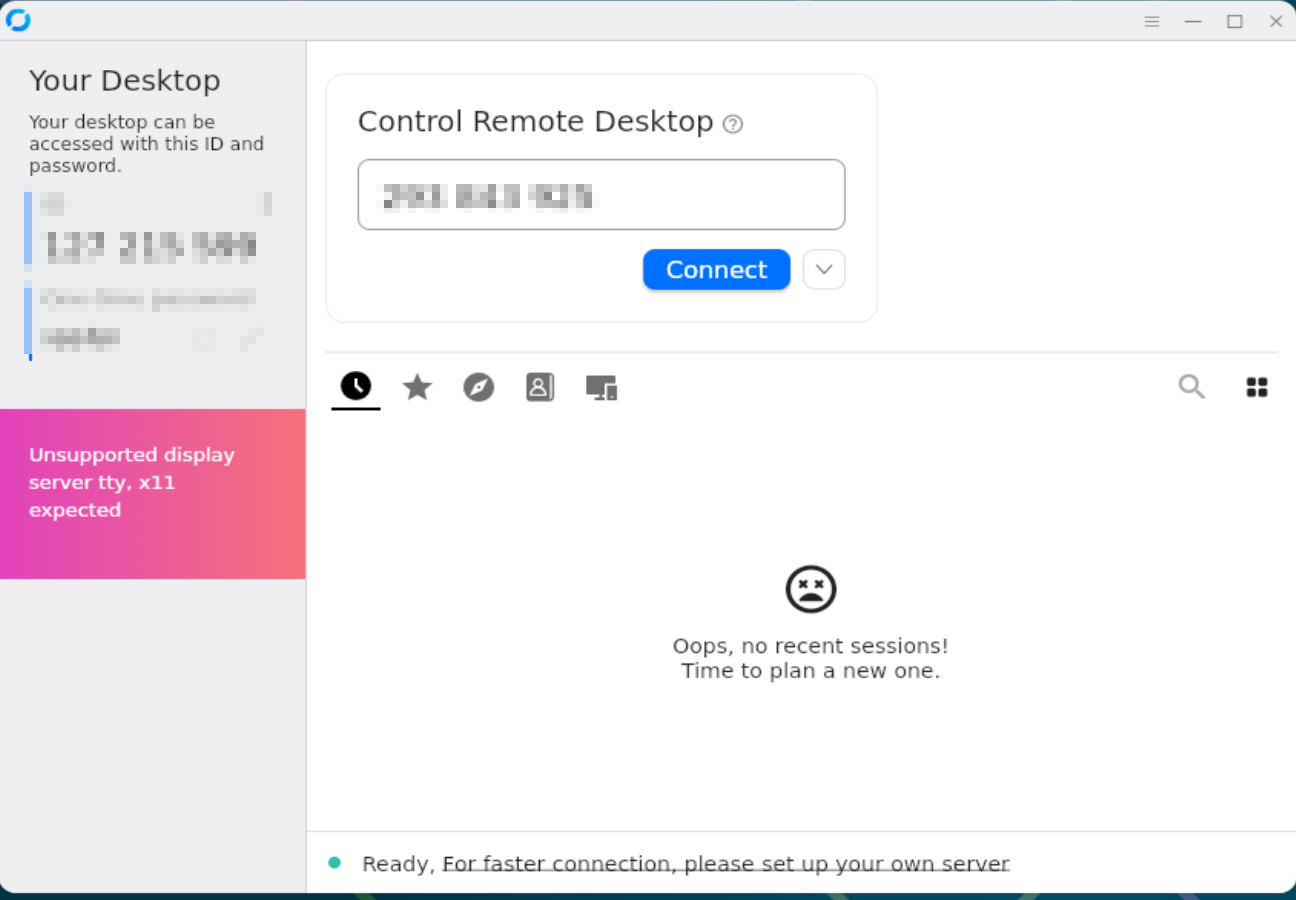
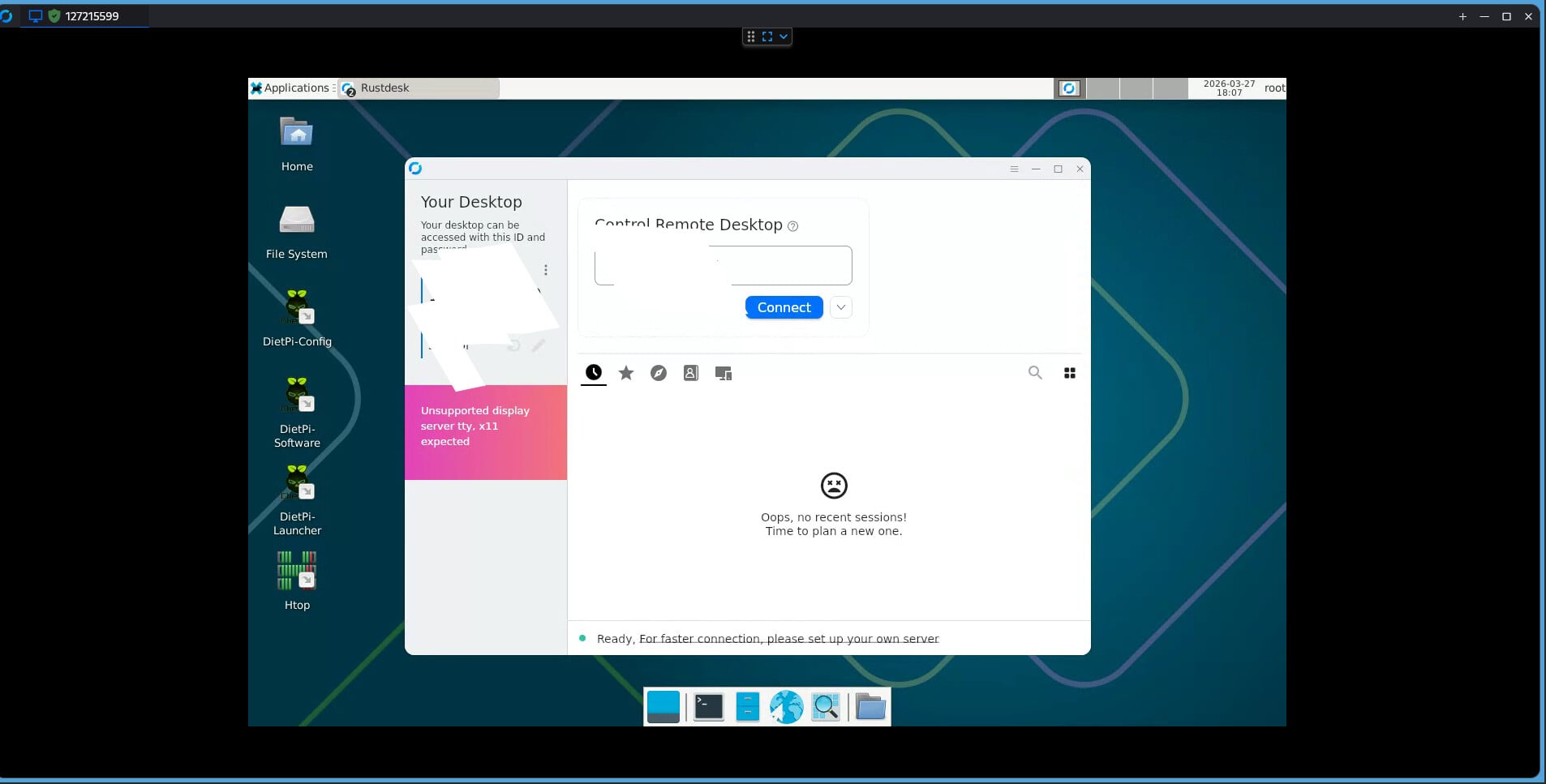
The plan is to use Rustdesk on the raspberry pi device for local network access. I keep getting an “Unsupported display server tty, x11 expected” on the Rustdesk screen. I have poked around, but no joy. Can someone point me in the right direction??
But XDG_SESSION_TYPE is set to tty despite the fact that XFCE is running, maybe this is why we see the message but it’s working anyways.
I guess it#s still tty because we start it from console via startx. And Rustdesk works because there is a display available.
Now to see if I can get the regular users to login automatically, startx and make sure Rustdesk start. Then this will be useful. So far, I’m enjoying Dietpi.
WOW, I thought I had totally messed it up. Took a few times to get the autologin/autostart to work. The biggest key was to add this command via cli: sudo systemctl enable rustdesk
The cool thing, even the client does not throw the “unsupported error” anymore (either one).
So, now it appears to work!!
Thanks for pointing me in the right direction!!
That service is not enabled by default. It is only needed when connecting to an own RustDesk server, AND when it is wanted that other clients can always open a connection to your system, even if you did not start the RustDesk GUI.
It seems that service sets up the environment for the client behind the scenes, so that XDG_SESSION_TYPE is correct, or ignored? However, this is not what that service is meant for, and it is not intended to be needed, and obviously it is not needed and that error can be ignored anyway. That it checks for XDG_SESSION_TYPE is actually unnecessary: If there was not X session, there wouldn’t be any RustDesk GUI at all, but it would error out immediately.
XDG_SESSION_TYPE indeed is only set when starting the desktop via display managers like LightDM, not when doing it via startx, i.e. not for desktop autologins as root via dietpi-autostart. Maybe we should do this via LightDM as well, to have a proper PAM/logind registered X11 session.
I’m not sure why/how it all works. I believe that I set the user to auto login first. Then I chose the LightDM to auto start. Then sent the command in the terminal.
Addting the sudo systemctl enable rustdesk seemed to allow me to connect to the pi from my PC. I do run my own Rustdesk server via container on another device. All of my settings were added to the client initially. When I opened the client, all of the error messages were gone.
Not sure I answered the question correctly. I was stumbling along. For me, Rustdesk has been very reliable for cross platform support. The ability to also control a pi3 wasHUGE. I did try to install DietPi on an older pi2 and the 32bit version never worked. I’ll stick with 4 or newer..
If you use LightDM, the service shouldn’t be needed anymore to mute the warning.
You should also be able to connect if you open the RustDesk client UI on the Pi. This is how it works by default, also on other operating systems like Windows: it connects to the server when the application is started, and disconnects when you close it. So there are no inbound connections possible without your intention. The rustdesk.service establishes the connection at boot and keeps it open, so inbound connections are always possible. If this is what you want, then the service is the right thing to use, but it is not the right thing to mute that warning that can be ignored in any case.
The service is exactly what I need/want. It is for my access to remote sites. I didn’t intend to mute the warning. I didn’t make any changes to mute them. I literally just did what I said. My only intention was to allow the pi to automatically login, start the GUI and allow the service to run. They will be setup headless.
Okay, I just wanted to make that clear, since it seemed like the service was part of the solution to solve/mute the warning. There might be the impression that this service is needed or intended for the RustDesk client in general, while this impression could lead to an unnecessarily opened system, and the service should fail/exit if no own RustDesk server is configured, i.e. if the public one is used.