Orangepi Zero 2w compact sound box and more with PCM5102A via i2s

Hello everyone

This new project introduces you to a small SBC called the Orangepi Zero 2W
which serves as the basis for an ultra-compact sound server.
You can connect an external hard drive and a keyboard via its expansion card
to the USB port
a wired connection to the Ethernet port
a headset via the headphone jack
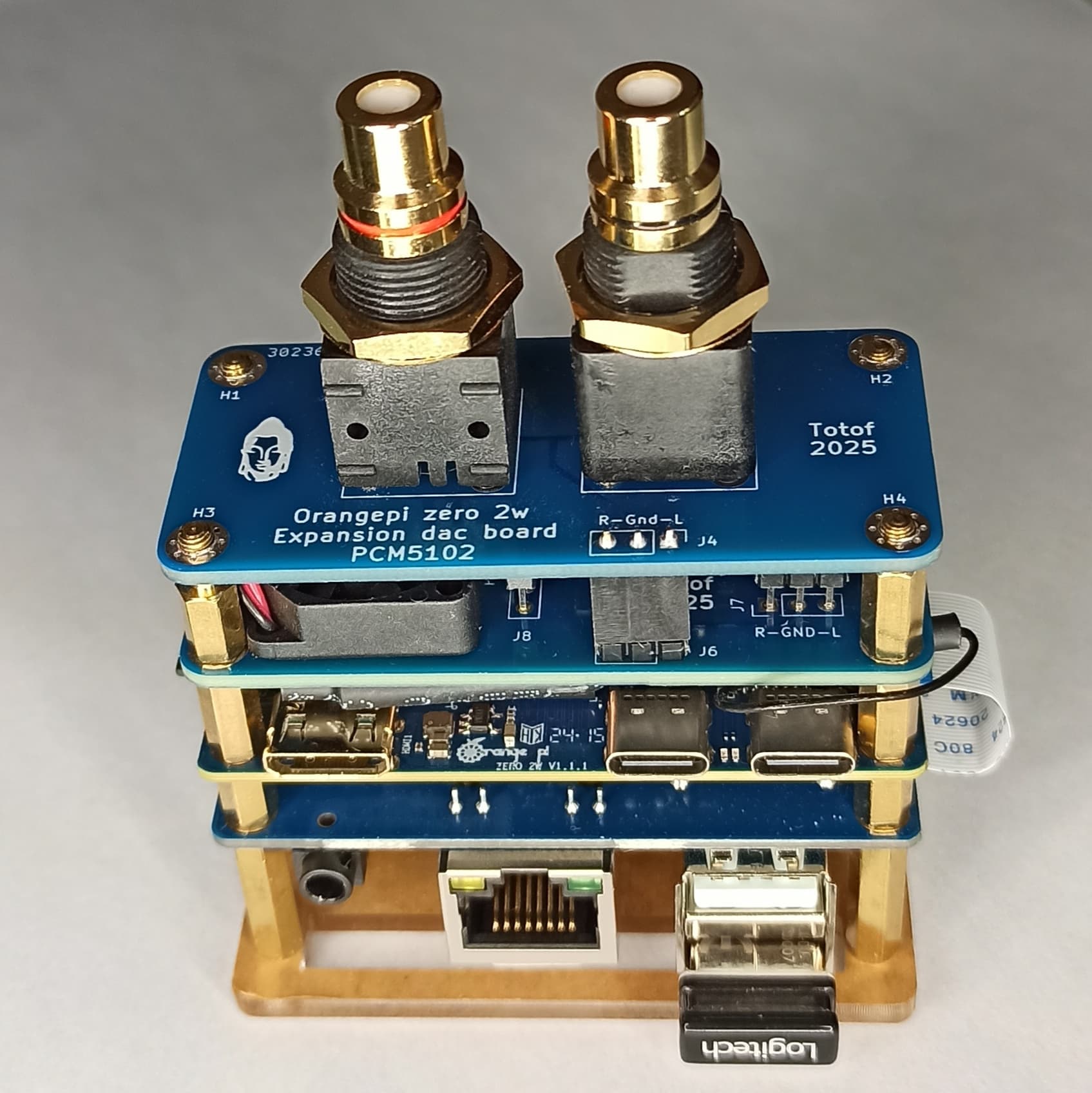
on the main board. It has a Wi-Fi and Bluetooth chip, a Wi-Fi antenna, and a 40-pin connector to which I added a PCB to install a PCM5102A DAC controlled via i2S and a fan to cool the main board.

And a daughter PCB to output to two RCA jacks to attack an amp

You can also connect a screen via HDMI, but software control with Dietpi and a web page accessible from any browser is more than sufficient

A photo of the PCB stack

On the other side

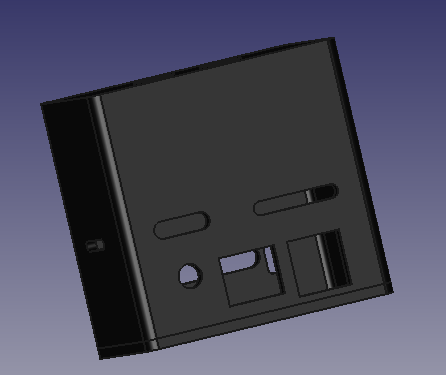
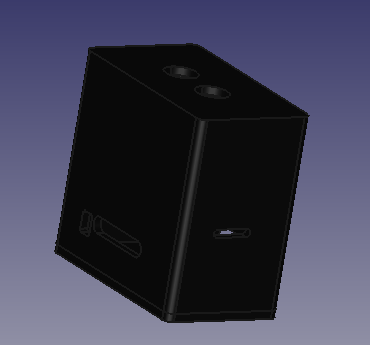
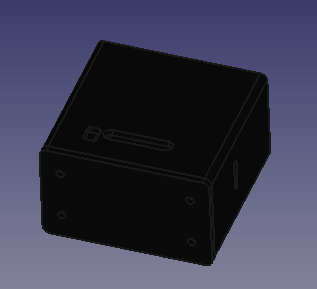
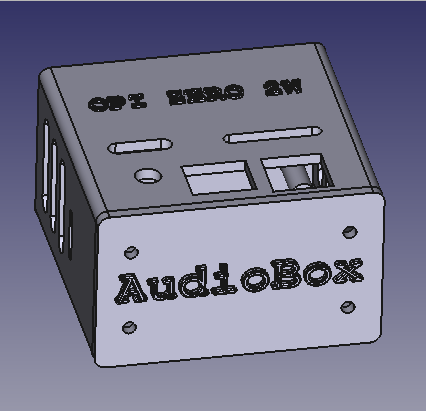
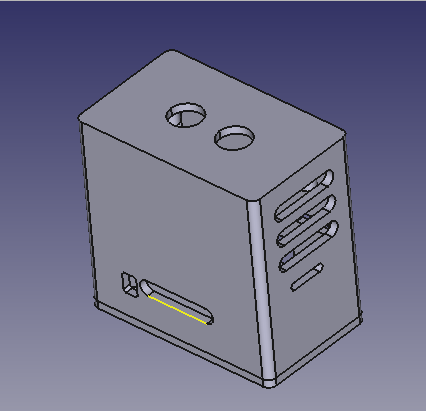
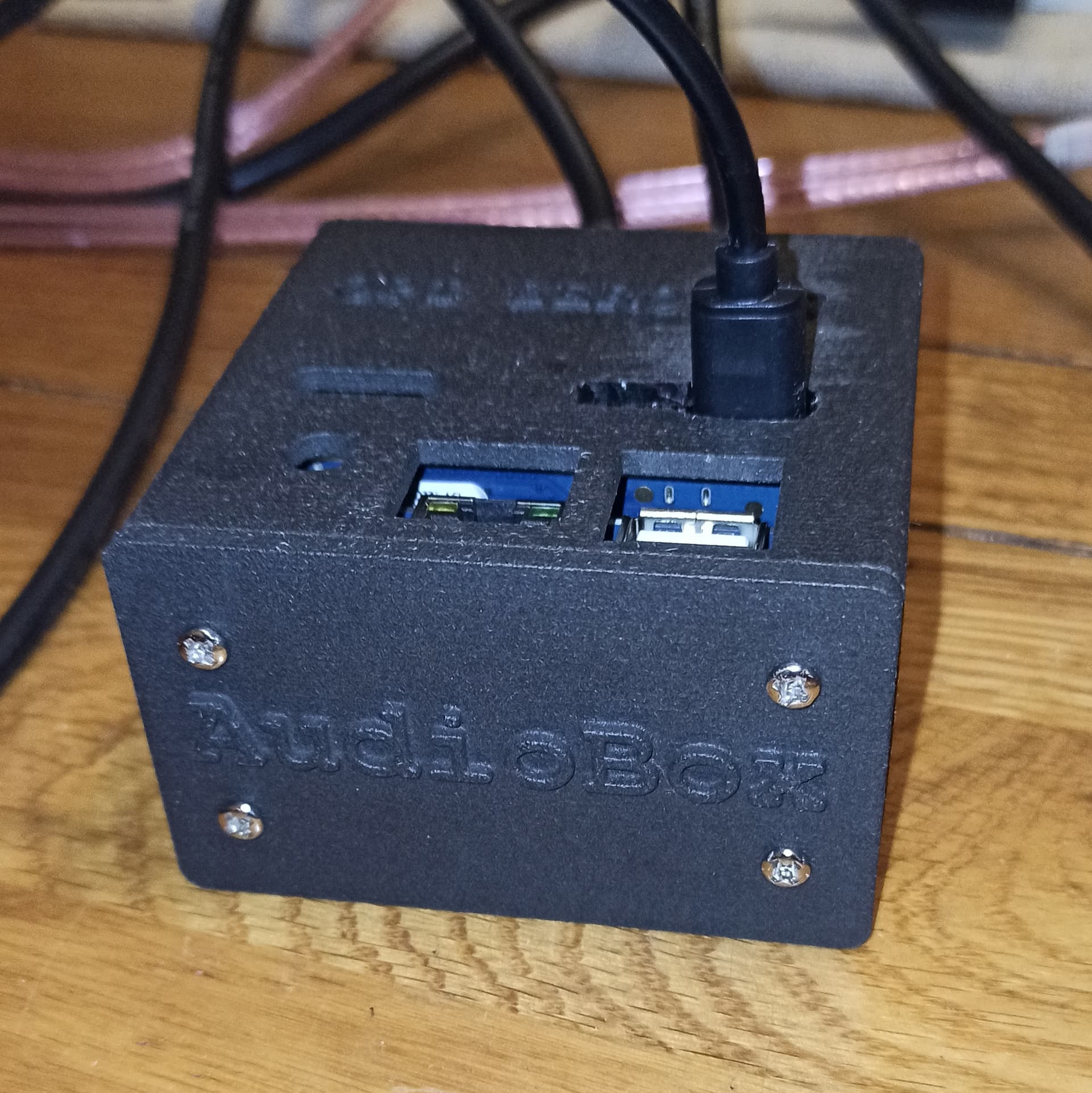
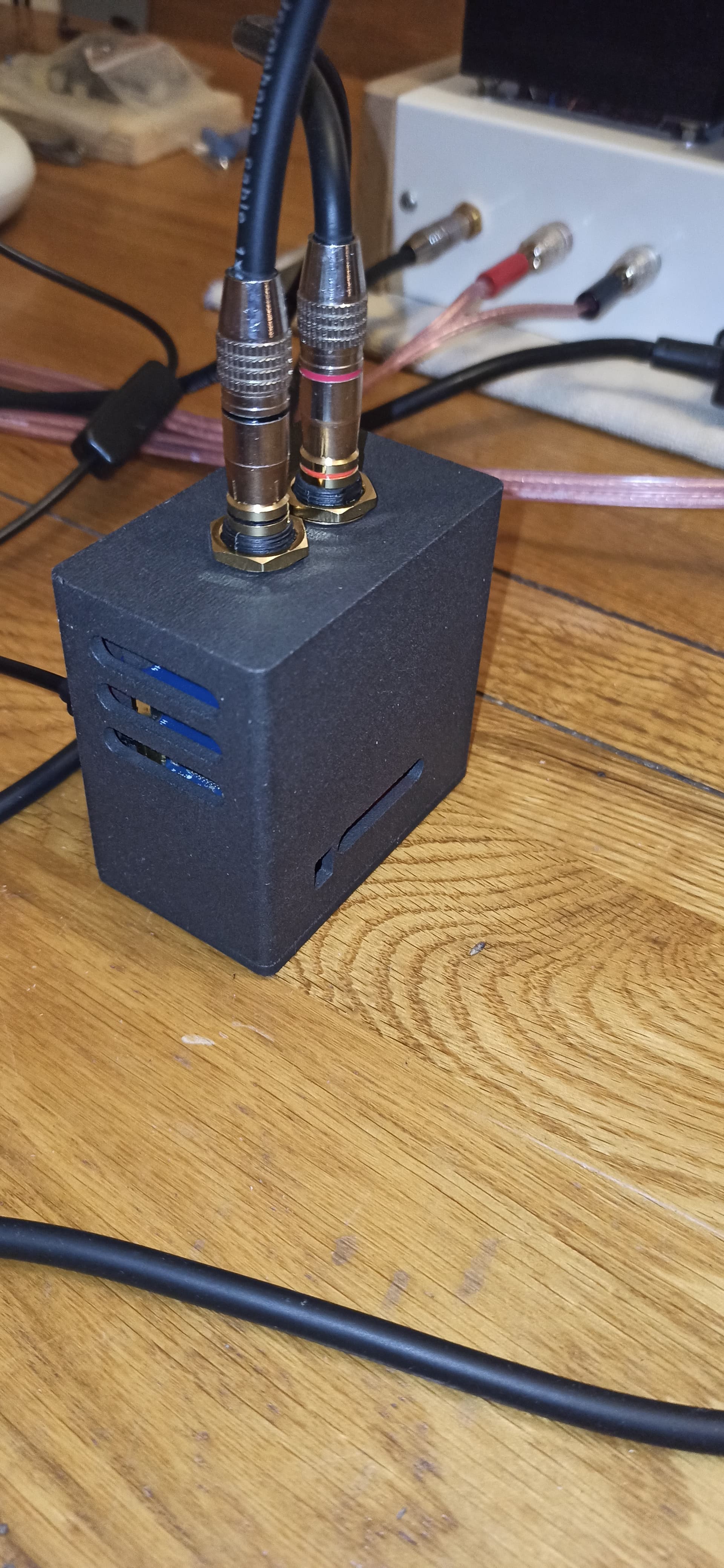
I’m waiting for the right dimensions of spacer and I’m having a box 3D printed to hold the server.
Below are three screenshots of the future box.


The OS is Dietpi, with Lyrion Media Server as the server and Squeezlite as the player.
With it, you can listen to all your digital music, internet radio, and Tidal (Qobuz, Spotify) natively.

4 Likes

Hello everyone

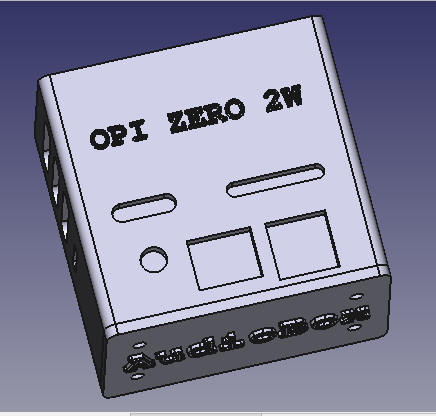
This little setup is being tested on my dad’s stereo, so I’m taking the opportunity to fine-tune the 3D box.

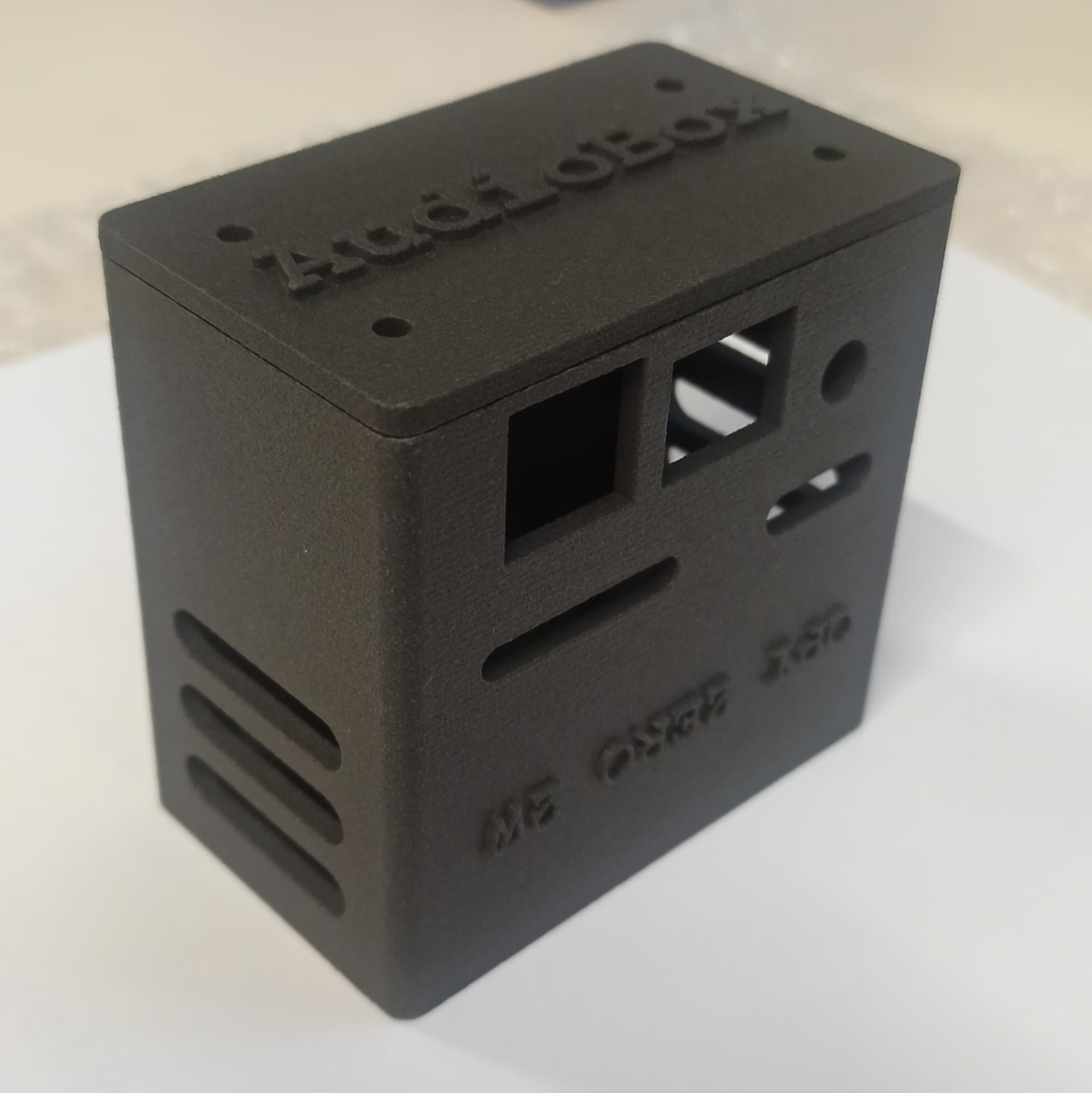
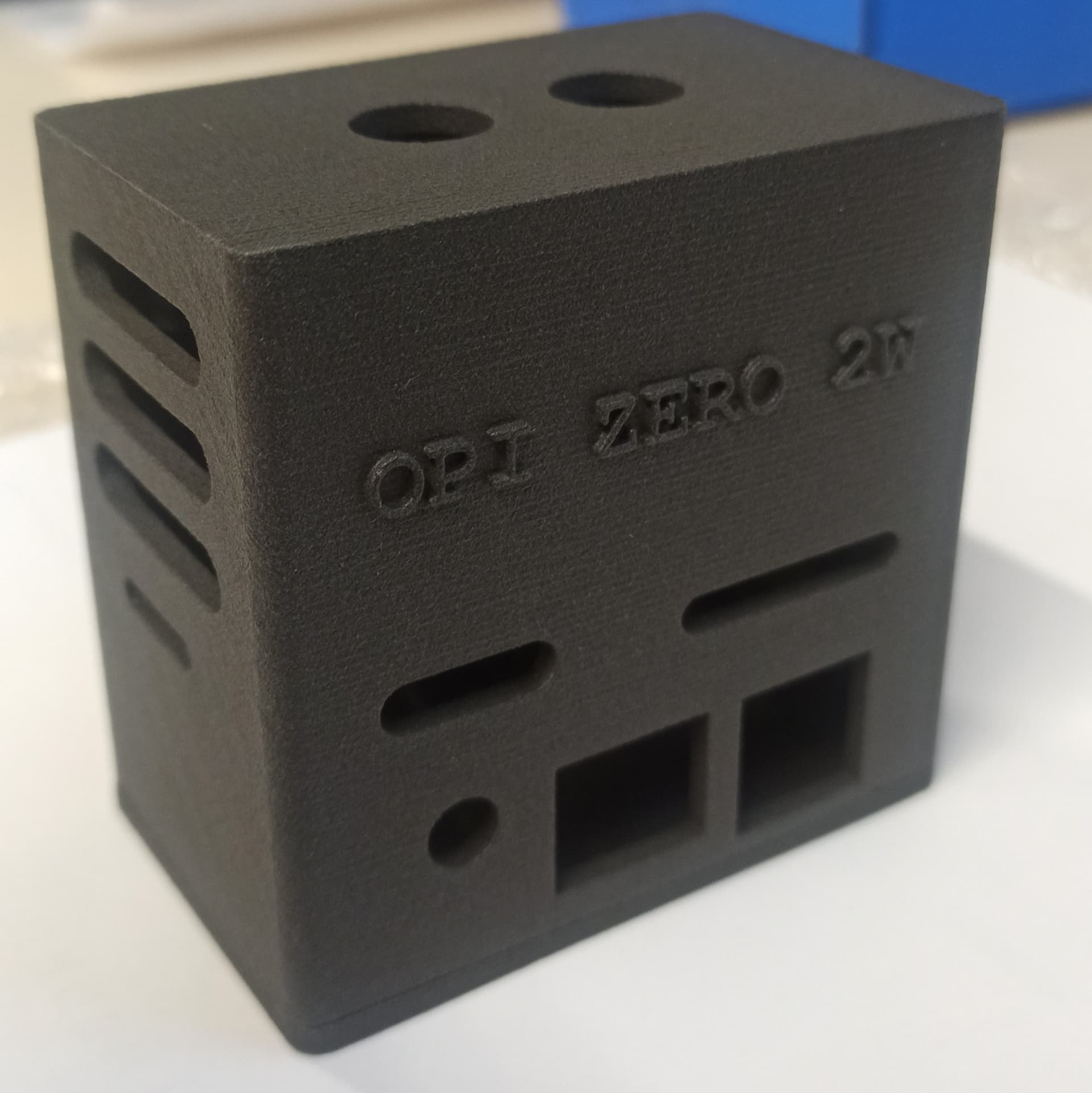
This is what it looks like.

1 Like

Hello everyone
I’ve just receive my 3D box
Work for today later or tomorrow


Edit
Work done


1 Like

Hi Totof, how are you? I’m fighting with my OPi. My project is an electronic piano, and i’m using a PCM5102A. I was reading a lot of forums, but my best version was working with only left channel (I know that you know about this topic in other forums).

Can you tell me how can I make work PCM5102A in my OPi Zero 2W in stereo? Which pins do you use? I’m using 12, 35 and 40. The IA tells that is incorrect.

Which overlays do you select?

Thanks!

Hello Fran_briz

Just have a look here

The PCM5102A works in stereo with pin as follow
PI0 → I2S SCK–>pin29
PI1 → I2S BCK–>pin12
PI2 → I2S LCK–>pin35
PI3 → I2S DATA–>pin40
5V → to VIN power of DAC board–>pin2
GND → to GND power of DAC board-->pin6

Hello fran_briz

have you suceed with stereo sound ??

Hi Totof! Can you write me in private or contact i telegram?

Hi rx9cim

You can write here your request if you want , not necessary to ask it in a private message

I try to enable I2S0 slave on Opi Zero 2W, ubuntu kernel 6.1
And need correct mevhanism with dts.

i read other branch about nosound, i2s and souncard. and there solution not help me.

Normal with the OPI zero 2w and the chip h618 the I2S is only in master mode, it doesn’t work as slave

Wich Version of Dietpi did you use ?
Have you a screenshoot of the command line " aplay -l "

It is hardware limitation of h618? Or limitation of linux driver?

The chip work only as master with I2S and don’t accept clock from an I2S device, the most important numb of application have a slave mode for reception and work perfectly

Why did you need a slave mode for the H618 ?

According to datasheet on H616 it have slave mode.

I need only slave, because external connected system can not work as slave. Only just as master. An Opi must be only as slave

Sorry

I can not help you
Try to have a look at the source code of the last kernel Version in Dietpi
It’s possible to make modification
But it’s a little complicated

also external system (it is like sound devise, IQ signal for ham SDR) not generate MCLK and indeed this signal is no need in my case.

Hello rx9cim

Some info here Sun50i-i2s-slave

If you have a look to the patch sun50i-I2S-slave.patch, the difference between
slave and master is the part “clock-source = “external”;” and "pinctrl-0 = <&i2s0_pins &i2sclk_pins>;

+/dts-v1/;
+/plugin/;
+
+/ {
+       compatible = "allwinner,sun50i-h5";
+
+       fragment@0 { 
+               target-path = "/"; 
+               __overlay__ { 
+                       pcm5102a: pcm5102a {
+                       #sound-dai-cells = <0>;
+                       compatible = "ti,pcm5102a";
+                       };
+               }; 
+       }; 
+
+       fragment@1 {
+               target = <&i2s0>;
+               __overlay__ {
+                       compatible = "allwinner,sun8i-h3-i2s-slave";
+                       status = "okay";
+                       pinctrl-0 = <&i2s0_pins &i2sclk_pins>;
+                       sound-dai = <&pcm5102a>;
+                       clock-source = "external";  
+                       clk-gpios = <&pio 0 6 1>, <&pio 6 6 1>, <&pio 6 7 1>;  /* PA6 , PG6 , PG7 */
+               };
+       };
+
+       fragment@2 {
+               target = <&pio>;
+               __overlay__ {
+                       i2sclk_pins: i2sclk_pins {  
+                               pins = "PA6", "PG6", "PG7";  
+                               function = "gpio_out";  
+                       };
+               };
+       };
+};
+

You need to adapt your overlay in this way
with the part “i2sclk_pins” define as gpio-out (master)

One other thing , in my script i apply some clock part in the ahubx-mach part

ahub0_mach: ahub0_mach {
				compatible = "allwinner,sunxi-snd-mach";
				soundcard-mach,name = "ahubi2s0";
				soundcard-mach,format = "i2s";
				soundcard-mach,frame-master = <&ahub0_cpu>;
			        soundcard-mach,bitclock-master = <&ahub0_cpu>;
			        soundcard-mach,slot-num = <2>;
			        soundcard-mach,slot-width = <32>;
				status = "okay";

				ahub0_cpu: soundcard-mach,cpu {
					sound-dai = <&ahub0_plat>;
					soundcard-mach,pll-fs = <4>;
				        soundcard-mach,mclk-fs = <0>;
				};

				soundcard-mach,codec {
				};
			};

the two line “soundcard-mach,pll-fs = <4>;” and “soundcard-mach,mclk-fs = <0>;”
perhaps try to implement the external clock like this syntaxe in kernel 6.12.30

Good luck :wink:

Thank you Totof!

i will try both branches.

in your script i assume need else changes like soundcard-mach,bitclock-master = <&i2s> ? or it is miscorrect?
And else - in which file i can see full list of terms like ahub0_plat, ahub0_cpu and other ?

this part there is correct or not and need to change?

Re
You must try to adapt your overlay
With a script

I don’t find a DTS file with slave mode for the h618 chip, you must do it yourself by hand

in which file i can see full list of terms like ahub0_plat, ahub0_cpu and other ?