Creating a bug report/issue
I have searched the existing open and closed issues
Required Information
- DietPi version |
Unable to determine, device doesn't show in list of devices
- Distro version |
Unable to determine, device doesn't show in list of devices
- Kernel version |
Unable to determine, device doesn't show in list of devices
- Architecture |
ARMv8 (Orange Pi 5)
- SBC model |
Orange Pi 5
- Power supply used |
5V 4A USB Type-C
- SD card used |
4GB SD card (generic)
Additional Information (if applicable)
-
Was the software title installed freshly or updated/migrated?
Installed fresh in November 2024. Migrated from SD card to NVMe SSD storage following this forum guide: Orange Pi 5 - Boot from NVME - #90 by Renoria . Was working perfectly and keeping up to date with dietpi-update and apt upgrade commands.
Steps to reproduce
- Installed DietPi on Orange Pi 5 in November 2024, initially on SD card
- Followed the forum guide to migrate system from SD card to internal NVMe SSD
- Successfully migrated and the system was working perfectly for several months with regular updates
- While away at work, SSH connection suddenly dropped (also lost Tailscale connection). I think I tried to update
- Returned home and found device no longer appears in router’s list of connected devices
- Restarted the Orange Pi 5 but the issue persisted
- Decided to attempt fresh install via SD card (previously only had NVMe, no SD card installed)
- Flashed latest DietPi image to a 4GB SD card and inserted into Orange Pi 5 (NVMe SSD remained installed internally)
- Waited 15-20 minutes for system to boot and network to initialize but the device still didn’t appear in router’s device list
- Checked again this morning however the device still does not appear in router’s device list
Expected behaviour
- After flashing fresh DietPi to SD card, Orange Pi 5 should boot from SD card (taking priority over NVMe)
- Device should obtain DHCP address and appear in router’s connected devices list
- Should be able to access device via SSH once network is configured
Actual behaviour
- Red LED: solid/constant
- Green LED: Flashing continuously
- Ethernet port on Orange Pi 5: Solid green LED after SD install (previously it was flashing green)
- Router’s Ethernet port: Solid green LED in both cases
- Device does not appear in router’s DHCP client list
- Cannot ping or access device on network since I don’t even know the IP
- No hostname visible (previously was visible as “dietpi”)
Extra details
- System was running DietPi perfectly fine from NVMe for several months
- Was accessible via SSH and Tailscale
- Network connection was stable
- Regular system and app updates were applied successfully
- Currently unable to access serial console, don’t have an adapter
just checked on my OrangePi 5 (without C / Plus / Pro / Max / Ultra) and it is working without issues. Usually my OPi5 is booting of nvme and as soon as I insert a SD card, this one is taken. Also the Trixie image is booting as expected. Actually I’m not able to replicate your issue.
root@DietPi:~# lsblk
NAME        MAJ:MIN RM   SIZE RO TYPE MOUNTPOINTS
mtdblock0    31:0    0    16M  0 disk
mmcblk1     179:0    0  14.8G  0 disk
└─mmcblk1p1 179:1    0  14.8G  0 part /
nvme0n1     259:0    0 119.2G  0 disk
└─nvme0n1p1 259:1    0 119.2G  0 part
root@DietPi:~#
that’s great and sad to hear at the same time, any ideas on how to troubleshoot or possibly fix the issue on my end?
you would need to connect a screen or UART adapter. Otherwise we don’t know what is happening.
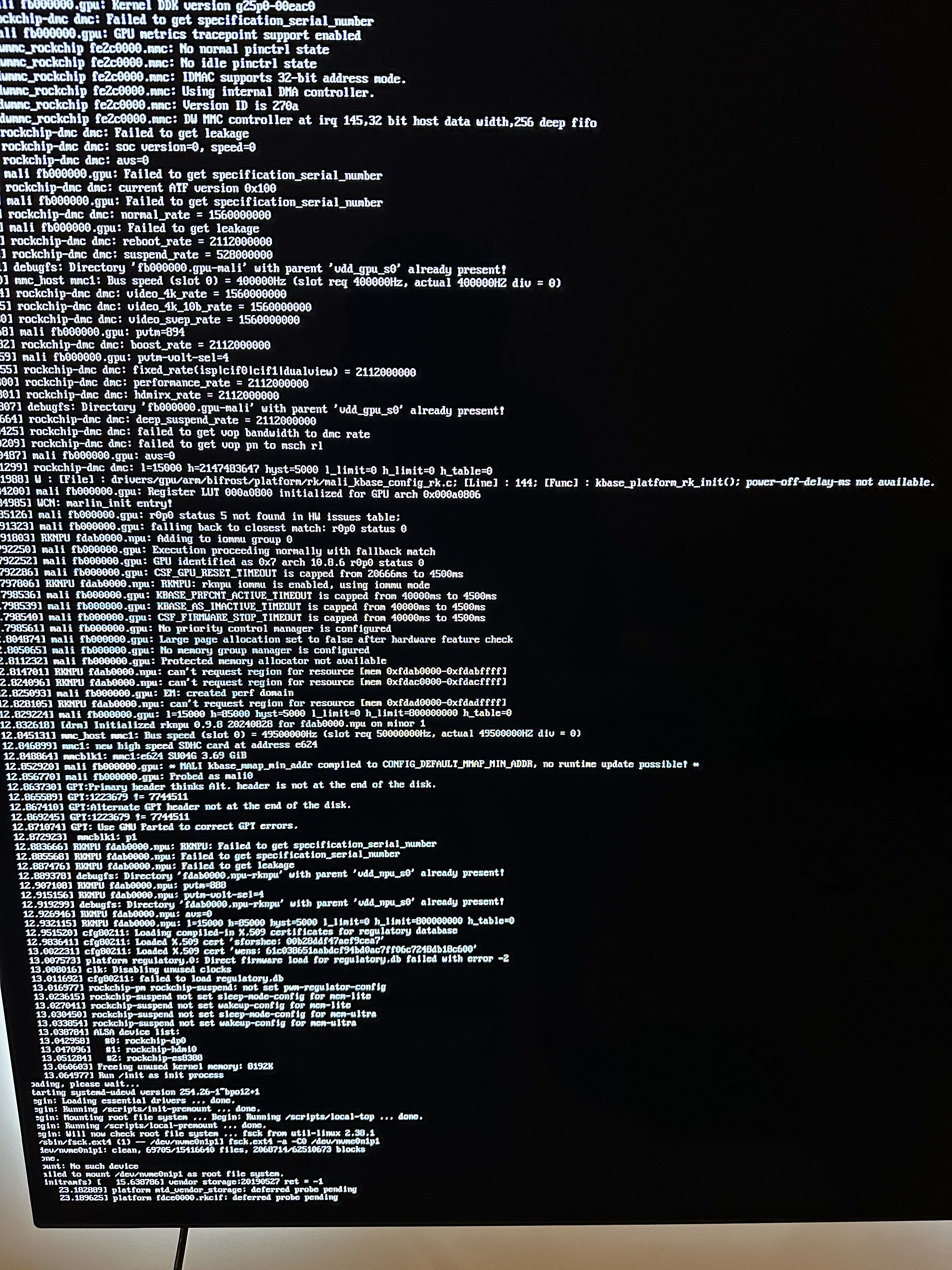
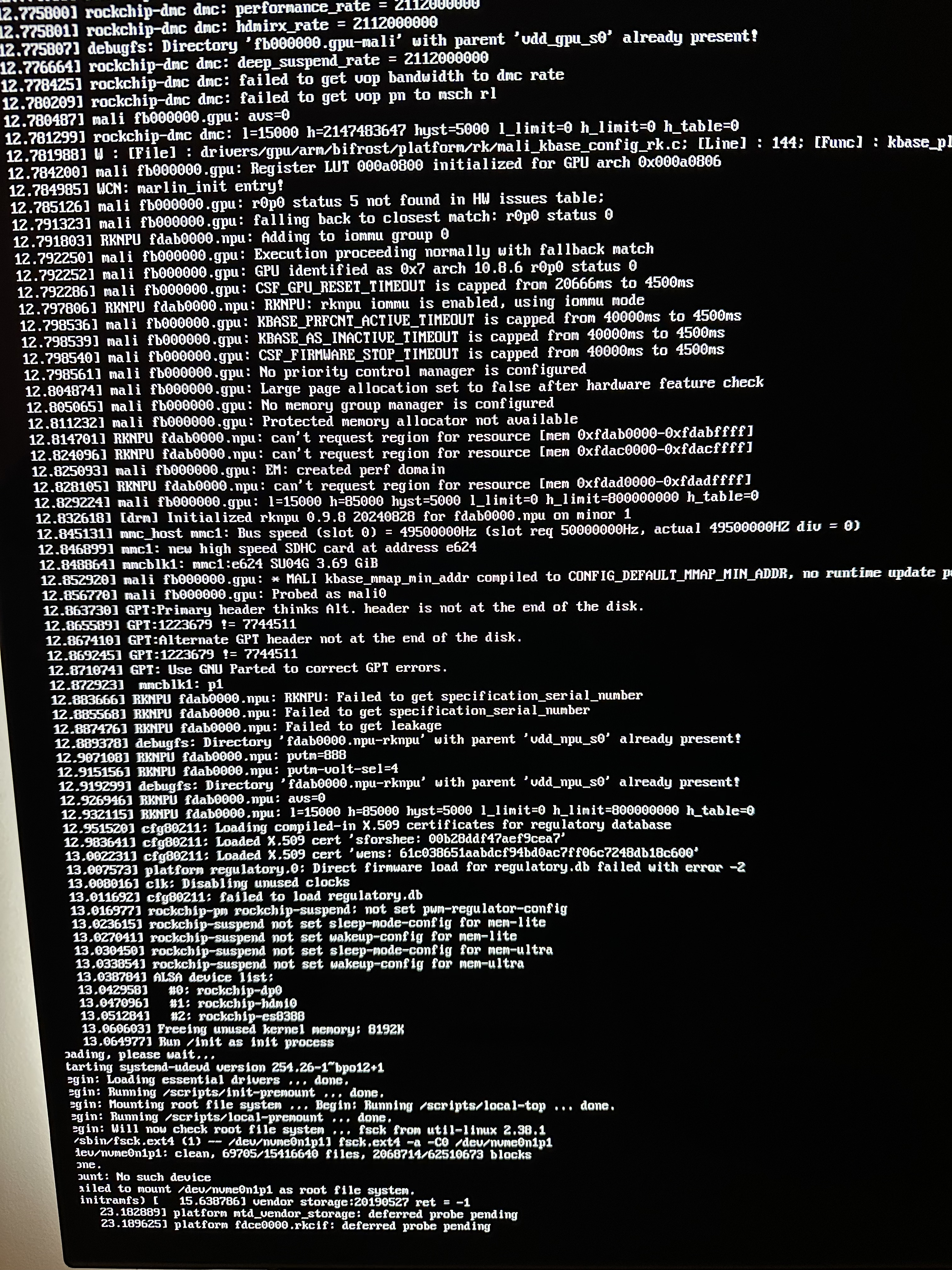
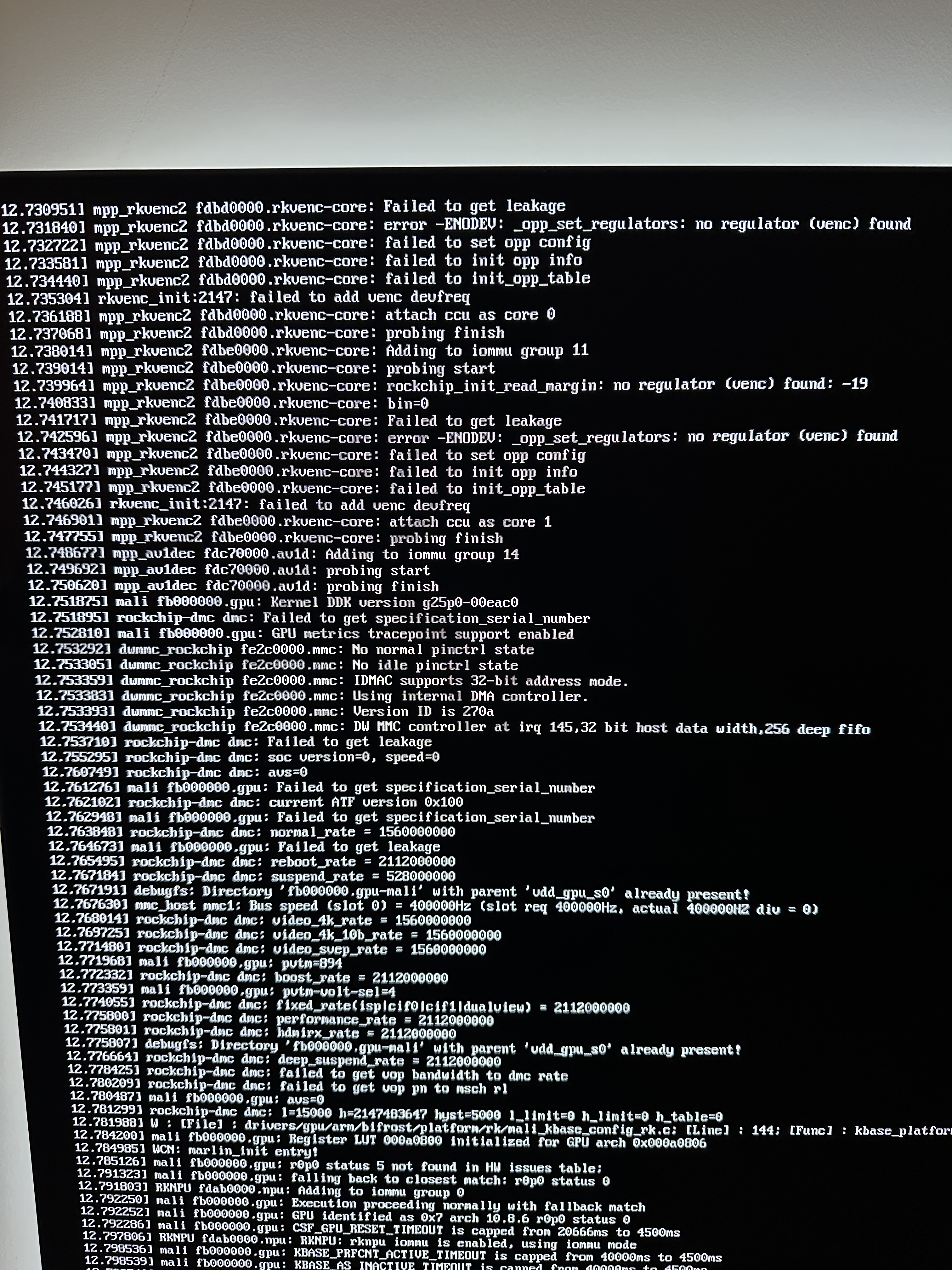
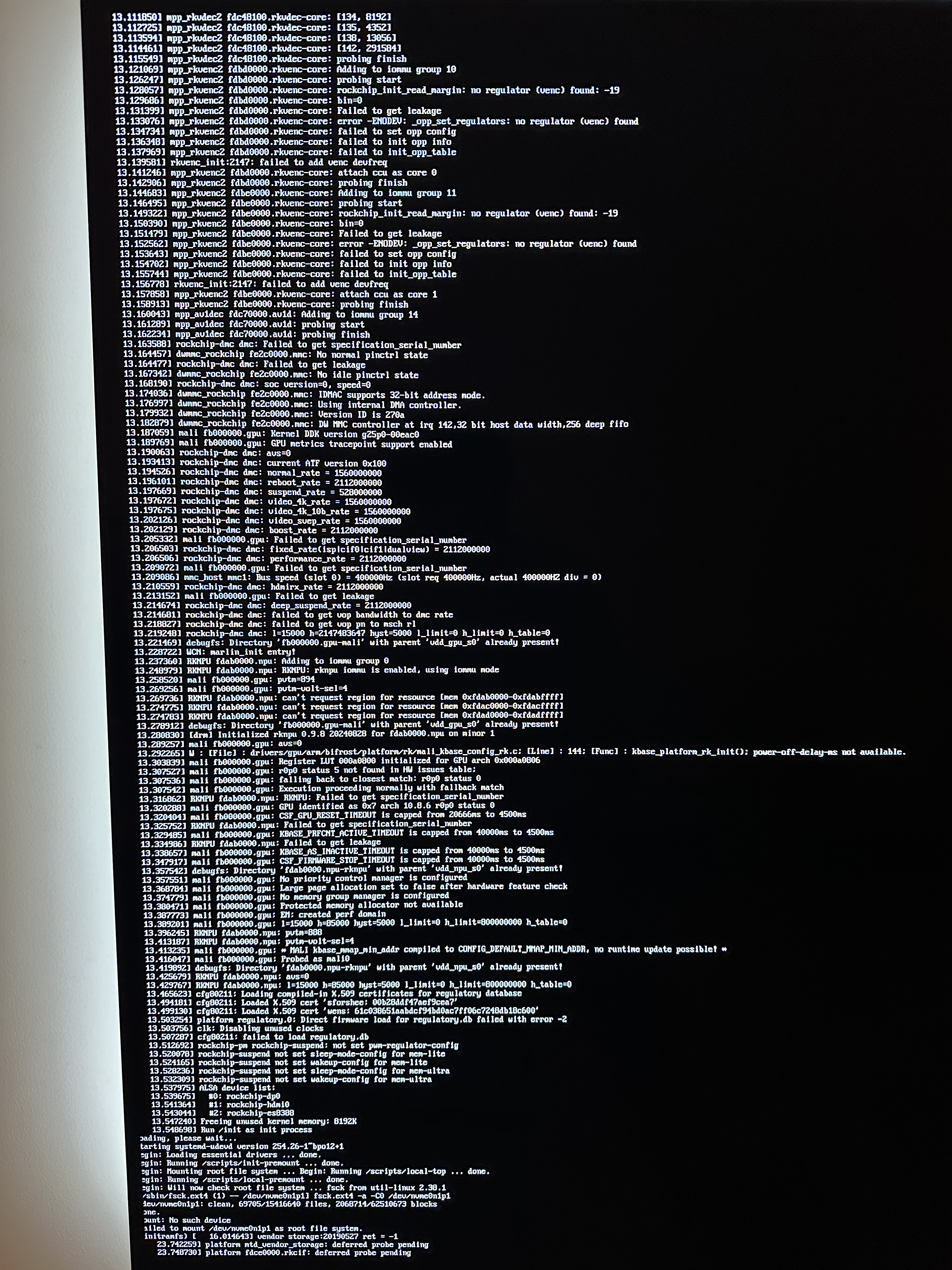
Thanks for the suggestion, just did that both with SD inserted and without. Attached the screenshots (sorry for length of text), errors are hard to troubleshoot for me.
It doesn’t looks like using the SD card. Still trying to mount the nvme in all cases. You might need to revome the nvme
That was my thought process too, so I got started right away. It didn’t boot with the NVMe removed, but swapping to another SD card fixed it. Huge thanks for the help! For switching to NVMe-only boot, should I follow the same steps in the linked post I shared earlier, or is there a newer method? Thanks again.
usually it should be possible to flash the image to nvme directly while connected to a desktop computer
depends how you like to do it. from a desktop computer or booted from SD
booted from SD feels easier
in case just follow the approach, you linked above.
back here again unfortunately, so I followed that thread and did
dietpi-config → Advanced Options → Update SPI bootloader → rkspi_loader.imgapt updateapt install -y p7zip-fullcd /tmp
curl -O ``https://dietpi.com/downloads/images/DietPi_OrangePi5-ARMv8-Trixie.img.xz
7zr x DietPi_OrangePi5-ARMv8-Trixie.img.xz
dd if=DietPi_OrangePi5-ARMv8-Trixie.img of=/dev/nvme0n1 bs=1M status=progress
sync- everything went fine so did
poweroff
- removed SD card, removed power and reconnected and no red LED, nothing
- at this point I removed power again and reconnected and this time red LED turned on however device didn’t connect to network.
- I then moved the device and connected to HDMI, red LED on but no signs from HDMI at all
I feel I did everything right especially since I didn’t get any errors along the way but now I’m totally lost
UPDATE: if I put the SD card back on, its back to normal… it seems it cannot boot through the NVME, something to do wit the SPI bootloader?
could be, @MichaIng any ideas?
Thanks for your help so far. I’ll try flashing the SPI this afternoon using Armbian, as suggested in some of the other threads/GitHub, and I’ll report back.
tried with Armbian, same issue unfortunately…
booting from SD but not from nvme that has been connected via m2 slot?
correct, after doing SPI flash and the dd command. the drive seems fine since I don’t get any errors when I write dietpi into it
just for testing, how does it behave flashing plain Armbian to the nvme
tried yesterday (was away from home) and same issue with armbian
This means that the problem lies in the bootloader/SPI and not in the actual operating system.
Ping @MichaIng Do you have an idea regarding nvme boot on OPi5
in the meantime I tried moving OS to SSD and kept bootloader in the SD using armbian install option 1 and it works fine…