SUB1 ] DietPi-LetsEncrypt > Running Certbot
[ OK ] DietPi-LetsEncrypt | Lighttpd webserver detected
Saving debug log to /var/log/letsencrypt/letsencrypt.log
Plugins selected: Authenticator webroot, Installer None
Obtaining a new certificate
Performing the following challenges:
http-01 challenge for nanooker.dns.navy
Using the webroot path /var/www for all unmatched domains.
Waiting for verification…
Cleaning up challenges
Failed authorization procedure. nanooker.dns.navy (http-01): urn:ietf:params:acme:error:dns :: No valid IP addresses found for nanooker.dns.navy
IMPORTANT NOTES:
- The following errors were reported by the server:
Domain: nanooker.dns.navy
Type: None
Detail: No valid IP addresses found for nanooker.dns.navy
- Your account credentials have been saved in your Certbot
configuration directory at /etc/letsencrypt. You should make a
secure backup of this folder now. This configuration directory will
also contain certificates and private keys obtained by Certbot so
making regular backups of this folder is ideal.
[FAILED] Certbot failed with error code (1), please check its terminal output. Aborting…
[ SUB2 ] DietPi-Services > restart
[ OK ] DietPi-Services | restart : nmbd
[ OK ] DietPi-Services | restart : smbd
[ OK ] DietPi-Services | restart : mariadb
[ OK ] DietPi-Services | restart : php7.3-fpm
[ OK ] DietPi-Services | restart : lighttpd
[ OK ] DietPi-Services | restart : cron
there you go. The used DDNS is not valid and no IP address associated
No valid IP addresses found for nanooker.dns.navy
I have no idea what to do now
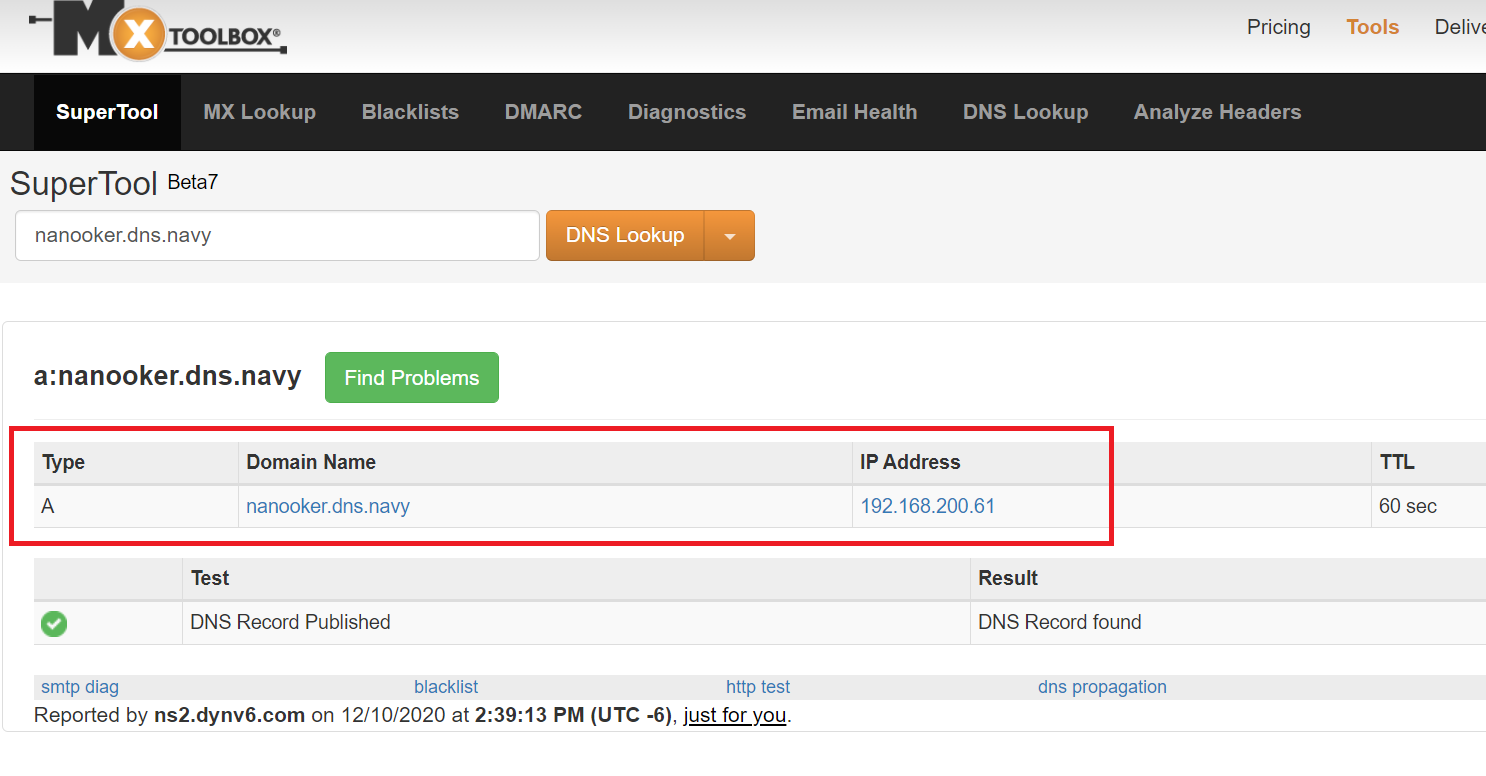
quite simple. You need to ensure to have correct IP address stored on your DDNS provider. Actually it looks like your privat one from your local network. For sure this is not working that way. I checked the domain and this is the result:
basically you would need to find out which device is using 192.168.200.61. Probably there is a service running updating your DDNS wrongly.
Next to this you tried to often requesting a certificate. There you got blocked by letsencrypt
There were too many requests of a given type :: Error creating new order :: too many failed authorizations recently: see https://letsencrypt.org/docs/rate-limits/
Not sure how long the blocking will be but usually it’s gone after a day
the 192.168.2 is the raspberrypi with dietpi.
installed is samba and baikal
nothing more
well you need to find out what and why your DDNS is updated incorrectly. Otherwise you never will be successful
It runs over another raspberrypi pihole which resolves the dns requests in the lan. but i turned it off for a while, still it does not work.
it does not work. And letsencrypt is also not blogged.
I thought maybe the error is on this raspberry.
Baikal I still have set up on my webspace, there it runs secured with https with letsencrypt. I would prefer it with the raspberry but if it does not work you can not do anything. Thanks again for your patience and help.
Since I gave away a lot of data in the forum, is it possible to delete some of it?
probably you could try a different DDNS provider. Or you check with your ISP.
You are welcome. Hopefully your ISP can help on this.
Certbot failed to authenticate some domains
(authenticator: webroot). The Certificate Authority reported these problems:
  Domain: xxxxxxxx.zapto.org
  Type:   connection
  Detail: xxx.xx.x.xx: Fetching http://xxxxxxxx.zapto.org/.well-known/acme-challenge/Y17AlSA3fW5k2SYx96L3tNVmztRXdu6-xIlKx8IZyoI: Timeout during connect (likely firewall problem)

Hint: The Certificate Authority failed to download the temporary challenge files created by Certbot. Ensure that the listed domains serve their content from the provided --webroot-path/-w and that files created there can be downloaded from the internet.

Some challenges have failed.
Ask for help or search for solutions at https://community.letsencrypt.org. See the logfile /var/log/letsencrypt/letsencrypt.log or re-run Certbot with -v for more details.
[FAILED] DietPi-LetsEncrypt | Certbot failed, please check its above terminal output. Aborting...
Need help, Not a tech savvy
Ensure your external DDNS has been correctly updated and your port forwarding is pointing to correct devices.
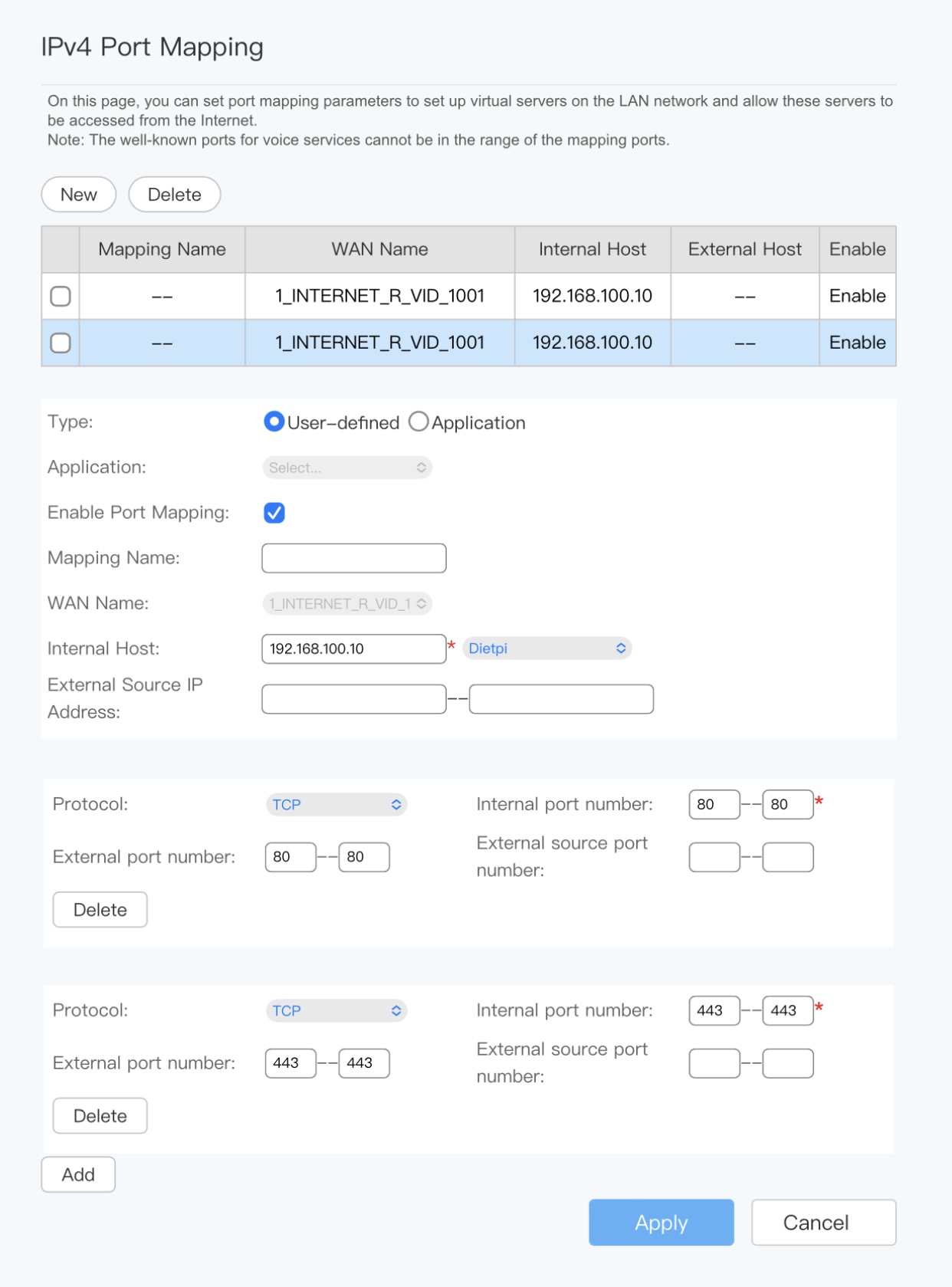
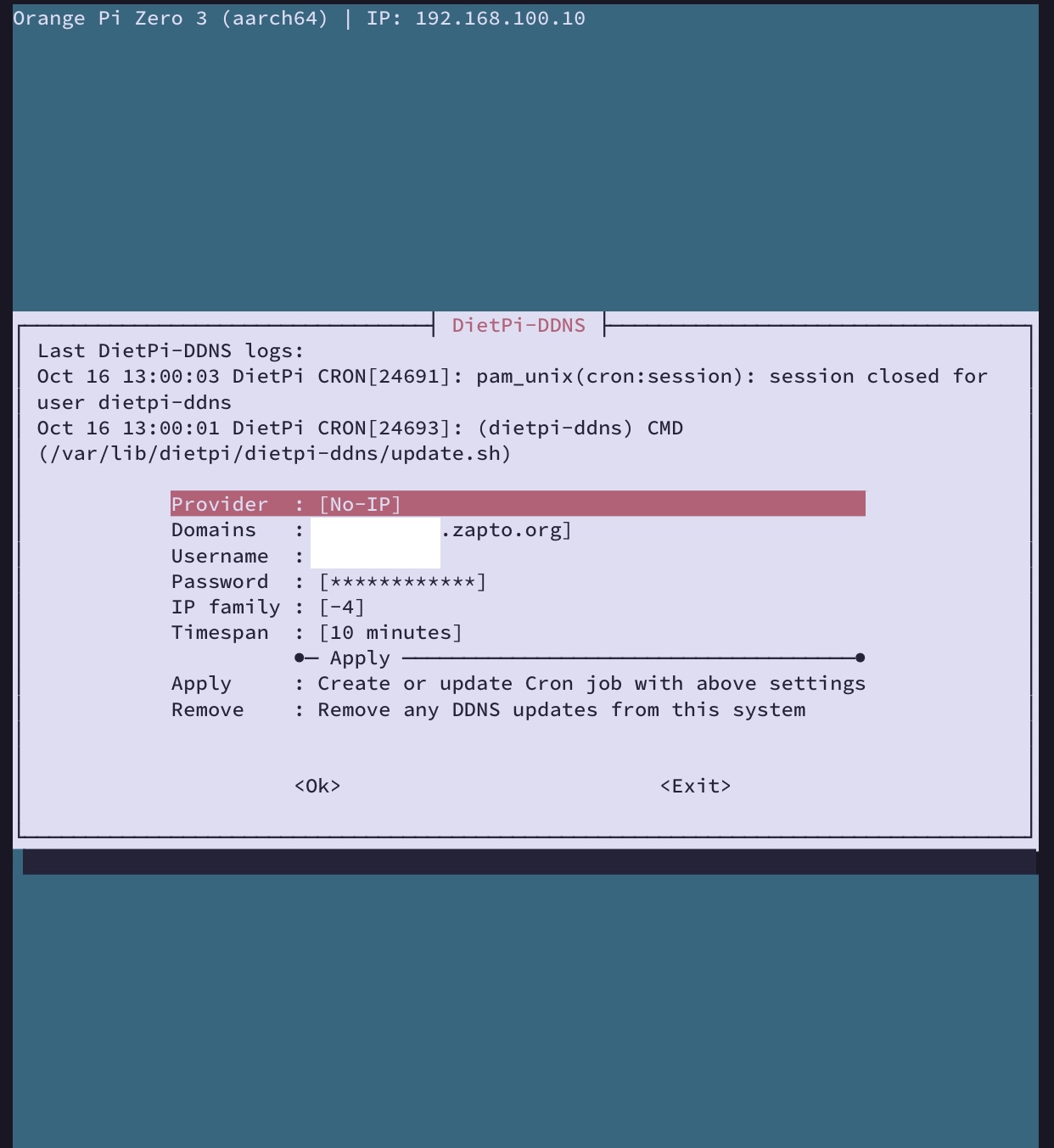
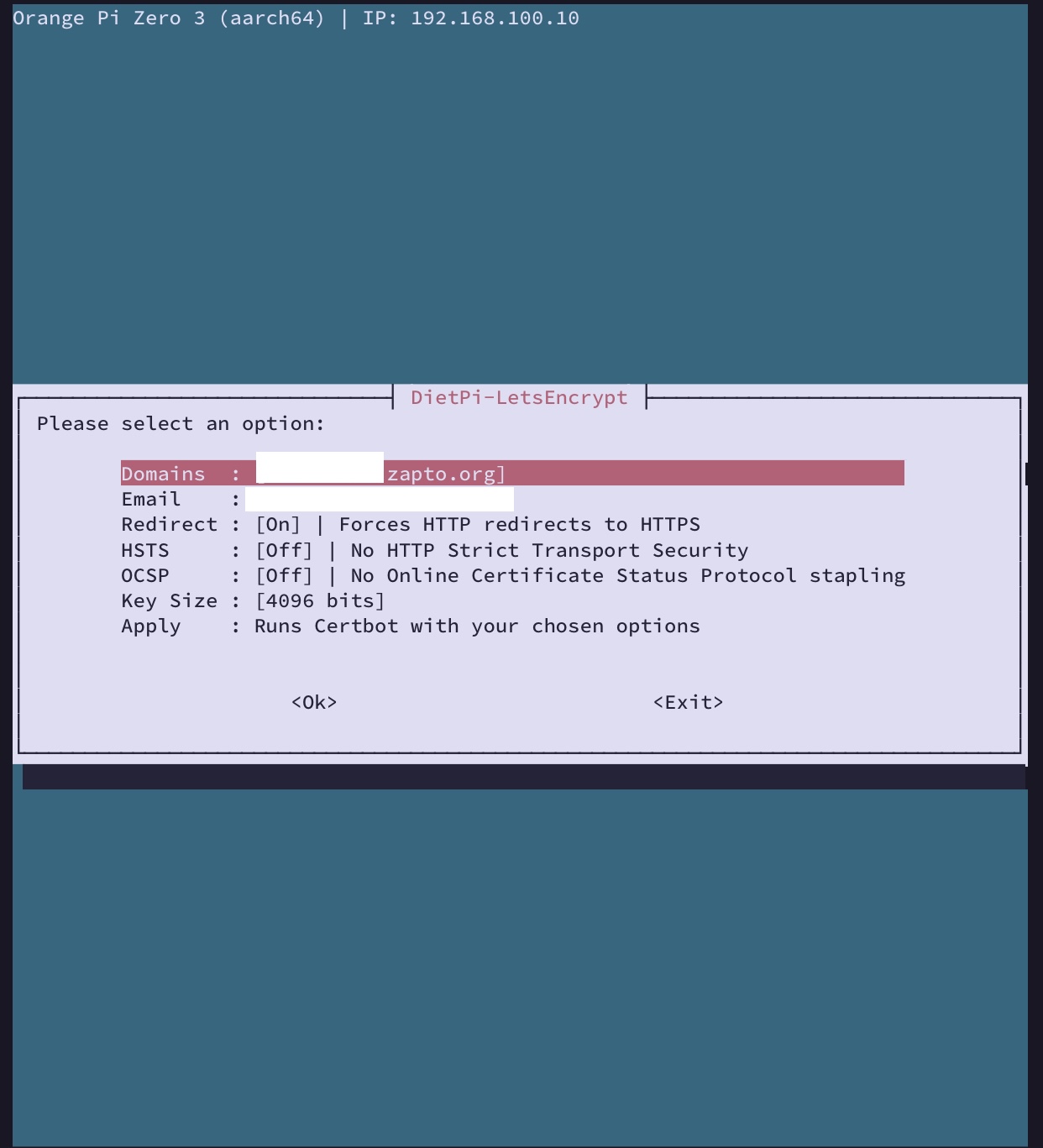
Am i doing it correctly with port forwarding on my router? After i opened these two ports for my pi, i went to set up my DyDns with No-ips, installed certbot, input all the data and it still gave all the same messages. Is there something that has to do with my isp ?
can you check within your No-IP account / web site if your IP address has been correctly setup?
And are you able to reach your system from internet using port 80?
The IP on No-Ip account matches my public ip address. Do i have to configure it to match my dietpi local ip:192.168.100.10?
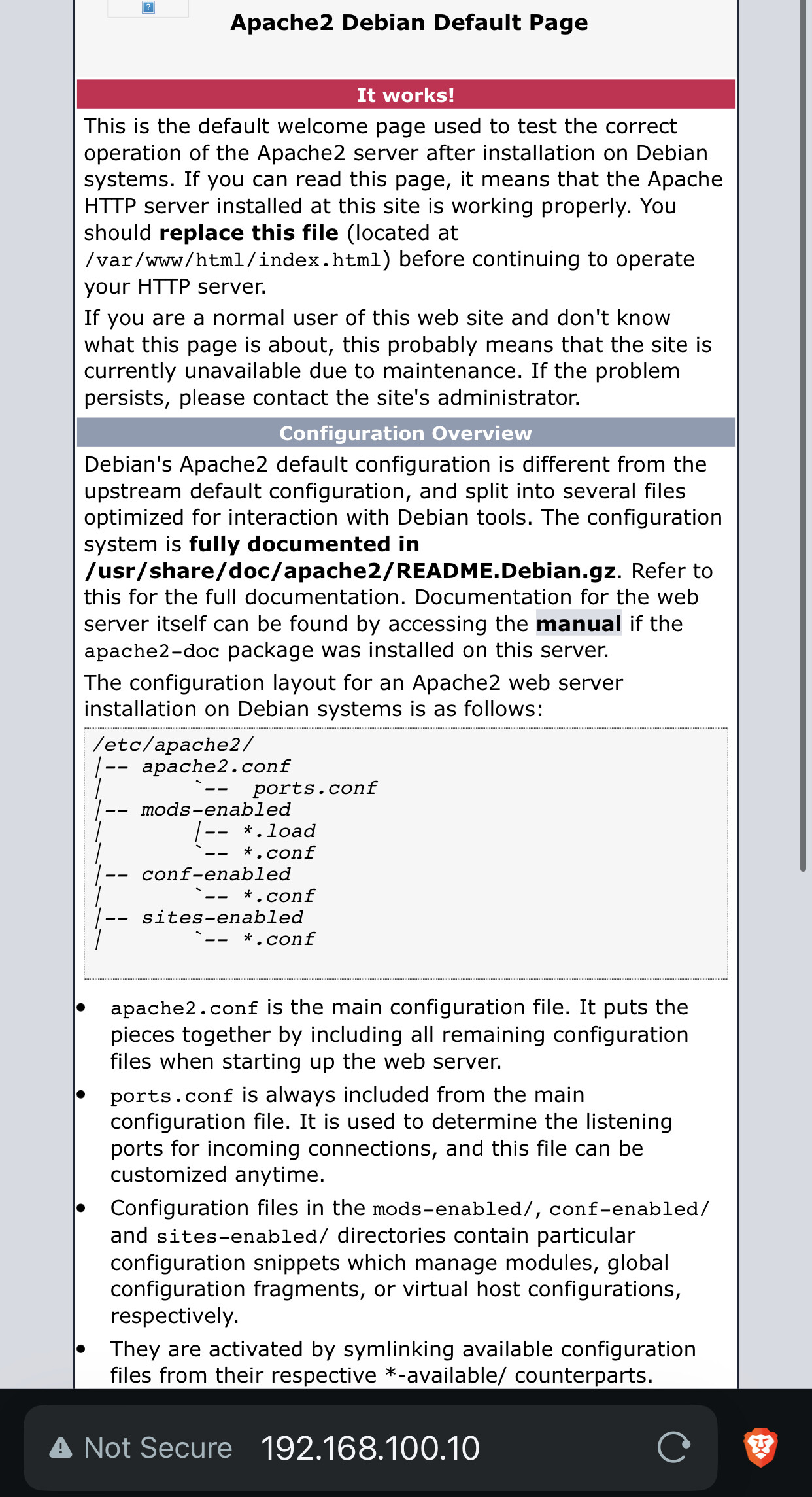
http://192.168.100.10:80
Access this through my wifi is working fine.
But if i connect through my public ip on port 80. It’s unreachable.
Another thing is that i also have Tailscale running on my Dietpi. Could this be the problem?
no it would need to be your external IP on NoIP.
for testing take a mobile phone on mobile network (not WiF), try to connect to your external IP address on port 80