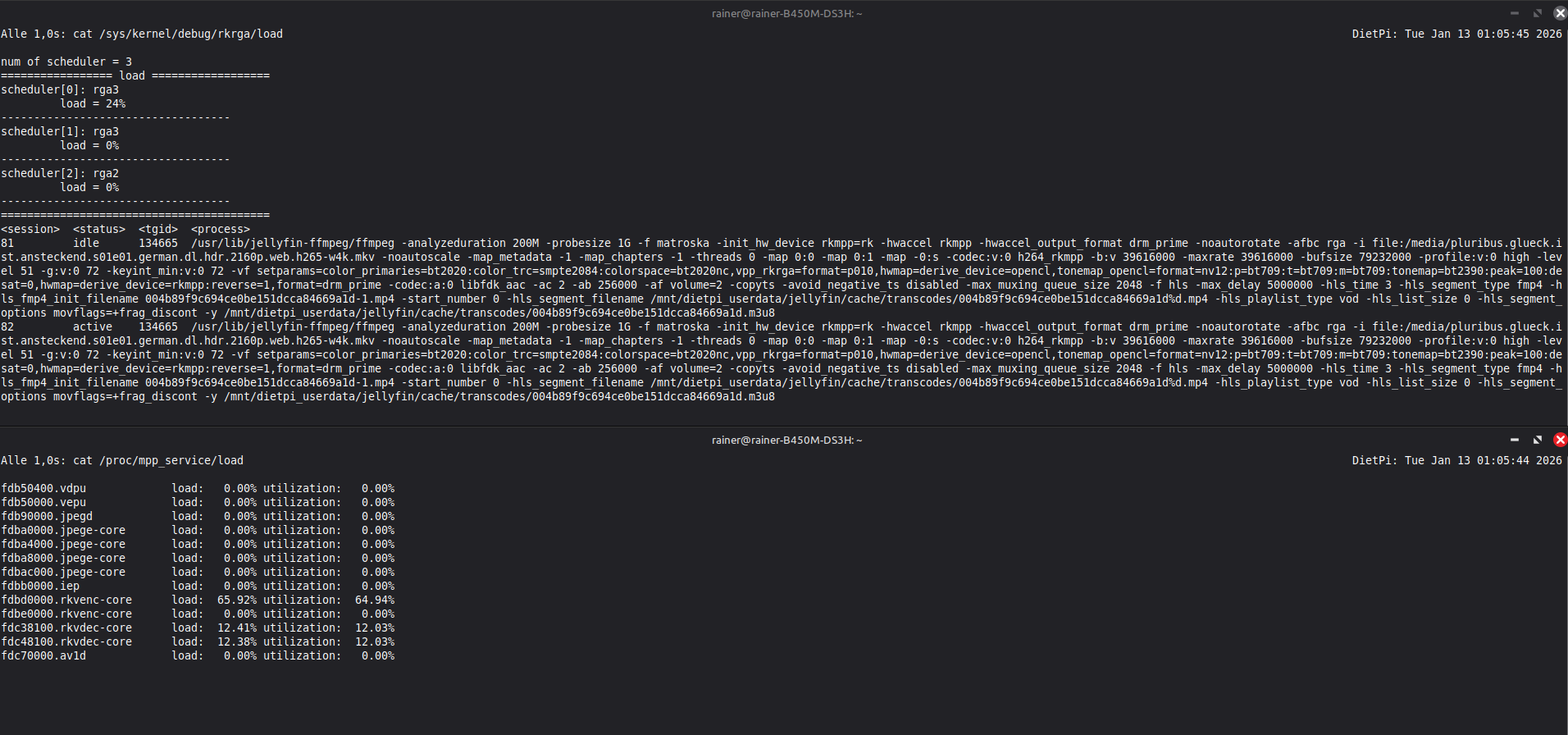
I did point it to the deb file but apparently it didn’t like that it was stored at the root of the drive.
Placing it in /root/my-ente and then running cd my-ente made the error go away.
dpkg -i ./libmali-valhall-g610-g13p0-gbm_1.9-1_arm64.deb
apt -f install
now gave this response:
(Reading database ... 31231 files and directories are currently installed.)
Preparing to unpack .../libmali-valhall-g610-g13p0-gbm_1.9-1_arm64.deb ...
Unpacking libmali-valhall-g610-g13p0-gbm (1.9-1) over (1.9-1) ...
libmali-valhall-g610-g13p0-gbm (1.9-1) is being set up ...
Processing triggers for libc-bin (2.41-12+deb13u1) ...
Summary:
  Update: 0, Install: 0, Remove: 0, Do not update: 0
The Update: 0, Install: 0, Remove: 0, Do not update: 0 might be due to me running them one after another.
When I tried to run apt install ./libmali-valhall-g610-g13p0-gbm_1.9-1_arm64.deb I got this response
Note: “libmali-valhall-g610-g13p0-gbm” is selected instead of “./libmali-valhall-g610-g13p0-gbm_1.9-1_arm64.deb”.
libmali-valhall-g610-g13p0-gbm is already the latest version (1.9-1).
Summary:
  Update: 0, Install: 0, Remove: 0, Do not update: 0
After installing that
/usr/lib/jellyfin-ffmpeg/ffmpeg -hwaccels
/usr/lib/jellyfin-ffmpeg/ffmpeg \
  -hide_banner -v debug \
  -init_hw_device rkmpp=rk \
  -i futurama.s10e01.german.dl.1080p.web.h264-wayne.mkv -c:v h264_rkmpp output.mp4
gave this response
ffmpeg version 7.1.3-Jellyfin Copyright (c) 2000-2025 the FFmpeg developers
  built with gcc 14 (Debian 14.2.0-19)
  configuration: --prefix=/usr/lib/jellyfin-ffmpeg --target-os=linux --extra-version=Jellyfin --disable-doc --disable-ffplay --disable-static --disable-libxcb --disable-sdl2 --disable-xlib --enable-lto=auto --enable-gpl --enable-version3 --enable-shared --enable-gmp --enable-gnutls --enable-chromaprint --enable-opencl --enable-libdrm --enable-libxml2 --enable-libass --enable-libfreetype --enable-libfribidi --enable-libfontconfig --enable-libharfbuzz --enable-libbluray --enable-libmp3lame --enable-libopus --enable-libtheora --enable-libvorbis --enable-libopenmpt --enable-libdav1d --enable-libsvtav1 --enable-libwebp --enable-libvpx --enable-libx264 --enable-libx265 --enable-libzvbi --enable-libzimg --enable-libfdk-aac --arch=arm64 --cross-prefix=/usr/bin/aarch64-linux-gnu- --toolchain=hardened --enable-cross-compile --enable-rkmpp --enable-rkrga --enable-ffnvcodec --enable-cuda --enable-cuda-llvm --enable-cuvid --enable-nvdec --enable-nvenc
  libavutil      59. 39.100 / 59. 39.100
  libavcodec     61. 19.101 / 61. 19.101
  libavformat    61.  7.100 / 61.  7.100
  libavdevice    61.  3.100 / 61.  3.100
  libavfilter    10.  4.100 / 10.  4.100
  libswscale      8.  3.100 /  8.  3.100
  libswresample   5.  3.100 /  5.  3.100
  libpostproc    58.  3.100 / 58.  3.100
Hardware acceleration methods:
cuda
drm
opencl
rkmpp

Splitting the commandline.
Reading option '-hide_banner' ... matched as option 'hide_banner' (do not show program banner) with argument '1'.
Reading option '-v' ... matched as option 'v' (set logging level) with argument 'debug'.
Reading option '-init_hw_device' ... matched as option 'init_hw_device' (initialise hardware device) with argument 'rkmpp=rk'.
Reading option '-i' ... matched as input url with argument 'futurama.s10e01.german.dl.1080p.web.h264-wayne.mkv'.
Reading option '-c:v' ... matched as option 'c' (select encoder/decoder ('copy' to copy stream without reencoding)) with argument 'h264_rkmpp'.
Reading option 'output.mp4' ... matched as output url.
Finished splitting the commandline.
Parsing a group of options: global .
Applying option hide_banner (do not show program banner) with argument 1.
Applying option v (set logging level) with argument debug.
Applying option init_hw_device (initialise hardware device) with argument rkmpp=rk.
Successfully parsed a group of options.
Parsing a group of options: input url futurama.s10e01.german.dl.1080p.web.h264-wayne.mkv.
Successfully parsed a group of options.
Opening an input file: futurama.s10e01.german.dl.1080p.web.h264-wayne.mkv.
[AVFormatContext @ 0xaaab08983c10] Opening 'futurama.s10e01.german.dl.1080p.web.h264-wayne.mkv' for reading
[file @ 0xaaab08984100] Setting default whitelist 'file,crypto,data'
[in#0 @ 0xaaab08983a20] Error opening input: No such file or directory
Error opening input file futurama.s10e01.german.dl.1080p.web.h264-wayne.mkv.
Error opening input files: No such file or directory
journalctl -u jellyfin -f now gives this response
Jan 12 06:09:30 DietPi jellyfin[2264]: [06:09:30] [WRN] Library folder /mnt/dietpi_userdata/jellyfin/data/playlists is inaccessible or empty, skipping
Jan 12 06:09:30 DietPi jellyfin[2264]: [06:09:30] [WRN] Library folder /mnt/dietpi_userdata/jellyfin/data/playlists is inaccessible or empty, skipping
Jan 12 06:09:31 DietPi jellyfin[2264]: [06:09:31] [INF] Scanning media library Completed after 0 minute(s) and 1 seconds
Jan 12 06:09:31 DietPi jellyfin[2264]: [06:09:31] [INF] Watching directory /media
Jan 12 06:10:31 DietPi jellyfin[2264]: [06:10:31] [INF] Optimizing and vacuuming jellyfin.db...
Jan 12 06:10:31 DietPi jellyfin[2264]: [06:10:31] [INF] jellyfin.db optimized successfully!
Jan 12 06:10:31 DietPi jellyfin[2264]: [06:10:31] [INF] Database optimization completed after 0 minute(s) and 0 seconds
Jan 12 12:11:32 DietPi jellyfin[2264]: [12:11:32] [INF] Optimizing and vacuuming jellyfin.db...
Jan 12 12:11:32 DietPi jellyfin[2264]: [12:11:32] [INF] jellyfin.db optimized successfully!
Jan 12 12:11:32 DietPi jellyfin[2264]: [12:11:32] [INF] Database optimization completed after 0 minute(s) and 0 seconds
after which the terminal no longer accepts inputs.