IMPORTANT: Make sure you are either on Bookworm or Forky. Trixie is missing the required package Janus.
You will need:
- NanoPi NEO4\M4\T4
- USB C OTG Adapter (minimum 3 Amps)
- USB Type A Male to Male cable
- HDMI to USB capture card
First you will need to switch the OTG port from host to peripheral (so that we can emulate a keyboard and mouse) by running the following code (https://github.com/MichaIng/DietPi/discussions/7607#discussioncomment-13633893).
apt install device-tree-compiler
mkdir -p /boot/overlay-user
cat << '_EOF_' > /boot/overlay-user/rk3399-dwc3-0-peripheral.dtso
/dts-v1/;
/plugin/;
/ {
	compatible = "rockchip,rk3399";
	fragment@0 {
		target = <&usbdrd_dwc3_0>;
		__overlay__ {
			dr_mode = "peripheral";
		};
	};
};
_EOF_
dtc -I dts -O dtb -o /boot/overlay-user/rk3399-dwc3-0-peripheral.dt{b,s}o
G_CONFIG_INJECT 'user_overlays=' 'user_overlays=rk3399-dwc3-0-peripheral' /boot/dietpiEnv.txt
Now just run steps 3 and 4 from the regular install instructions ( GitHub - srepac/kvmd-armbian: KVMD For Armbian Install Script )
apt update && apt upgrade -y
apt install -y git vim make python3-dev gcc xz-utils wget sudo
git clone https://github.com/srepac/kvmd-armbian.git
cd kvmd-armbian
./install.sh
reboot
wget --no-check-certificate -O /usr/local/bin/update-rpikvm.sh http://148.135.104.55/RPiKVM/update-rpikvm.sh
update-rpikvm.sh
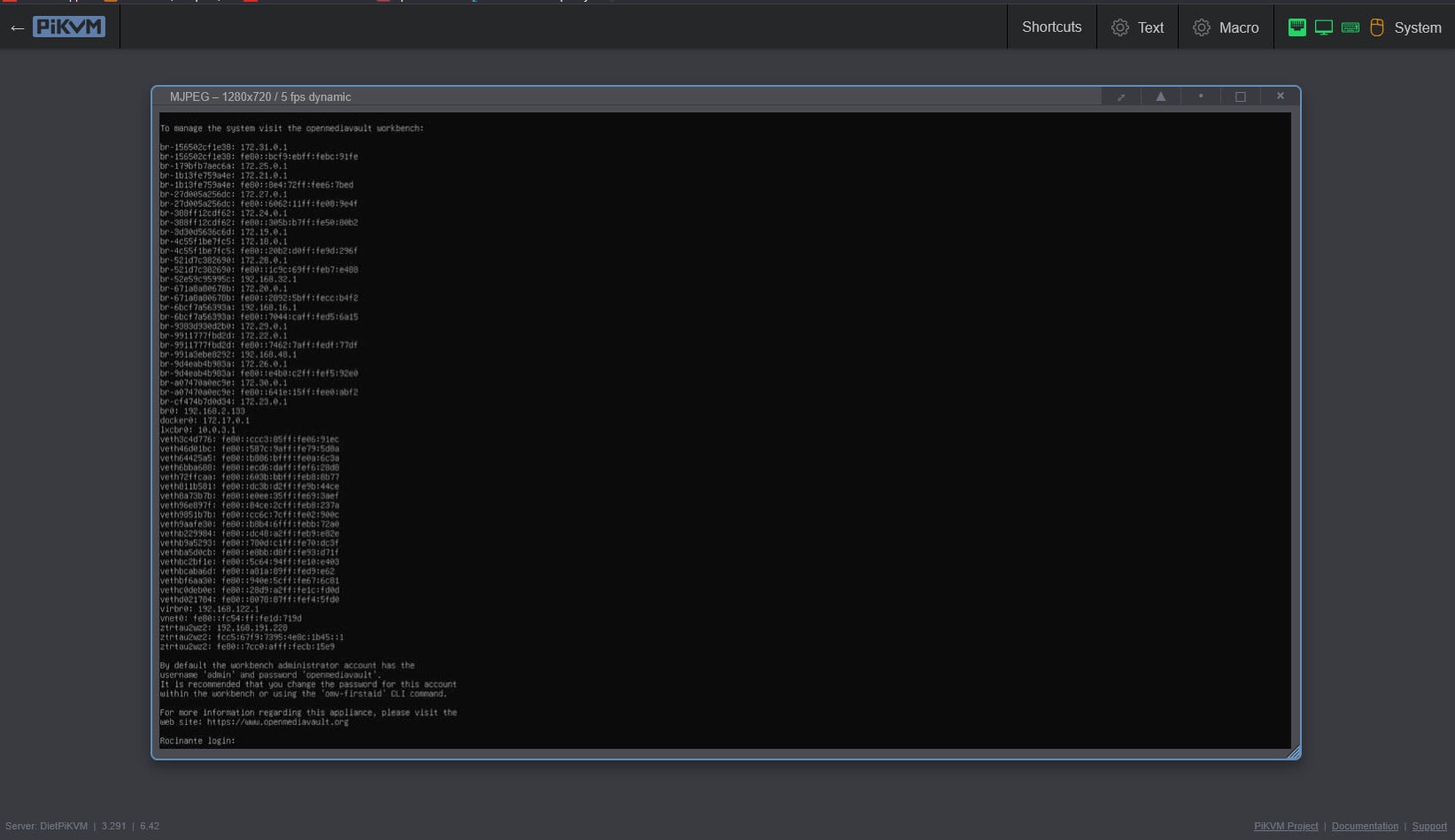
Congratulations! You should now have an operational PiKVM.