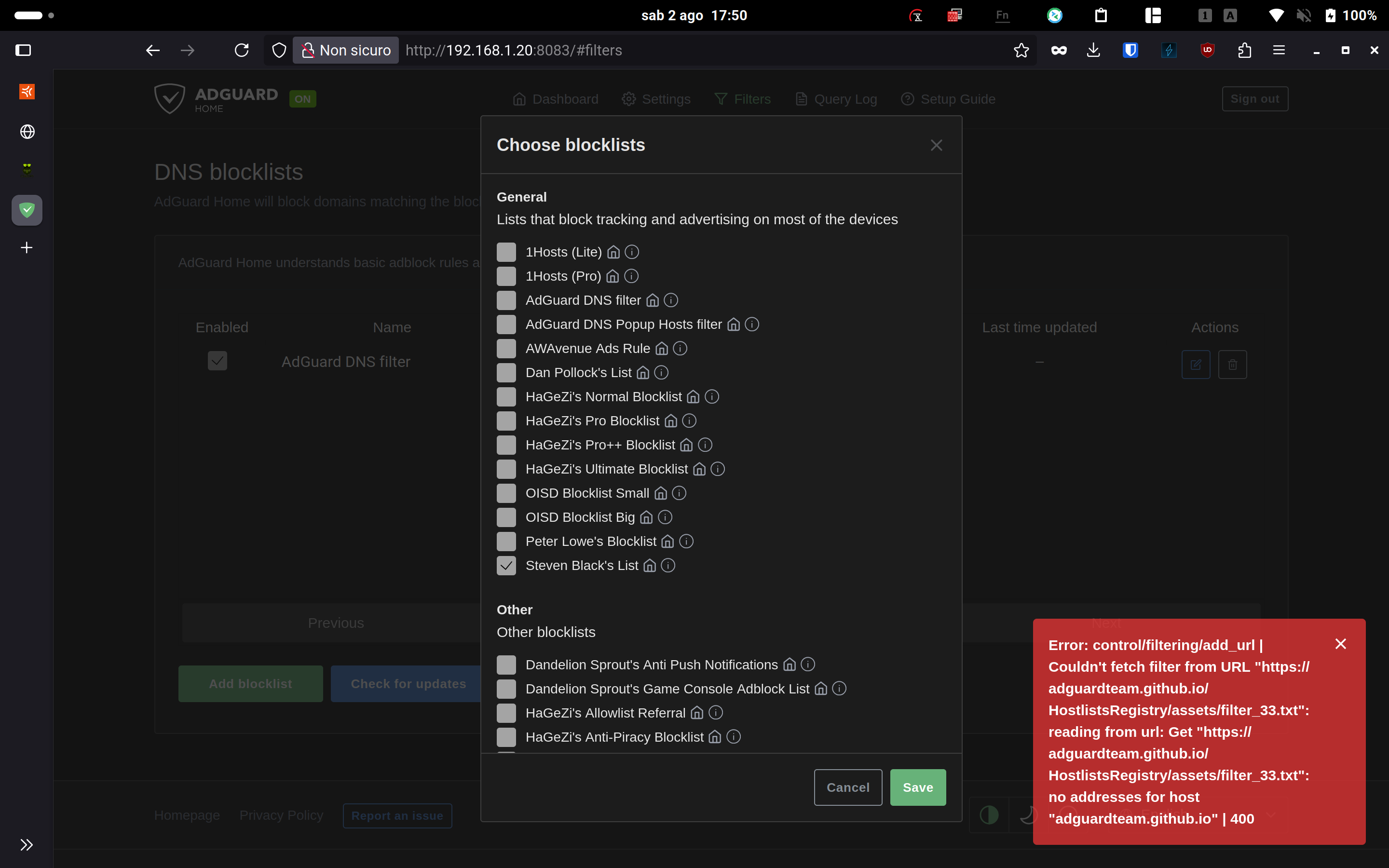
Changing DNS Forwarder seems to solve the problem. Thanks for the attention.
Creating a bug report/issue
I have searched the existing open and closed issues
Required Information
- DietPi version | G_DIETPI_VERSION_CORE=9
G_DIETPI_VERSION_SUB=15
G_DIETPI_VERSION_RC=2
G_GITBRANCH=‘master’
G_GITOWNER=‘MichaIng’ - Distro version | bookworm 0
- Kernel version | Linux rpi3 6.12.34+rpt-rpi-v8 #1 SMP PREEMPT Debian 1:6.12.34-1+rpt1~bookworm (2025-06-26) aarch64 GNU/Linux
- Architecture |
aarch64 - SBC model | RPi 3 Model B (aarch64)
- Power supply used | (EG: 5V 1A RAVpower)
- SD card used | (EG: SanDisk ultra)
Additional Information (if applicable)
- Software title | AdGuard Home
- Was the software title installed freshly or updated/migrated? No, fresh install
- Can this issue be replicated on a fresh installation of DietPi? Yes
Hi, I have just installed AdGuard Home from Dietpi software manager. In Unbound I have set Dns over TLS following the instructions in dietpi docs.
But when I try to download any of the blocklist from adguard suggested list an error 400 arise.
Thanks for the help