SABnzbd problems after upgrade to Trixie

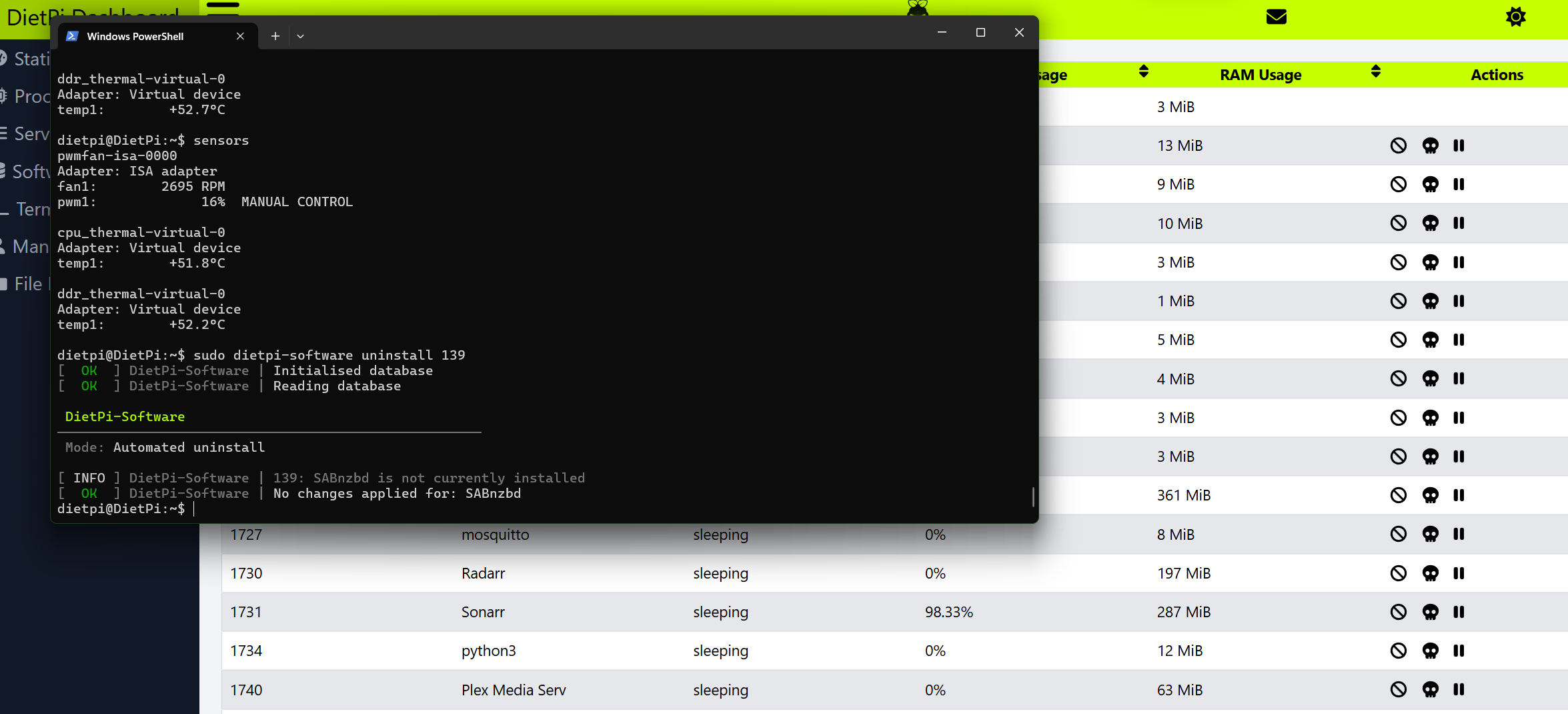
I have upgraded to Traxie using script all went not to bad but Sonarr is behaving weirdly as it is there even I have uninstalled it by dietpi-software uninstall 139.

It is overloading my server as it suck 100% processing power. I was able to stop it using Dashboard pause.

It looks like is running somewhere in python env?

I can not access it via web anymore as it should not be there anyway.

hmm Software ID 139 is SABnzbd :thinking:

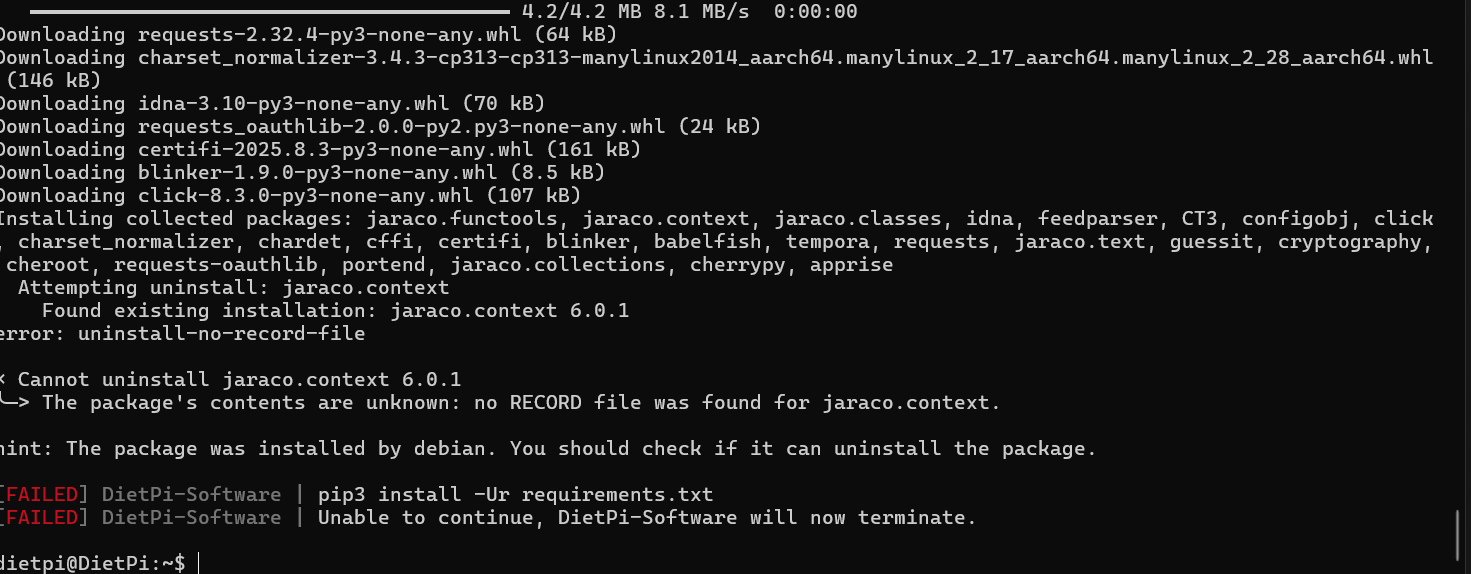
Sorry it was next issue, as SAB did not work too. I tried to reinstall but it was error during python installation.

 ━━━━━━━━━━━━━━━━━━━━━━━━━━━━━━━━━━━━━━━━ 4.2/4.2 MB 2.9 MB/s  0:00:01
 β”‚ Downloading requests-2.32.4-py3-none-any.whl (64 kB)
 β”‚ Downloading
 β”‚ charset_normalizer-3.4.3-cp313-cp313-manylinux2014_aarch64.manylinux_2_17_aarch64.manylinux_2_28_aarch64.whl (146
 β”‚ kB)
 β”‚ Downloading idna-3.10-py3-none-any.whl (70 kB)
 β”‚ Downloading requests_oauthlib-2.0.0-py2.py3-none-any.whl (24 kB)
 β”‚ Downloading certifi-2025.8.3-py3-none-any.whl (161 kB)
 β”‚ Downloading blinker-1.9.0-py3-none-any.whl (8.5 kB)
 β”‚ Downloading click-8.3.0-py3-none-any.whl (107 kB)
 β”‚ Installing collected packages: jaraco.functools, jaraco.context, jaraco.classes, idna, feedparser, CT3, configobj,
 β”‚ click, charset_normalizer, chardet, cffi, certifi, blinker, babelfish, tempora, requests, jaraco.text, guessit,
 β”‚ cryptography, cheroot, requests-oauthlib, portend, jaraco.collections, cherrypy, apprise
 β”‚   Attempting uninstall: jaraco.functools
 β”‚     Found existing installation: jaraco.functools 4.1.0
 β”‚ error: uninstall-no-record-file
 β”‚
 β”‚ Γ— Cannot uninstall jaraco.functools 4.1.0
 β”‚ ╰─> The package’s contents are unknown: no RECORD file was found for jaraco.functools.
 β”‚
 β”‚ hint: The package was installed by debian. You should check if it can uninstall the package.
 β”‚

And as I am idiot, I have later noticed that Sonarr did not work because of SAB was dead. So to sum up my mess. SAB is the issue.

I adjusted the topic title to reflect this

Regarding sabnzbd, we had a similar report on GitHub Debian Trixie | Upgrade script support thread Β· Issue #7644 Β· MichaIng/DietPi Β· GitHub and as far as I could see, problem was bypassed by removed the python3-jaraco.functools Debian package.

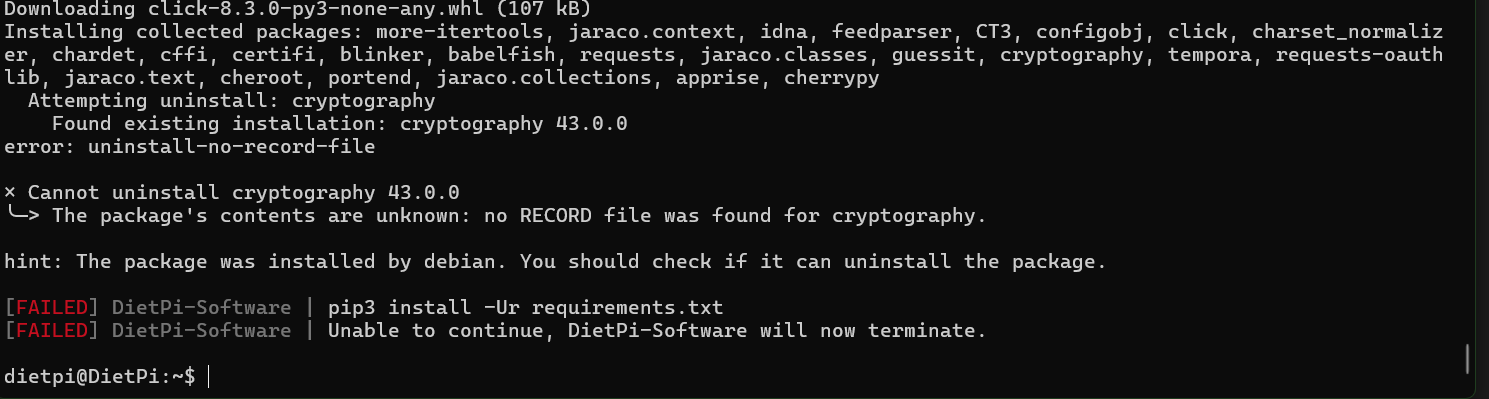
That is nice find, but as in my SS:

β”‚ Γ— Cannot uninstall jaraco.functools 4.1.0

How to remove it ? from where?

apt purge python3-jaraco.functools

Ok I did and tried to install 139 again, and error with jaroco again, very sticky pkg

So I did apt purge again:

And autoremove as advised. Install 139.

And seems catch 22, it is something very wrong with 139 installation, or what the upgrade did?

the first issue is gone, now it’s another one. Need to check this why it fails on cryptography as well. Interesting system you have.

In all those cases, purge the related APT package with the exact name of the module that fails to uninstall, prefixed with python3-. I.e. for jaraco.context:

apt purge python3-jaraco.context

and for cryptography:

apt purge python3-cryptography

etc. Check that there are no required end user package uninstalled which depend on those, but usually any package that does so can be installed via pip as well, which ships a more recent version than the Debian repo.

The problem is that recent versions of pip try to uninstall Python modules installed via APT automatically, while previously they skipped the system site automatically. Solution our end is to move all Python software installed via dietpi-software > pip into venv’s. But until this is done, one needs to purge the system packages. And since we cannot know whether important dependants are installed, we cannot safely automate this in the upgrade script.

1 Like

Made it and so far all works well again. It sound like Trexie was triksy a bit :wink:

1 Like

Not an issue with Trixie, but one with recent (upstream) pip versions. The same would have happened on Debian Bookworm and Bullseye when reinstalling SABnzbd or pip3 install -U pip && pip3 install -U cryptography or any such.

Indeed pip it is as it want to really do weird stuff, uninstall python new one and reinstall. Anyway, @MichaIng to the rescue as usual an d not I am happy chap again.
1 Like

This topic was automatically closed 90 days after the last reply. New replies are no longer allowed.