I have searched the existing open and closed issues
I have a RPi400 and an RPi3B+, both running the latest (updated) DietPi. Both were running on SD cards, but I switched the RPi3B+ to run from an SSD after thinking these issues were caused by a corrupted SD card but the issues continue so here I am.
The RPi400 has an external btrfs drive shared via samba, drive permissions are 777 and the samba share includes 0777 masks so permissions should not be an issue (and historically haven’t been). The RPi3B+ shares the SSD in a similar way, but now only a specific folder and not the whole drive as it’s now the boot drive, the RPi400 has no problems with this share being mounted.
For some reason I think the RPi3B+ is losing connection to the RPi400’s samba share, which causes all sorts of errors and makes the RPi3B+ crash. I then have to pull the plug, it reboots fine but quickly crashes again. It has Docker containers that rely on the mounted drive, and I assume it crashes as soon as the containers try to use the mounted drive.
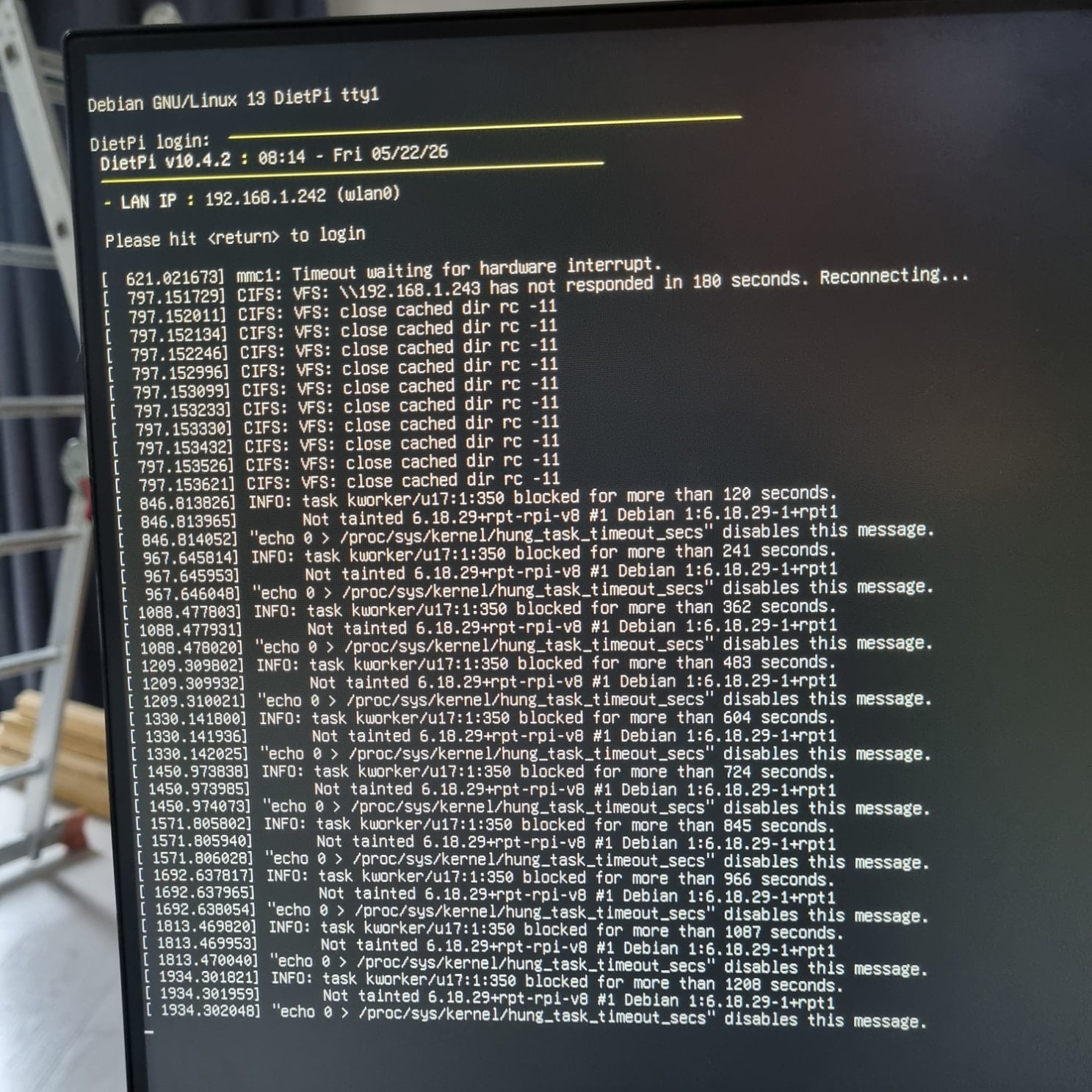
Here’s a pic of the errors, I can’t access any logs due to the errors.
Gemini suggested disabling caching in the fstab mount and turning off the wifi power saving mode. I’ve tried these now (had to rebuild everything in order to do so) and will see how it goes, but posted for others to see and in case someone can debug without access to logs.
CIFS: VFS: \\192.168.1.243 has not responded in 180 seconds
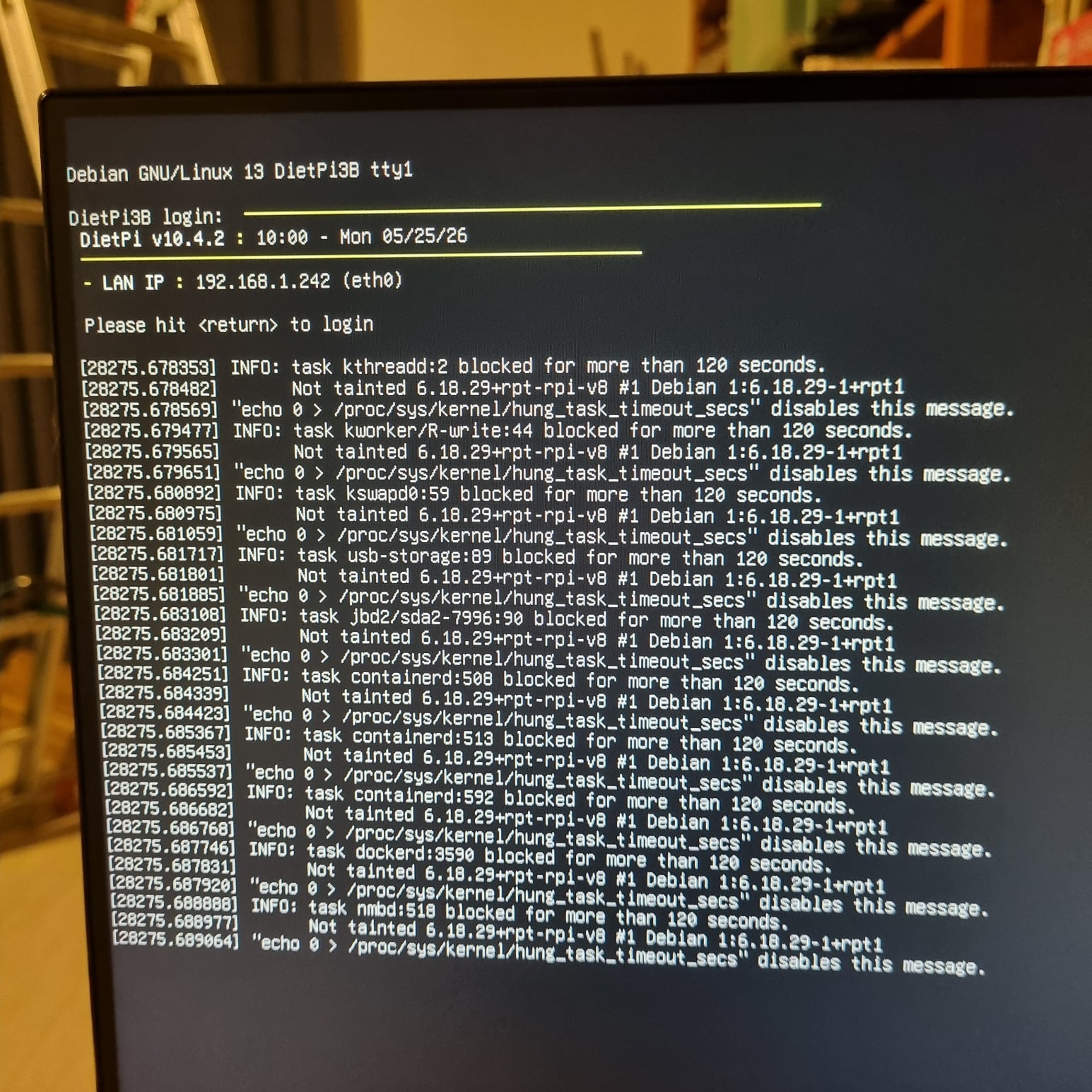
task kworker/... blocked for more than ... seconds
repeated close cached dir rc -11
So the CIFS share does not respond, it’s not available for some reason. I guess you already checked on the Pi400 and the CIFS server is active?!
Can you share your fstab please.
AI suggested this can be caused by unstable wifi, are you able to test it with a wired connection?
The hanging comes indeed from docker. Containers repeatedly touching the dead SMB mount can spam kernel workers, can deadlock processes and make shutdown/reboot impossible without pulling power.
I don’t see you problem as a bug, you’re using the legacy camera stack, which is deprecated for years, it’s not maintained anymore so sooner or later you will run into problems.
And there are no other reports about 6.18 and problems with CIFS shares, so I don’t think this is general but with the kernel.
There are a lot of reports about kernel 6.18. Read my thread. Some report lan problems, some report crash under heavy load or that it is no longer possible to load dtoverlays.
And in this case here it can be wifi problems. Maybe downgrading to kernel 6.12 can help. Or let’s just say it’s worth a try.
Yes, the RPi400 and samba share are still active, I can access them fine. Which is strange because it implies the RPi3B thinks the RPi400 isn’t responding when it actually is. Here’s my fstab from before disabling caching:
Disabling caching in the fstab mount and turning off the wifi power saving mode helped a little, I was able to do a few things (which included accessing the mount) but it did crash again.
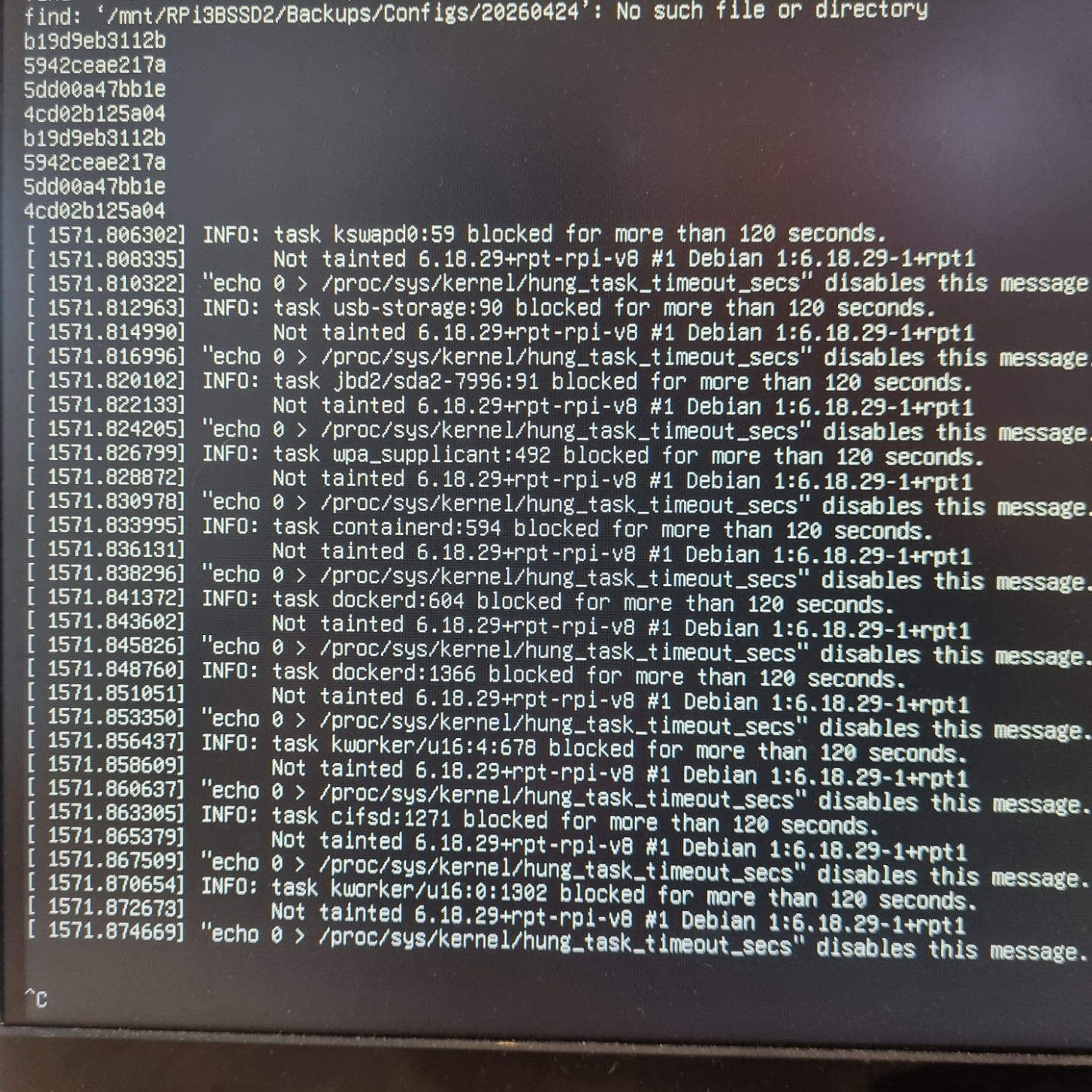
Plugging in an ethernet cable and rebooting allowed some of my daily backup script to run, docker configs from the RPi3B were backed up to the RPi400EHD mount, but then when being copied back to the RPi3B’s SSD, I ran into trouble again:
Next step… I turned off the wifi in dietpi-config, I still got errors, but that’s when I learnt the RPi3B’s ethernet and wifi have different mac addresses and without the wifi’s mac address binding, it got a new IP address. Binding the IP to the ehternet’s mac seems to have resolved the issue.
I think maybe the pi was struggling to power the wifi, even though I have an official power supply. Let me know if there’s any specific logs you want to see now that I can get to them. I would prefer not to have an ethernet cable but it’s not the end of the world.
journalctl had a lot of name conflict and multi-response warnings which sounded harmless but nonetheless I’ve changed the hostname, workgroup and local/domain/preferred master for one of the pis to remove those.
I now also see DietPi doesn’t have persistent logs by default so I assume there’s nowhere else to look unless I undo my fixes to recreate the issue?
Currently qbbittorrent’s incomplete downloads folder is on the RPI400’s HDD, I’m thinking of moving it to the SSD to reduce the number of random writes on the HDD but it feels like I’m just avoiding the issue rather than fixing it.