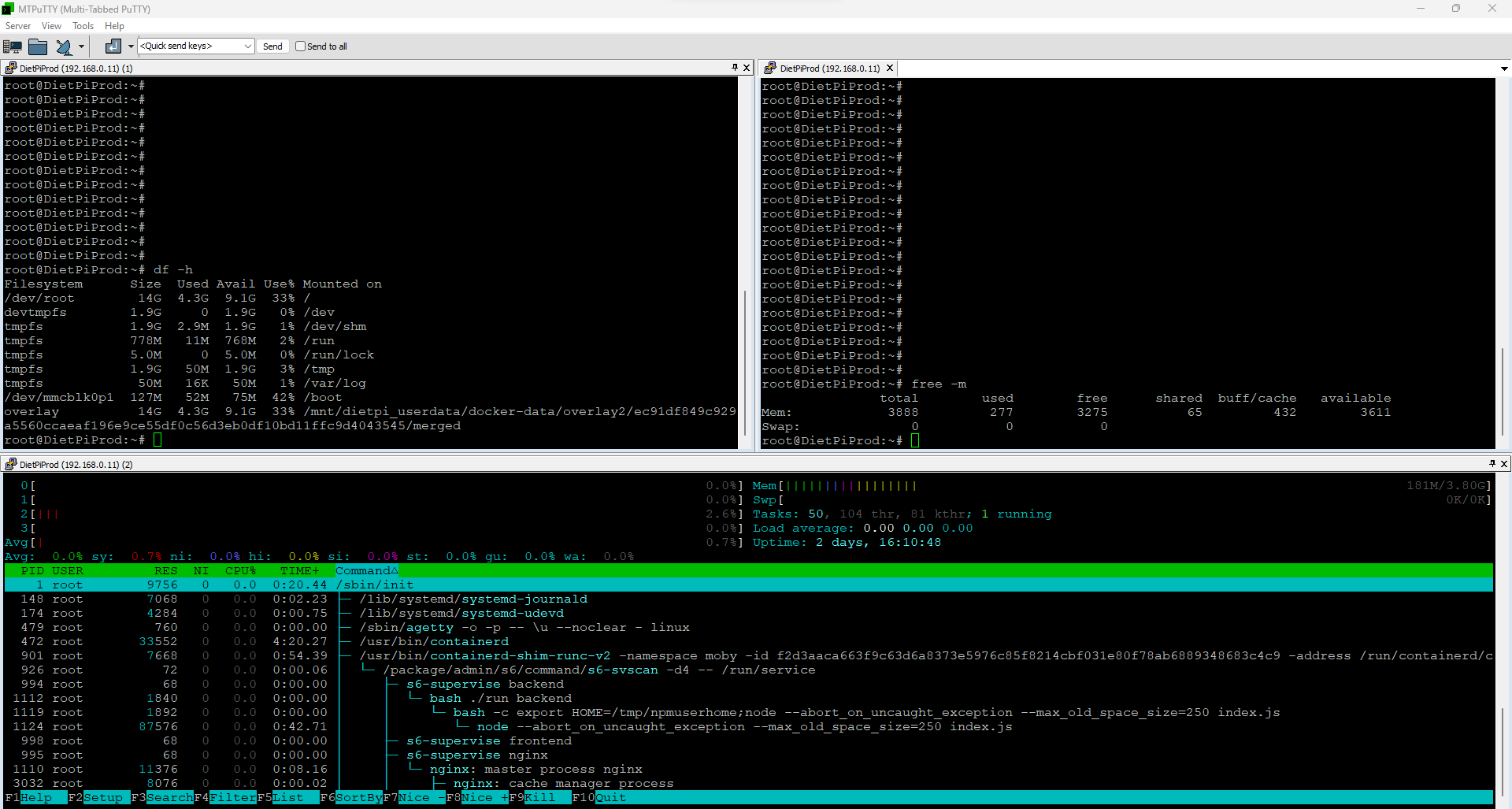
Hi! Did it and rebooted, now I see 1GB of swap space in DietPi Dashboard, will torrent something and check.
Given I’ve qBittorrent limited to using 512MB of ram, how is possible for it to saturate physical ram and use swap?
Hi! Did it and rebooted, now I see 1GB of swap space in DietPi Dashboard, will torrent something and check.
Given I’ve qBittorrent limited to using 512MB of ram, how is possible for it to saturate physical ram and use swap?
So I’m better limiting qBittorrent to 256MB instead of 512MB?
Also, can you tell me how can I revert the zram command above and re-enable swap as it was before?
I guess a misunderstanding still. Limiting the memory usage has nothing to do with storing temporary data with /tmp.
Just keep it as is and watch memory usage. It doesn’t make sense to change to mutch.
Thanks again!
You can edit the /etc/default/zramswap
warhawk@AtomicPI:/etc/default$ cat zramswap
# Compression algorithm selection
# speed: lz4 > zstd > lzo
# compression: zstd > lzo > lz4
# This is not inclusive of all that is available in latest kernels
# See /sys/block/zram0/comp_algorithm (when zram module is loaded) to see
# what is currently set and available for your kernel[1]
# [1]  https://github.com/torvalds/linux/blob/2af9b20dbb39f6ebf9b9b6c090271594627d818e/Documentation/blockdev/zram.txt#L86
ALGO=lz4

# Specifies the amount of RAM that should be used for zram
# based on a percentage the total amount of available memory
# This takes precedence and overrides SIZE below
#PERCENT=10

# Specifies a static amount of RAM that should be used for
# the ZRAM devices, this is in MiB
SIZE=1024

# Specifies the priority for the swap devices, see swapon(2)
# for more details. Higher number = higher priority
# This should probably be higher than hdd/ssd swaps.
PRIORITY=100
Then issue a sudo systemctl restart zramswap.service and it will restart zram with 1GB RAM, coincidentally it also shuts it down and restarts it gracefully as to not bork up your running system.
In it’s stock form zram will start but it will use a smaller percentage of RAM in compressed state
Hi!
First of all thanks! How is this different from @Joulinar commands above?
I’ve run his commands and now have 1GB of zram and qBittorrent seems running “better” and less taxing the system.
If you don’t want to bother with manual configuration, you are fine useing DietPi automation.
Understood! Thanks!
Hi @Joulinar, would like to increase this to 2gb.
Can I run both commands again? With 2048 ofc 
using zram you should stay below your physical memory.
Theoretically running the 2nd command should enough.
Didn’t know this. Will stay at 1gb 
Can you explain btw? Just curiosity