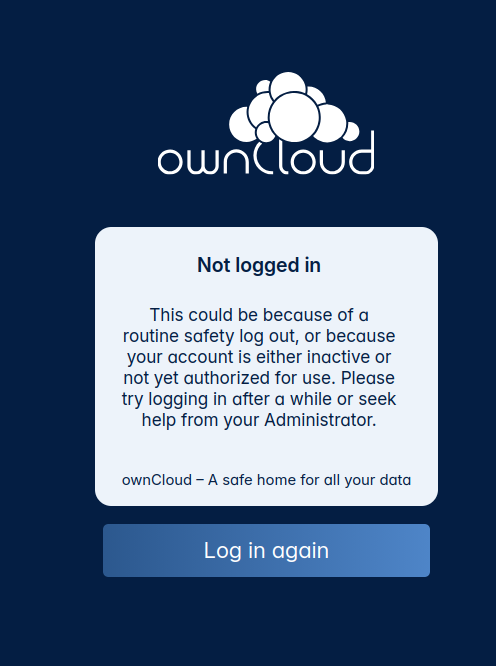
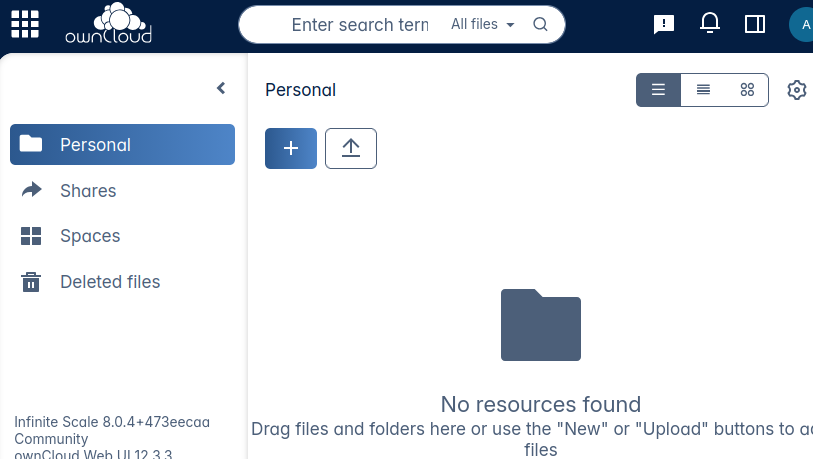
I could replicate this in my VM.
I was able to get it working, I deleted everything under /mnt/dietpi_userdata/ocis except the ocis.env file.
Then I re-run the init command, like it’s run in the installion script
			# Config
			if [[ ! -f '/mnt/dietpi_userdata/ocis/ocis.yaml' ]]
			then
				# Replace password strings internally to avoid printing it to console
				G_EXEC_PRE_FUNC(){ acommand[11]="$GLOBAL_PW"; }
				G_EXEC_POST_FUNC(){ sed --follow-symlinks -i "/^ *password/s/:.*/: ${GLOBAL_PW//?/X}/" "$fp_log"; cat "$fp_log"; }
				G_EXEC setpriv --re{u,g}id='ocis' --clear-groups --reset-env -- /opt/ocis/ocis init --config-path /mnt/dietpi_userdata/ocis --insecure yes --ap "${GLOBAL_PW//?/X}"
			fi
The default password would be admin, but this is also not working, so the init command from the script is executed. But it does not use the correct password for some reason.
I think the index of acommand is wrong.
OK I tested it, the index is indeed wrong, the index for the password is 13 and not 11 @MichaIng.
I will correct it and make a PR.
@tonosama if you like you can use this command for a workaround and then reinstall
sed -i 's/G_EXEC_PRE_FUNC(){ acommand\[11\]=\"\$GLOBAL_PW\"; }/G_EXEC_PRE_FUNC(){ acommand[13]="$GLOBAL_PW"; }/' /boot/dietpi/dietpi-software
Many thanks for reporting. The fix has been merged for upcoming release.
You should be able to login with the password XXXXXXXXXXX i.e. as many X as characters in your actual password. Of course makes sense to change that ASAP .
Firs things first… SWEET CARNATION EVAPORATED MILK!!
Thank you guys!! man, I wasn’t expecting an answer so quick and a PR, wow, you guys ROCK!! I’ve posted in other projects…and… “SHAKA When the walls fell”…
I’m running into a sm issue:
this command: sd -i ‘s/G_EXEC_PRE_FUNC(){ acommand[11]="$GLOBAL_PW"; }/G_EXEC_PRE_FUNC(){ acommand[13]=“$GLOBAL_PW”; }/’ /boot/dietpi/dietpi-software
yields: -bash: sd: command not found
I’m running a very light, light, fresh install
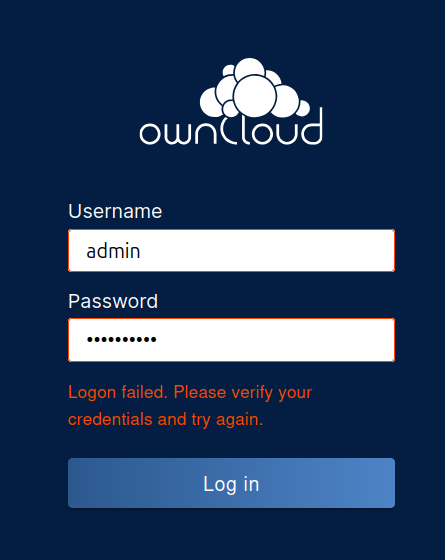
I tried the reinstall and the XXXXXs matching the pass.length, and now I can’t login to ocis:
 .
.