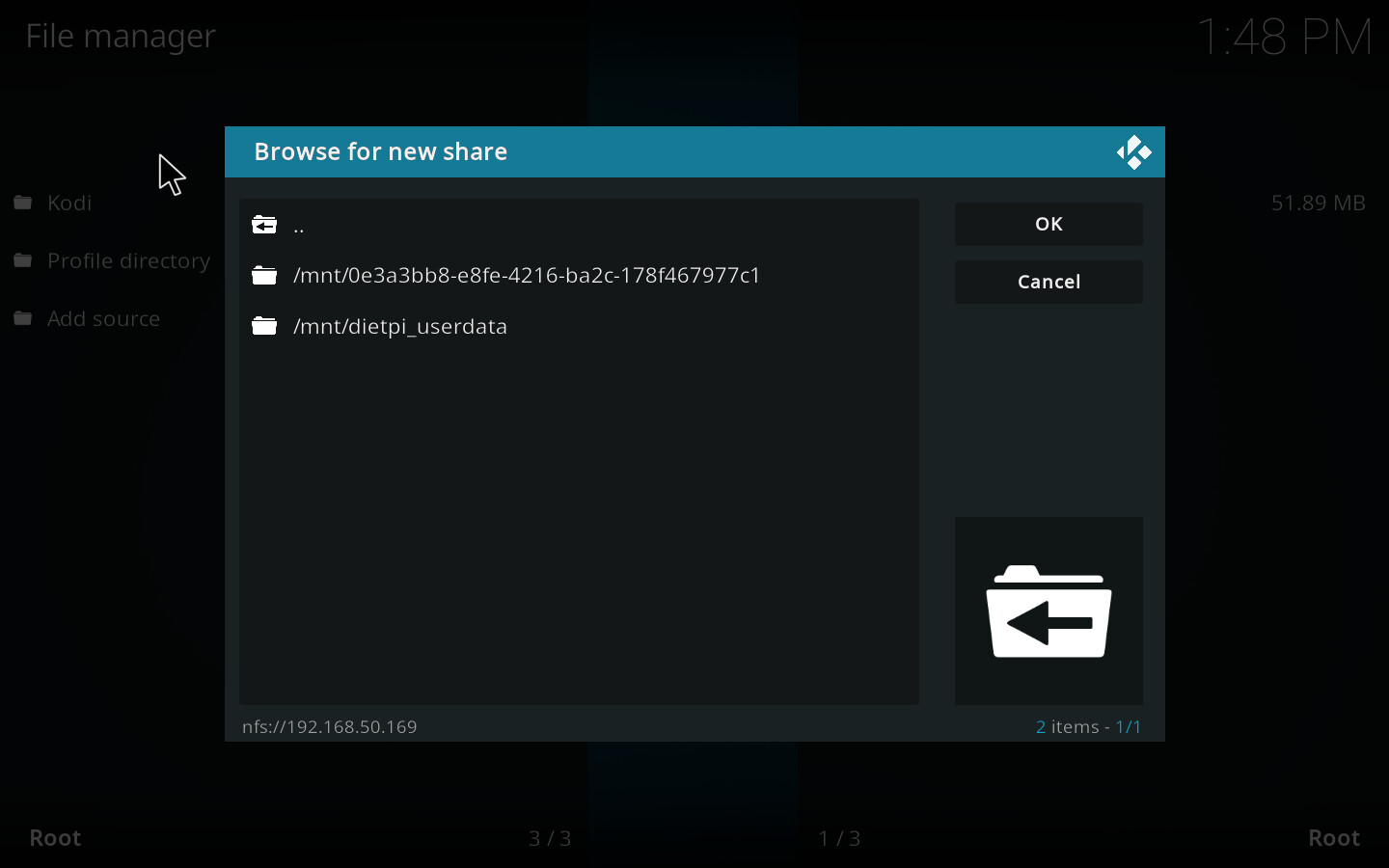
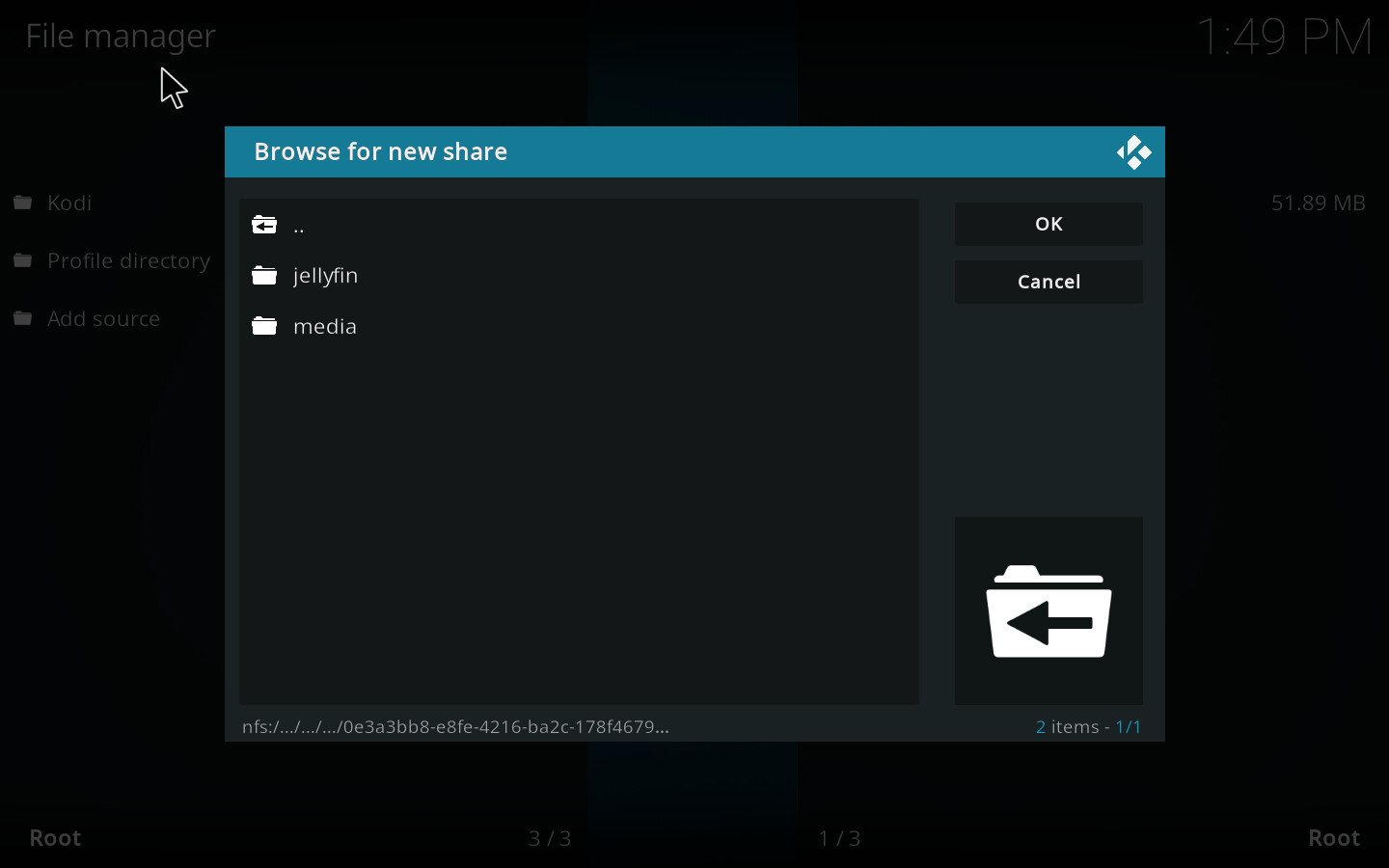
lol the
/
at remote path was missing. now it works…
thanks for troubleshooting!
ok i have now another issue.
i installed Kodi on my MacBook.
there I can see the NFS share and I can navigate down to the subfolders.
(Media)
but when I do the same on the Nvidia shield tv, I only can see the first screenshot. I cannot double click on it to see the folder “media” and “jellyfin”
edit1:
when I do it parallel in Kodi on MacBook in the file manager, I can add the share and navigate through the subfolders.
but when I do exactly the same on Nvidia share, I only can add the nfs share on the highest level and when I try to navigate into the folder I get the message in Kodi:
“couldn’t connect to network server”
as the NFS server is the same, difference might be with Kodi version between Nvidia and MacBook. However you should be able to add the first/main folder within the NFS settings and navigate within the video area?
Kodi versions are the same
Latest Kodi 19.4
I can unfortunately not navigate down in the add videos section.
It stuck and does not do anything.
On Mac I could do everything and watch the videos.
Can it has something to do with how android and macOS handling nfs connections. I read in another thread that android needs „insecure“ within the export files. Does this make any sense to you. The post is in German though that’s why I’m not linking
Honestly I don’t know as I’m not a Kodi user
No problem, most of the team understood Germen 
Ändere die exports mal zu:

/home/meineFreigaben/ *(rw,sync,no_subtree_check,crossmnt)

Klappt es dann?

Ggf würde ich noch insecure hinzufügen. Kann gut sein, dass Android Ports oberhalb von 1024 checkt, der Server diesen Share aber nur für Ports bis 1024 anbietet.
OK, es war die Option "insecure" die in "/etc/exports" fehlte.
simply give it a try 
since I am a total noob, does this look correct?
GNU nano 5.4                     /etc/exports.d/dietpi.exports
/mnt/0e3a3bb8-e8fe-4216-ba2c-178f467977c1 *(rw,async,no_root_squash,crossmnt,no_subtree_check,insecure)
/mnt/dietpi_userdata *(rw,async,no_root_squash,fsid=0,crossmnt,no_subtree_check)
i don’t want to break anything. does the insecure need to stand somewhere else?
you will not break anything. In worst case, your NFS server will not start up and you need to revert your change.
can confirm:
it was insecure in export files.
works now!
THANKS again