Hi, I have a 16GB Beelink U59 Pro, Intel N5105.
I updated it with your script from Debian 12 to 13 on dietpi 9.16.3, and the current kernel is >
linux-image-6.12.43+deb13-amd64
I also took the opportunity to clean the mini PC, removing all the dust and changing the thermal paste.
A message is appearing on the screen, and I also experienced two system crashes (before the general cleaning). I’m still testing to see if the crashes return. In any case, I’d like to test it with my old kernel >
linux-image-6.1.0 LTS
Is there any problem using Trixe with this kernel?
If possible, how do I downgrade?
(The old kernels are still installed.)
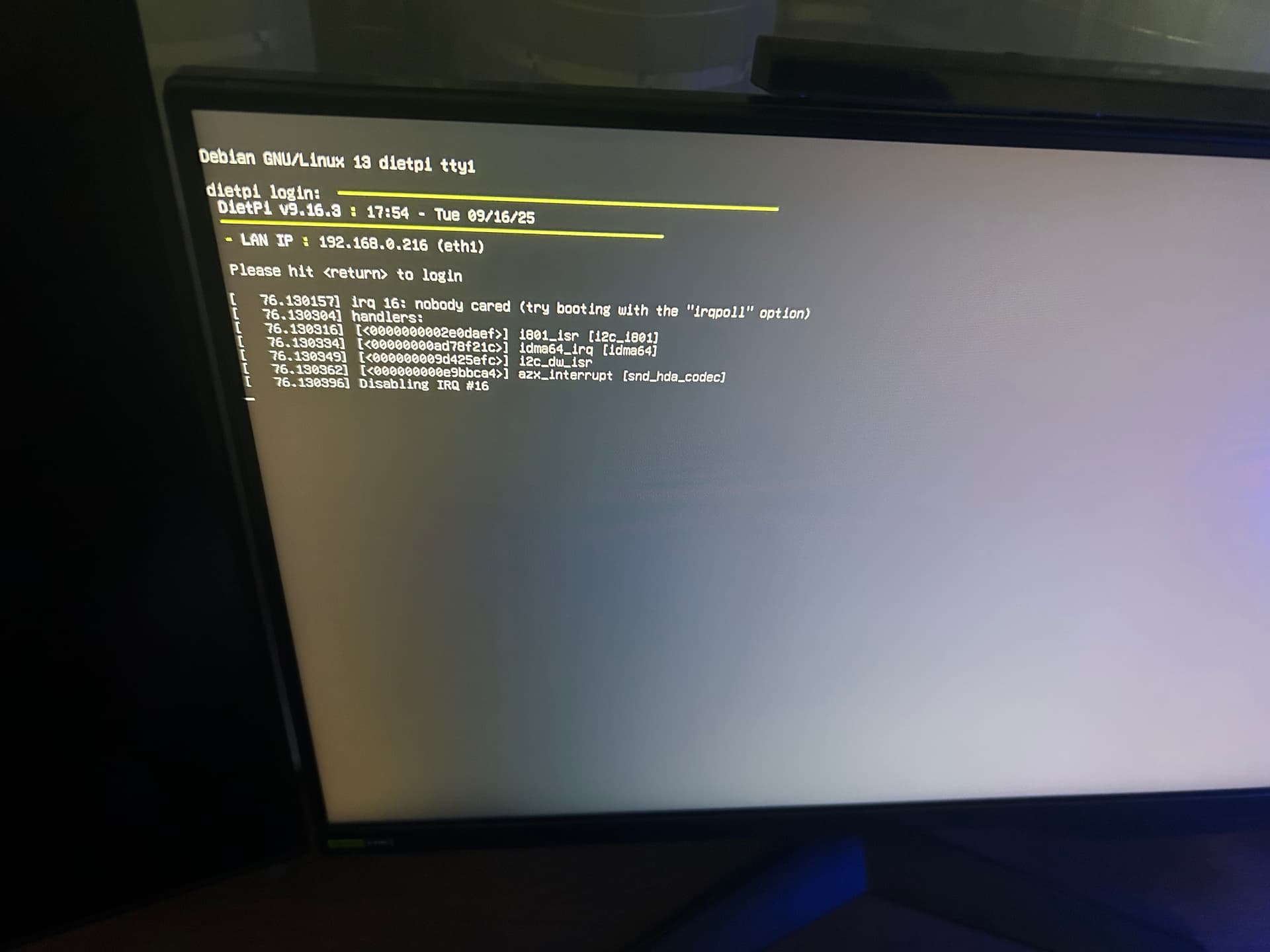
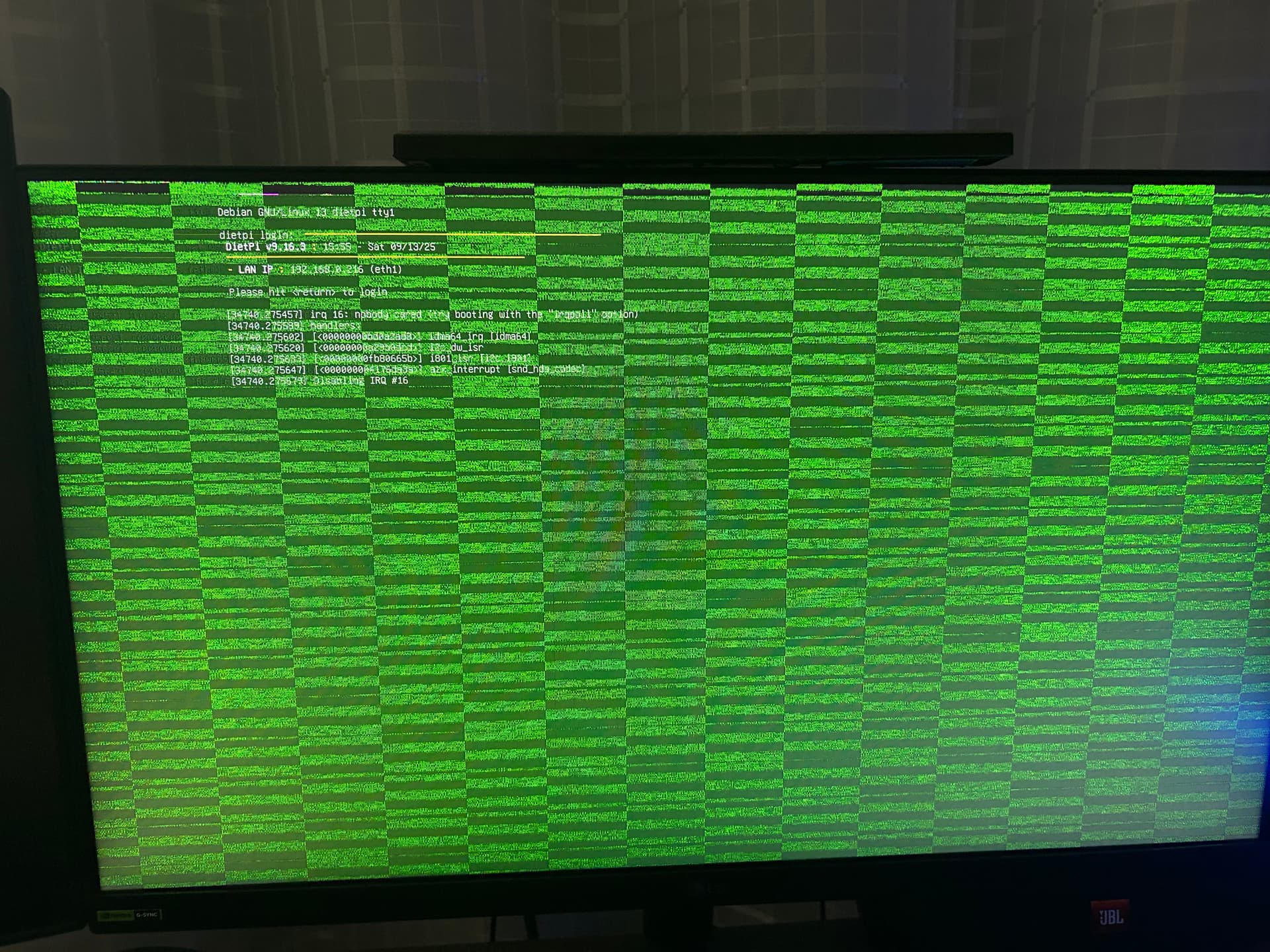
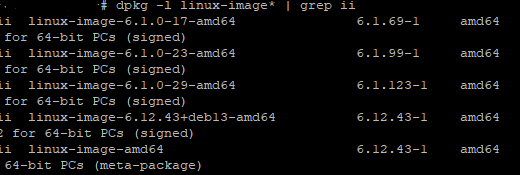
It’s basically a Debian question and not DietPi. It should be possible to use grub boot manager for this. There should be quite some guides on the web explaining how to do this.
Ok but I just wanted to know if there is any problem in using an old lts kernel in dietpi trixe version 9.16.3
There is no DietPi Trixie version. It’s Debian Trixie. DietPi is not an own operating systems.
Usually, it should be possible to use an older kernel version.
I would be very surprised if a stable Debian+Linux LTS kernel would cause such bold issue  .
.
Generally, there is no issue to run DietPi on an older kernel. 32-bit systems require Linux 5.6 minimum, but that is not even relevant in your case. Next minimum for proper WiFi functionality is 4.15 (not recommending it  ).
).
You can adjust GRUB_DEFAULT= in /etc/default/grub to select the default boot option in the GRUB boot menu. Boot options can also be seen in /boot/grub/grub.cfg, but that file is auto-generated and not meant to be edited manually.
This topic was automatically closed 180 days after the last reply. New replies are no longer allowed.