I wanted to try immich, i had it installed before in a docker container, but now that its natively supported i want to give it a try, but it says its not supported for bookworm, do i have to upgrade to trixie to install immich?
Here are the log output:
dietpi@indaRaspberry:~$ sudo dietpi-software install 215
[  OK  ] DietPi-Software | Initialised database
[  OK  ] DietPi-Software | Reading database

DietPi-Software
─────────────────────────────────────────────────────
Mode: Automated install

[FAILED] DietPi-Software | Software title (Immich) is not supported on Debian Bookworm.
dietpi@indaRaspberry:~$ uname -a
Linux indaRaspberry 6.12.75+rpt-rpi-v8 #1 SMP PREEMPT Debian 1:6.12.75-1+rpt1~bookworm (2026-03-11) aarch64 GNU/Linux
I have a Raspberry Pi 4 Model B Rev 1.5 and Its 2GB. Last time i unistalled it because it was taking all the resources in my machine and even my adguard was slow, so i would like to try it without machine learning of course. Should I be fine running it?
Yes Immich requires Debian Trixi and you would need to update. We have a cool script/blog post for this.
During installation, high memory usage may also cause slowdowns. Especially on devices with only 2 GB of memory, the installation will likely take up to an hour or longer.
It may run smoothly during operation. However, the memory requirements will generally remain largely unchanged. Immich is still Immich in that regard. Yes, without ML, it’s certainly manageable.
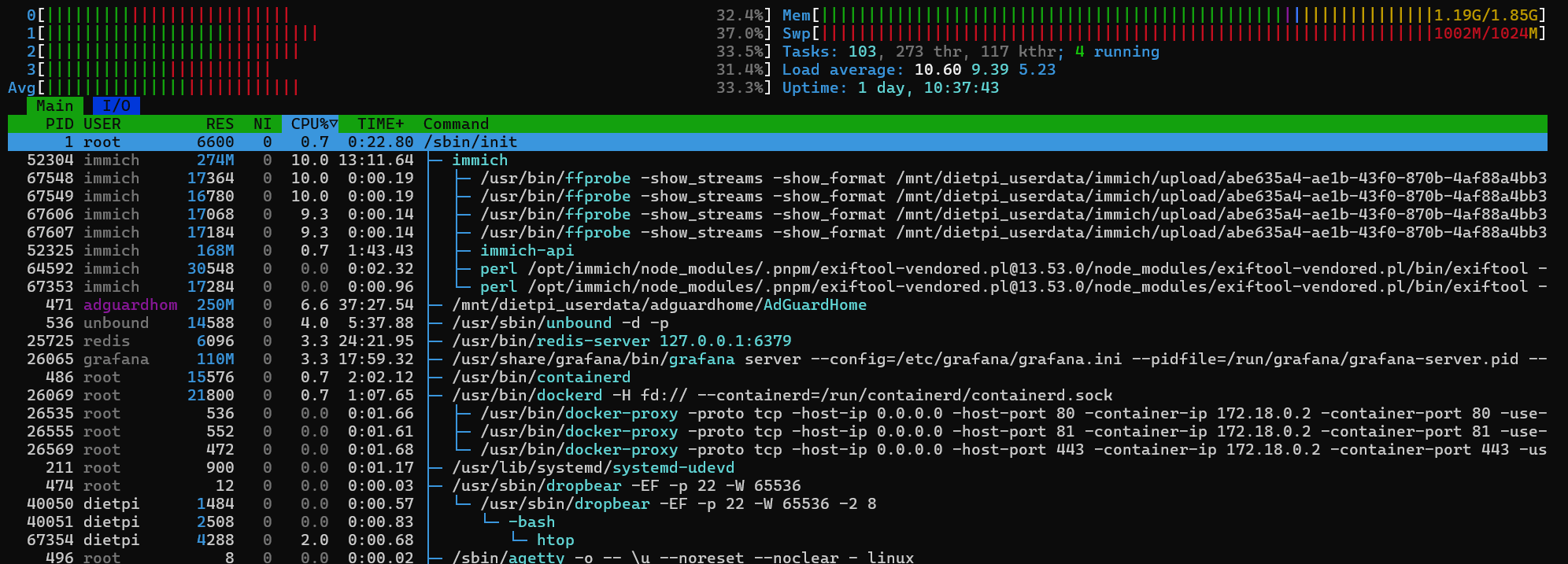
Ok. I was able to upgrade and install immich, now comes the dilemma. Check hows my system with it installed and do you recommend me to keep it and see how it goes or uninstall it. Look hows my memory and swap. Im starting to backup the photos/videos i guess thats the main reason for so memory consumption.
Unfortunately, this is normal behaviour when loading images into Immich. The time it takes depends on the number of images and videos. Once the images have loaded, the memory usage will drop again. You just have to sit through this initial phase; otherwise, the images simply won’t load. In the settings, you can see how much is left to process.
It’s best to just give it a go once everything has been uploaded.
Personally, I’ve installed Immich on a NanoPi M6. I’ve imported around 259 GiB of data into Immich via an external media library. Currently, that amounts to 71,323 photos and 5,243 videos. The total DietPi system memory requirement, including Immich Core + ML, is now 1.9GB of RAM.
Yes, Immich can certainly work on your system. However, you will always use SWAP to some extent. Sometimes more, sometimes less.
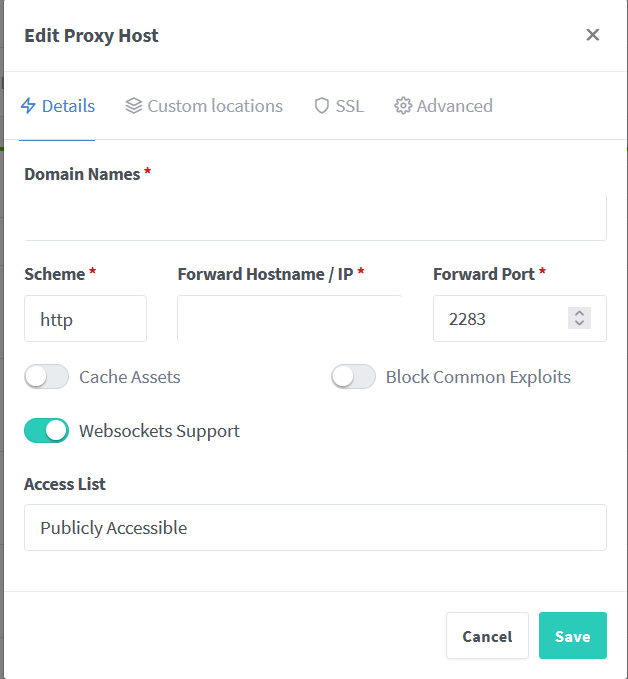
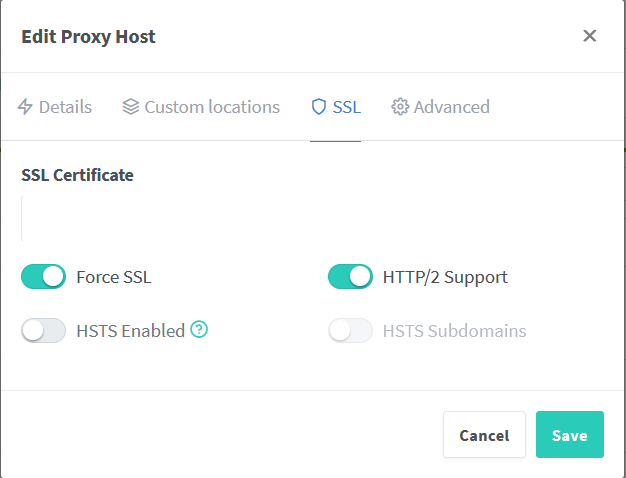
I have a problem with videos that are larger than 500mb. they get to 97% or something like that and they fail… this are the only settings that works on nginx others that i have tried put the website offline so i had to remove some options and leave only the ones that works with try/error approach:
#allow large file uploads

client_max_body_size 50000M;

#increase body buffer to avoid limiting upload speed

client_body_buffer_size 1024k;

#set timeout

proxy_read_timeout 600s;
proxy_send_timeout 600s;
send_timeout       600s;
proxy has nothing to do with Immich directly. Try without proxy to exclude this level
it worked directly putting my local-ip. So the problem is in the proxy. theres probably a custom settings that i need.
Yeah those were the settings i had set before but it was rejecting the two big files, these are the ones i was talking about:
client_max_body_size 50000M;
proxy_read_timeout 600s;
proxy_send_timeout 600s;
send_timeout       600s;
With those 3 it should have been working. but its not
maybe something you would need to ask on NPM GitHub on how to deal with large file uploads.
@Joulinar I noticed that after a long time of the raspberry being online (40-50 days maybe more) immich makes the pi unresponsive, the only way i could make it work again was to reboot the pi, it was taking all the resources couldn’t confirm because i was unable to ssh to the pi but it happened before when i had immich in docker and that’s why i uninstalled when i first tried it. I was hoping some kind of better resource manage being a native install now instead of the docker.
without any logs, quite hard to say why the system was not responding. Event you don’t know how system utilisation was. At the end immich stays same from application point of view. We don’t change anything on the app. Just the way it is installed.
Anyway you can try switching log to permanent. maybe it will have some useful information next time. or you setup some monitoring using Prometheus to get an idea of resource consumption.