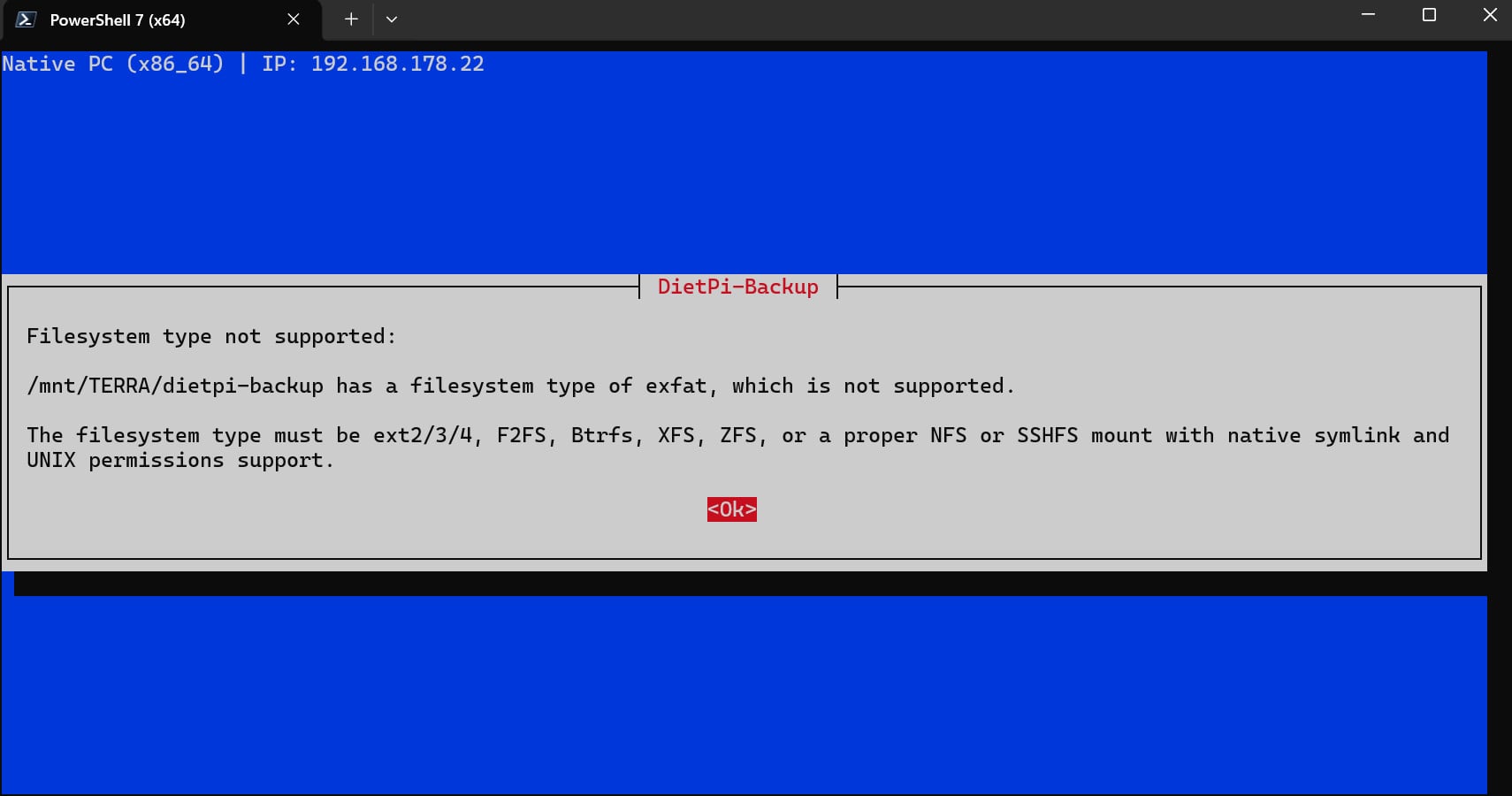
Of course, you can use exFAT on Debian/DietPi. You can read and write data to it. However, it is not a true Linux file system and does not work with Unix file system permissions. For this reason, it cannot be used as a backup location. Because all data you write to exFAT is written without user/group permissions. These are all lost. In addition, symbolic links do not work on exFAT. This is not a limitation of Debian or any Linux version. It is due to the exFAT file system format. For this reason, it is not allowed for DietPi backups.
But that’s exactly what the last sentence in your error message says.
I use an TerraMaster D1 SSD Plus as backup for the whole installation (everything, icluding FLAC files) formatted as ext4. But this format can be read by Windows 11. So I have no access to non Debian/Dietpi files that way under Windows.