Hi, I finally have time to try that and when I choose another device in dietpi-dashboard it ask for login:
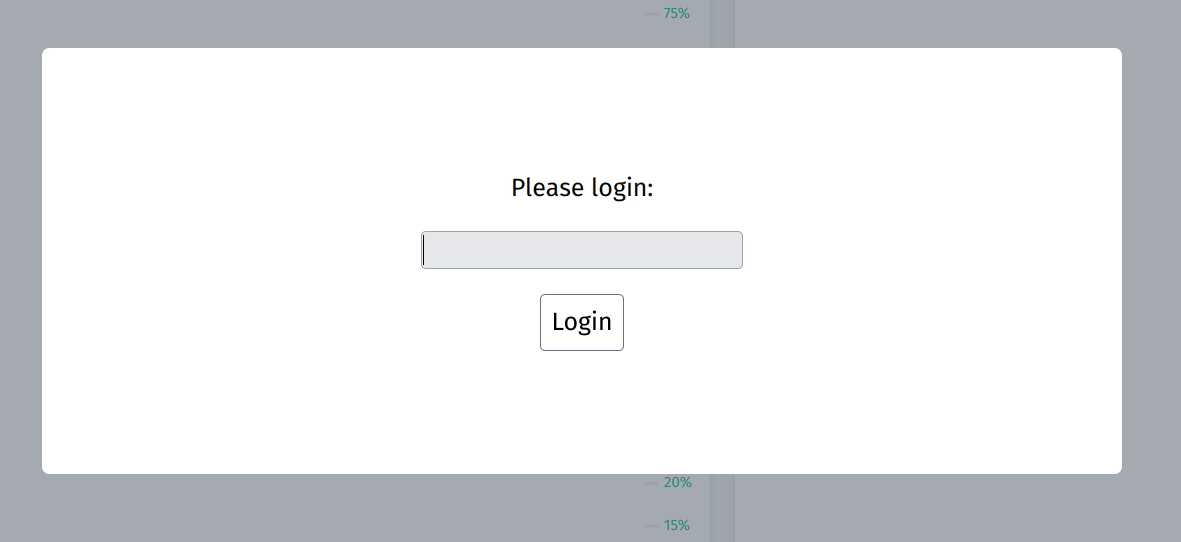
regular dietpi login don’t work.
Hi, I finally have time to try that and when I choose another device in dietpi-dashboard it ask for login:
regular dietpi login don’t work.
it’s the global software password of the related node.
Hi, I try global and unix passwords but nothing happen.
You tried the one of the remote/backend-only system?
I have dietpi-dashboard on dietpi-hp and dashboards installed as backend on dietpi-laptop and dietpi-rpi4. I enter on dietpi-hp to dash board and choose both but stuck with that login popup window.
Question was, if you used the software password from dietpi-laptop and dietpi-rpi4.
I just install dietpi-dashboard as backend on that devices. There was no question to make new password for that app.
I see that on dietpi-rpi4 config.toml but don’t know what to do with that:
# Password protection
# - Default: false
pass = true
# To get hash: "echo -n '<PASSWORD>' | sha512sum"
hash = "b2da79ba3717ae804d2393ce4........................"
# To get random secret: "openssl rand -hex 32"
secret = "5730a9e8fb07..............................................."
# Token expiry time in seconds
# - Default: 3600
#expiry = 3600
You don’t have to make a new password, it uses the software password of the device where you installed the backend.
What you see in the config is your hashed software password.
So you the dashboard runs on machine 1, and you have integrated machine 2 as a node into the dashboard, you log into the dashboard with the password of machine 1. When you then try to access the added node, you will be asked for the password of machine 2.
I understand but I try passwords [global and unix users] for machine 1 and machine 2 and that don’t work. I try also hash and secret 
Can I just disable that passwords in configuration.toml?
Hm can you try the default password “dietpi”, for testing?
You can disable it by setting
pass = false
Or you follow the comments and generate a new password
# To get hash: "echo -n '<PASSWORD>' | sha512sum"
Whatever you do, don’t forget to restart the service after you changed the config.
systemctl restart dietpi-dashboard
OK, thanks. I disable and now works great.
Thanks for help
Can You tell me it’s possible to add USB Hard Drives to dashboard?
Not with current version
Hi,
I manage multiple nodes and was wondering if there’s a way to display names for them instead of their IP addresses?
Thank you for any assistance you can provide!
probably something to as on related GitHub repository Issues · ravenclaw900/DietPi-Dashboard · GitHub
Or @ravenclaw900 is able to answer it within our forum.