Required Information
- DietPi version | G_DIETPI_VERSION_CORE=9
G_DIETPI_VERSION_SUB=20
G_DIETPI_VERSION_RC=1
G_GITBRANCH=‘master’
G_GITOWNER=‘MichaIng’ - Distro version | trixie 1
- Kernel version | Linux pihole 6.12.62+rpt-rpi-v6 #1 Raspbian 1:6.12.62-1+rpt1 (2025-12-18) armv6l GNU/Linux
- Architecture |
armhf - SBC model | RPi Zero (armv6l)
- Power supply used | Official Pi micro USB2 PSU
- SD card used | Amazon Basics 16GB (pre-tested and erased before use)
I downloaded and installed dietpi today for a new configuration of pi-hole on a pi zero with no wifi, using a USB to ethernet adaptor.
During the initial setup, I configured fixed ip, dns , nodename etc.
For the dietpi software, I selected pi-hole and unbound.
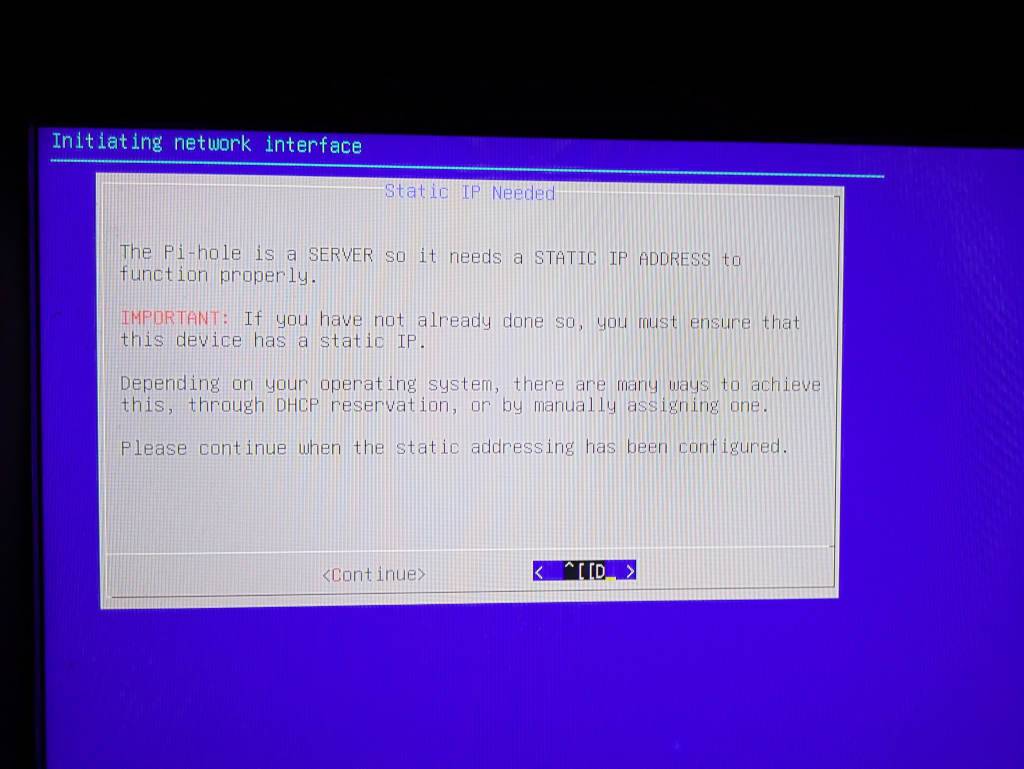
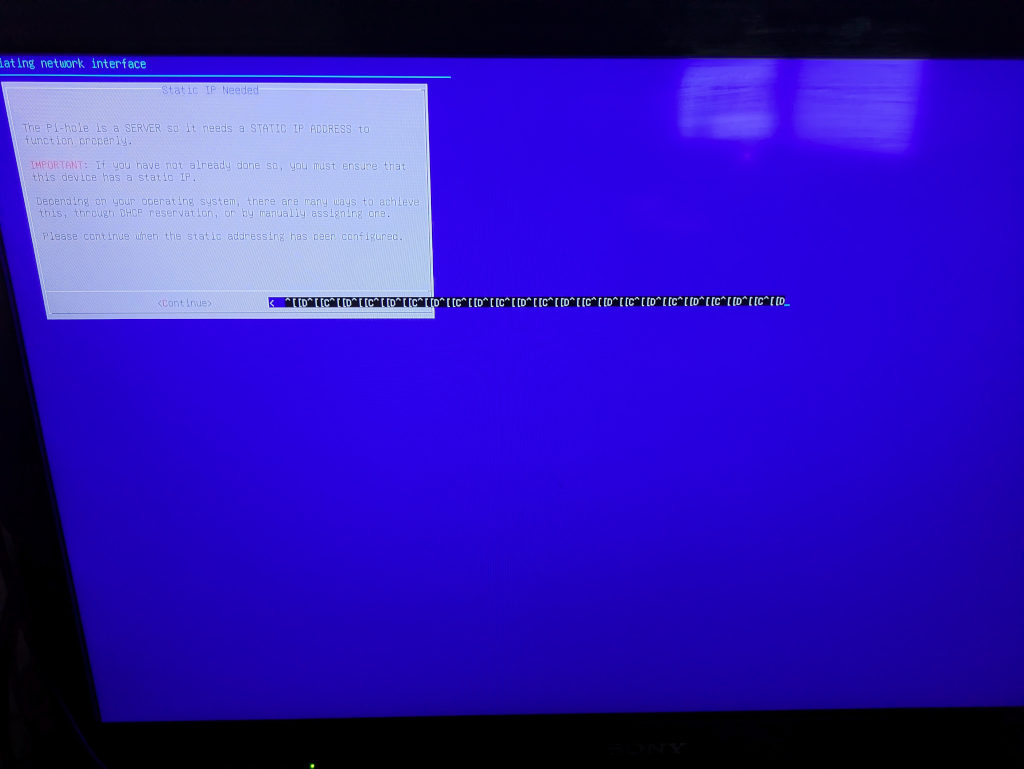
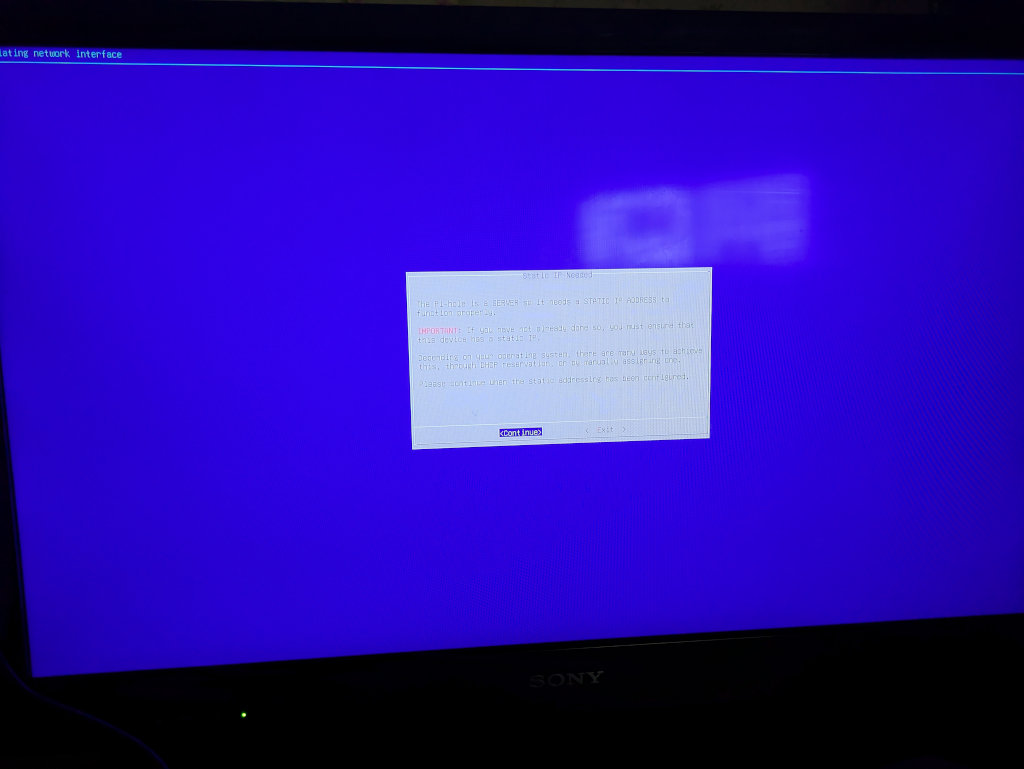
During the setup, it takes me to a blue screen to install and configure pi-hole.
The first screen warns that you need a fixed ip, the default being to quit to set up fixed ip.
I am unable to move the selection to continue, as the TAB key produces control characters, as do the cursor keys.
Key behaviour was working correctly during the initial configuration (eg for fixed ip).
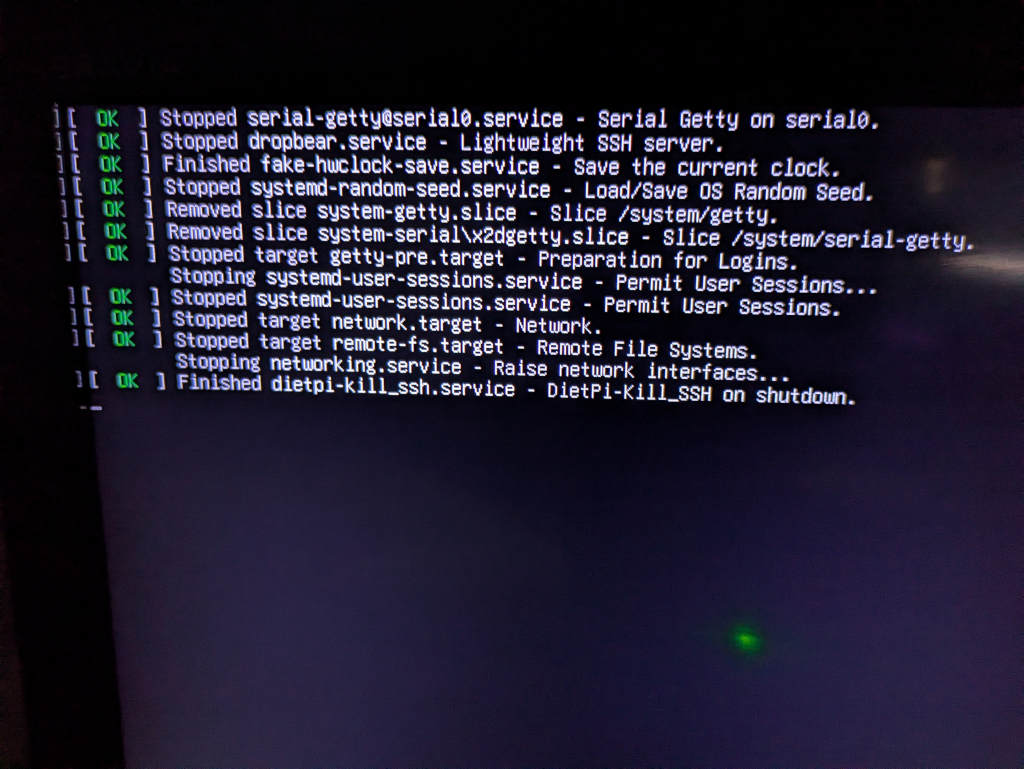
I rebooted, tried again. Still failed.
This was using a keyboard and screen attached to the local device.
I then tried to ssh from another computer, and had the same problem. I can use the dietpi configuration menus, and step through those with cursors and TAB, but when I reach the pi-hole config setup, the TAB and cursor keys no longer work, instead producing control characters on the screen.
Although this was a fresh install, I’m going to repeat the install to try again, but wondered if there were any known problems in this area (searching didn’t find one)
thanks