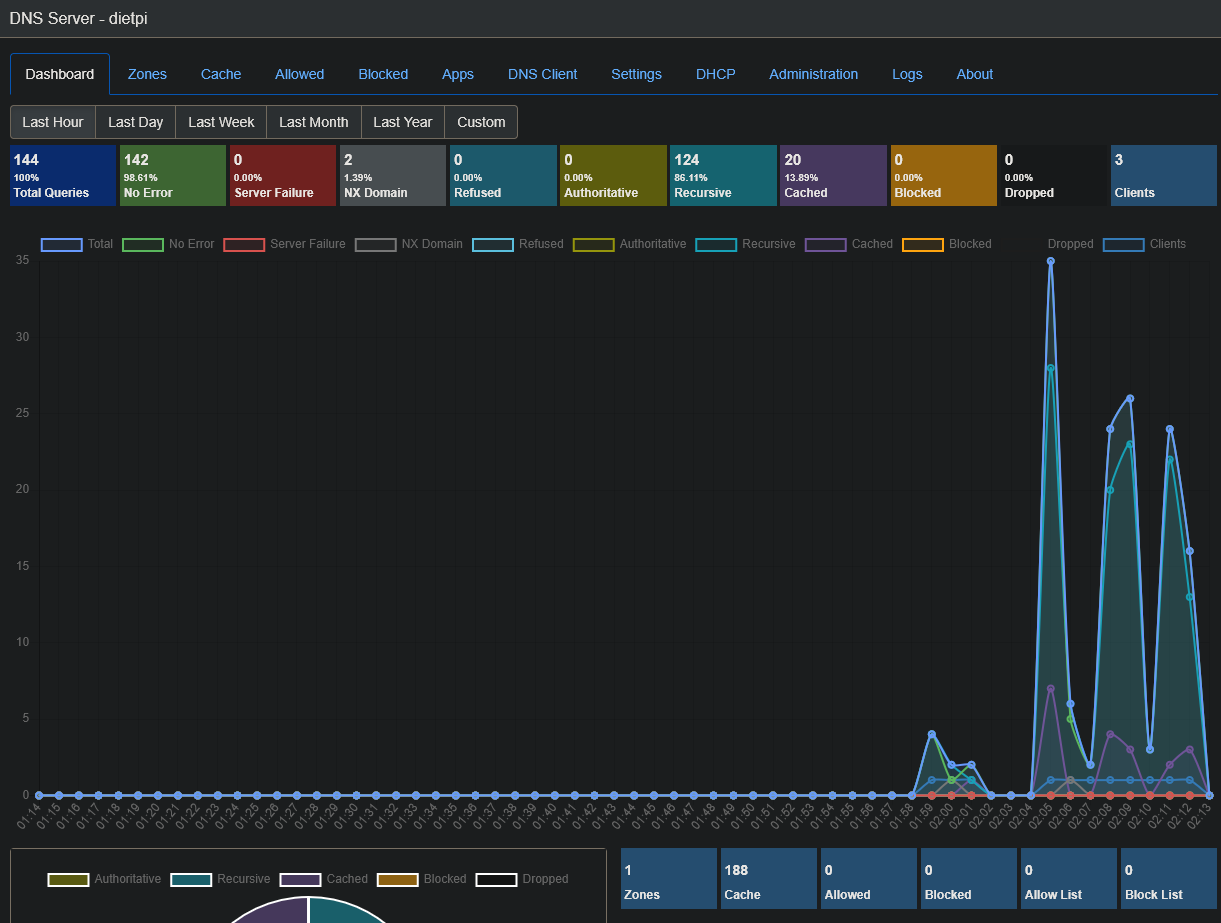
An ad-blocking DNS/DHCP server based on Microsoft .NET core.
https://blog.technitium.com/2017/11/running-dns-server-on-ubuntu-linux.html
The script is super easy. Should be able to be integrated easily.
Thanks!
An ad-blocking DNS/DHCP server based on Microsoft .NET core.
https://blog.technitium.com/2017/11/running-dns-server-on-ubuntu-linux.html
The script is super easy. Should be able to be integrated easily.
Thanks!
hmmm…microsoft on linux

It’s not Microsoft, but written in .NET core programming language/framework. We have quite some software options that use it  .
.
We’re currently impending AdGuard Home as Pi-hole alternative, so the timing for another DNS server/sinkhole is suboptimal, but still good to keep or in mind. And of course any coding contributions are highly welcome.
I was going to ask for this feature myself. I hope it gets included. It would be nice to allow PIVPN to handle the configurations to get this DNS in by detection the way that PiHole is detected. It takes some manual configuration to get openvpn talking on the network through Technitium.
looks interesting. what major difference does this have with pi hole and adguard? seems like a flavor type thing.
EDIT: heh didnt notice how old this is/
Would there be any concerns about the internal app api that lets Technitium install its own apps and also is available for third party apps? Or would this be considered a feature?
I was thinking of trying it out but was a little hesitant because of the api/apps detail.
The API is to control Technitium from 3rd party Apps, like alternative dashboards (or just curl command via CLI if you want). So you could code your own solution to control Technitium if you don’t like their web UI, so it’s considered a feature.
And I’m sure the API can be disabled, bound to localhost, or at least the port can be closed/blocked.
I am using this on my dietpi setup and so far I like it. I just installed via instructions on their website/blog. It works perfectly when started from the console via ssh to the dietpi server.
However, their instructions for starting as a daemon does not seem to work on dietpi.
I will list them here.
sudo mkdir /etc/dns
sudo mkdir -p /var/log/technitium/dns
sudo useradd --system -M --shell /usr/sbin/nologin dns-server
sudo chown -R dns-server:dns-server /opt/technitium/dns /etc/dns /var/log/technitium/dns
sudo cp /opt/technitium/dns/systemd.service /etc/systemd/system/dns.service
sudo systemctl enable dns.service
sudo systemctl start dns.service
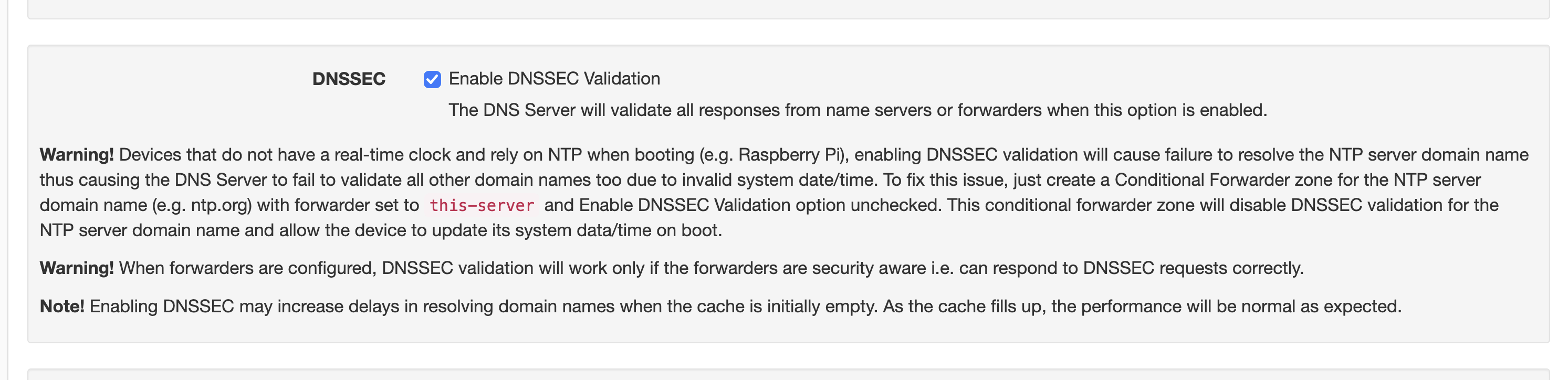
The daemon starts with out error and seems to be working. But, I can not log into the web interface and also it does not do any of the actual dns stuff. So nothing seems to be going through.
I can stop the service and restart the program manually from the command line and all is fine again???
Any insights?
Not sure if this is the issue, but the solution is to not use this Technitium instance by its own host. This is uncommon for network ad blockers, since you do not need to block any ads on this server, where you do not browse the Internet with a browser from. Such kind of issues are the argument, why it is a bad idea: If there is any issue with the DNS, it saws of the branch it sits on, making it more complicated to solve things.
I.e. /etc/resolv.conf should not contain 127.0.0.1, but a public DNS provider, or another DNS resolver from your network, like the router.
You can check logs of the service:
journalctl -u dns
And you can stop + disable it:
systemctl disable --now dns
I made a quick test, if you use their installtion script, then the service is already set up, you don’t need to do this steps.
https://blog.technitium.com/2017/11/running-dns-server-on-ubuntu-linux.html
Then you have to add a zone and a forwarder. When this is done you can just use the IP of your device as the DNS resolver.
I can reach the web GUI and it is resovling my DNS requests as expected.
To log the DNS querries you need to install a query log app via the Apps menu.
I think I found out what was up maybe. After install from their script and adding zone etc… it all acted sorta the same, but in fact sometimes it would work through restart/reboot, kinda random. Checked some port stuff related and found two apps listening on port 53, uninstall Avahi and now only dns on that port. It seems to work now. Not sure if that actually made it work or not.
The Avahi daemon should actually use port 5353 for mDNS only  . Anyway, if it is not needed, no reason to run it, especially if Technitium can manage local hostnames, too.