I have been using DietPi for over 10 years on Raspberry Pi, and Odroid U3, XU4 SMBs. This was primarily used as a NAS server for Jellyfin (started with Emby for years) but added additional functionality, such as smart home, backups, VPN, PiHole, among others.
In 2025 I realized that the Odroid XU4 was no longer going to cut it because it just didn’t have enough CPU for 4K or .265 content, lacking working hardware transcoding. Also, I was running my data off an external USB 3.0 HDD which is not ideal. I was using an additional external powered USB HDD for backup redundancy; however, it would sometimes become unmounted, and transferring from USB to USB HDD would saturate the Odroid throughput.
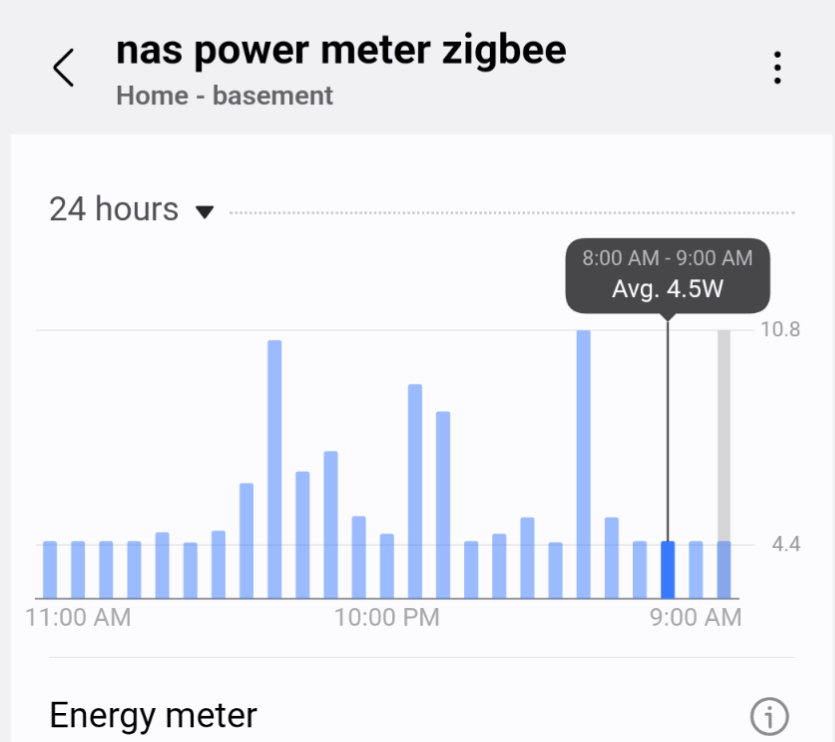
I originally purchased a CWWK N150 motherboard; however, the Intel NIC was buggy, and I could not get the NAS under 15 watts at idle, let alone with attached HDDs.
I ended up with an ASRock N100M with a ASM1066 PCI 1x 4Sata card and have two 12TB HDD (backup and redundancy) with a 3TB WD NAS 5.4K HDD (media server).
Everything works great; however, I have to manually enter this command to get the RealTek RTL8111C NIC at PCI L1 to hit C8 state.
setpci -s 02:00.0 0x80.B=0x42
I have tried to install the r8168 drivers but it always prevents boot. I have seen where other have reported that the r8168 caused people to hit C9-C10.
Anyways, something I am still working on, but DietPi is a great NAS OS which lets you go in any direction and is not confined to ZFS or Docker like other NAS solutions.