# Plugin PeppyMeter under Lyrion Music Server
**URL:** https://dietpi.com/forum/t/plugin-peppymeter-under-lyrion-music-server/25448
**Category:** General Discussion
**Created:** [27 August 2026 20:31 UTC](https://dietpi.com/forum/t/plugin-peppymeter-under-lyrion-music-server/25448 "2026-08-27T20:31:00Z")
**Posts on this page:** 2
**Page:** 1
### Author:  [@Totof](https://dietpi.com/forum/u/Totof)
#### Post date: [27 August 2026 20:31 UTC](https://dietpi.com/forum/t/plugin-peppymeter-under-lyrion-music-server/25448/1 "2026-08-27T20:31:00Z")
Good evening everyone,
After reading through this goldmine of information: [DietPiPeppyMeter/Readme.txt at 77cdd30fbe00aa56a9be3a8342eb14ff8cd88fde · pspracha/DietPiPeppyMeter · GitHub](https://github.com/pspracha/DietPiPeppyMeter/blob/77cdd30fbe00aa56a9be3a8342eb14ff8cd88fde/Readme.txt) A huge thank you to the author.
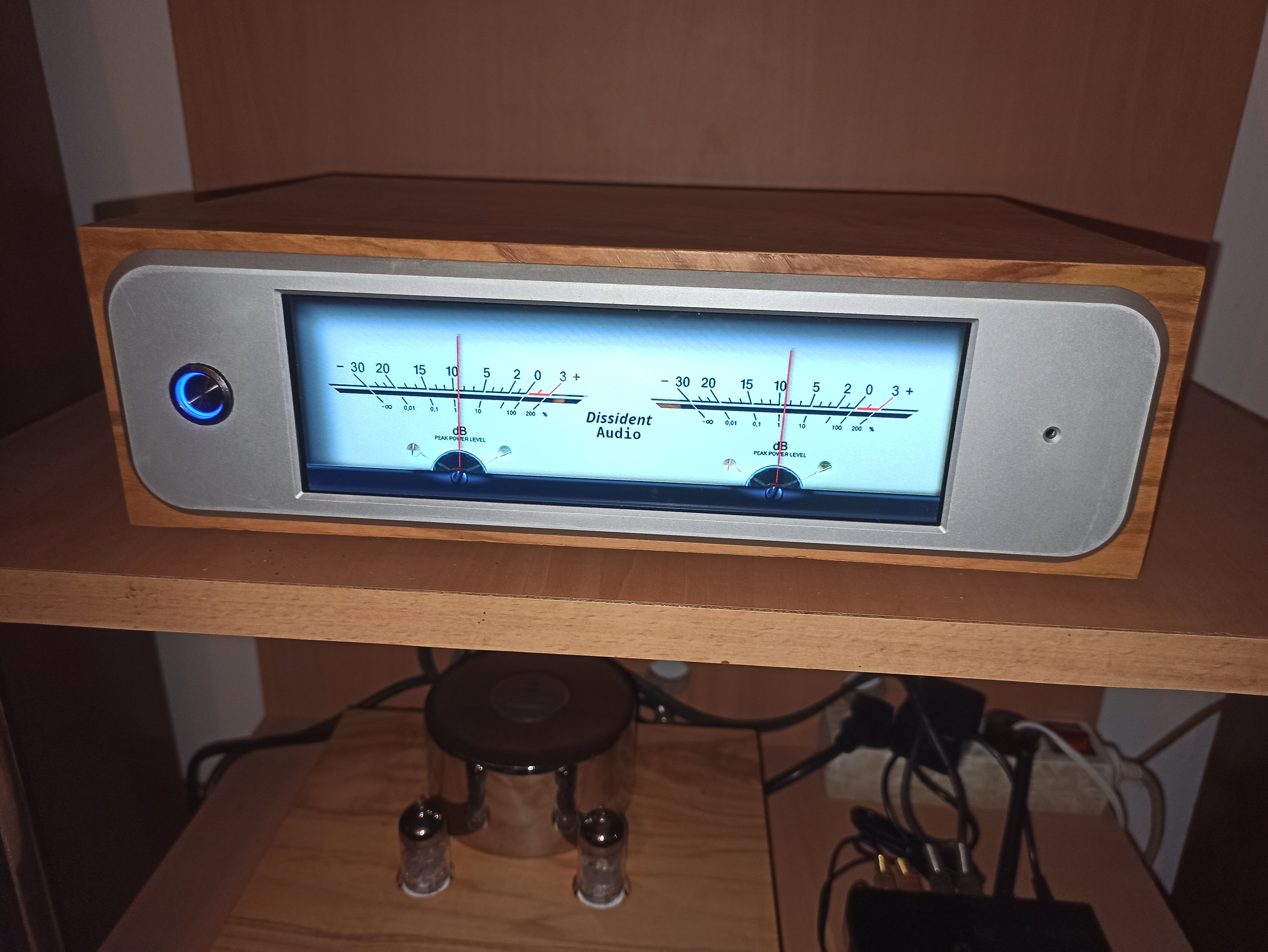
After spending a few evenings researching and experimenting, I managed to integrate the fantastic PeppyMeter plugin onto my Orange Pi Zero 2W, which runs Kodi for video and Lyrion Music Server for audio. The plugin activates on my HDMI-connected screen whenever I hit “play” in the LMS web interface; pressing “pause” turns the screen black, and pressing “play” reactivates the VU meters. When I turn off the player using the power button in the web interface, it reactivates Kodi, and when I turn the player back on, it shuts down Kodi cleanly by killing the Kodi graphical session. I also replaced the random VU meter setting with my own custom VU meter, using three component files managed by the plugin.
the Vu-meter in action
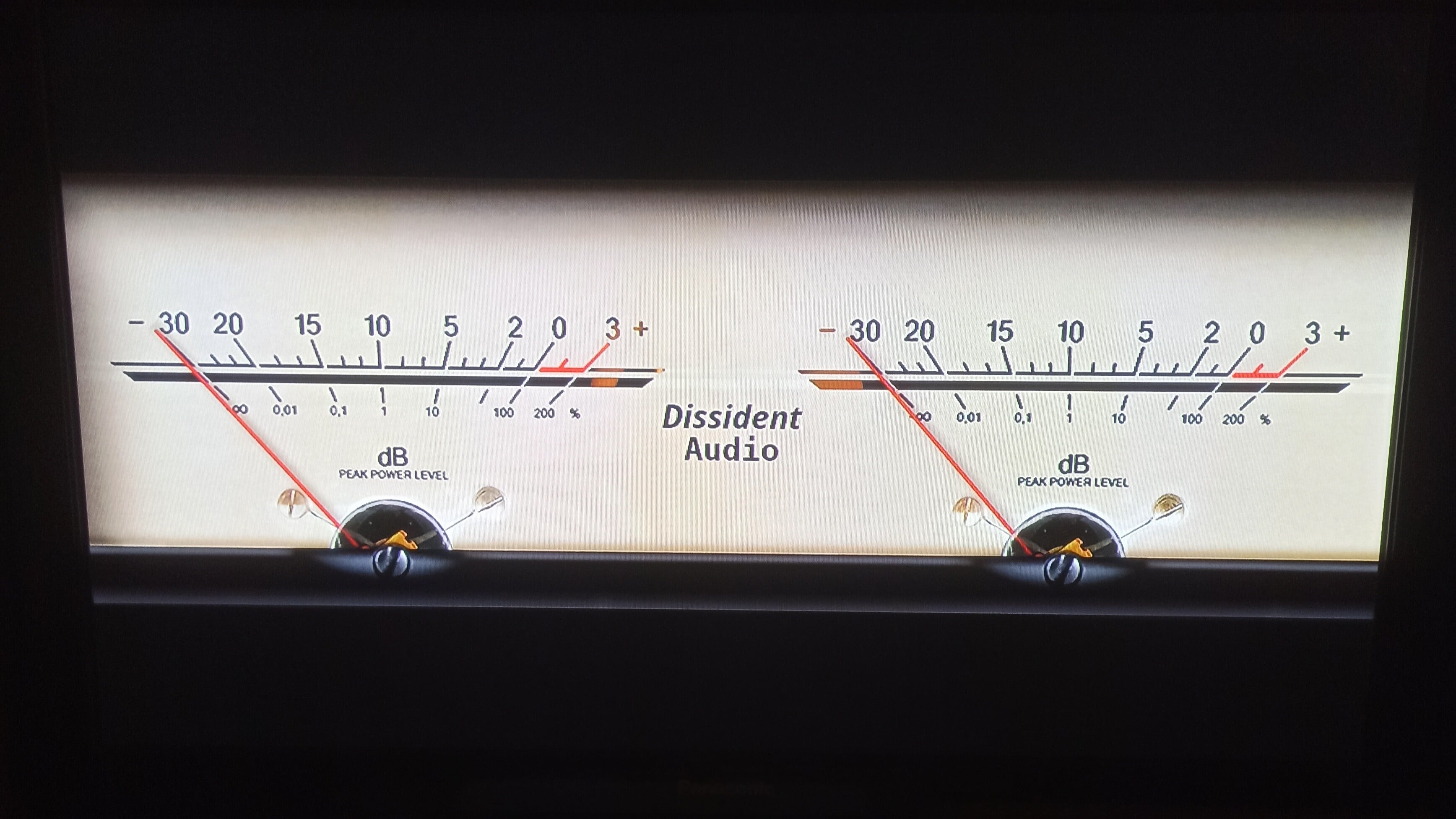
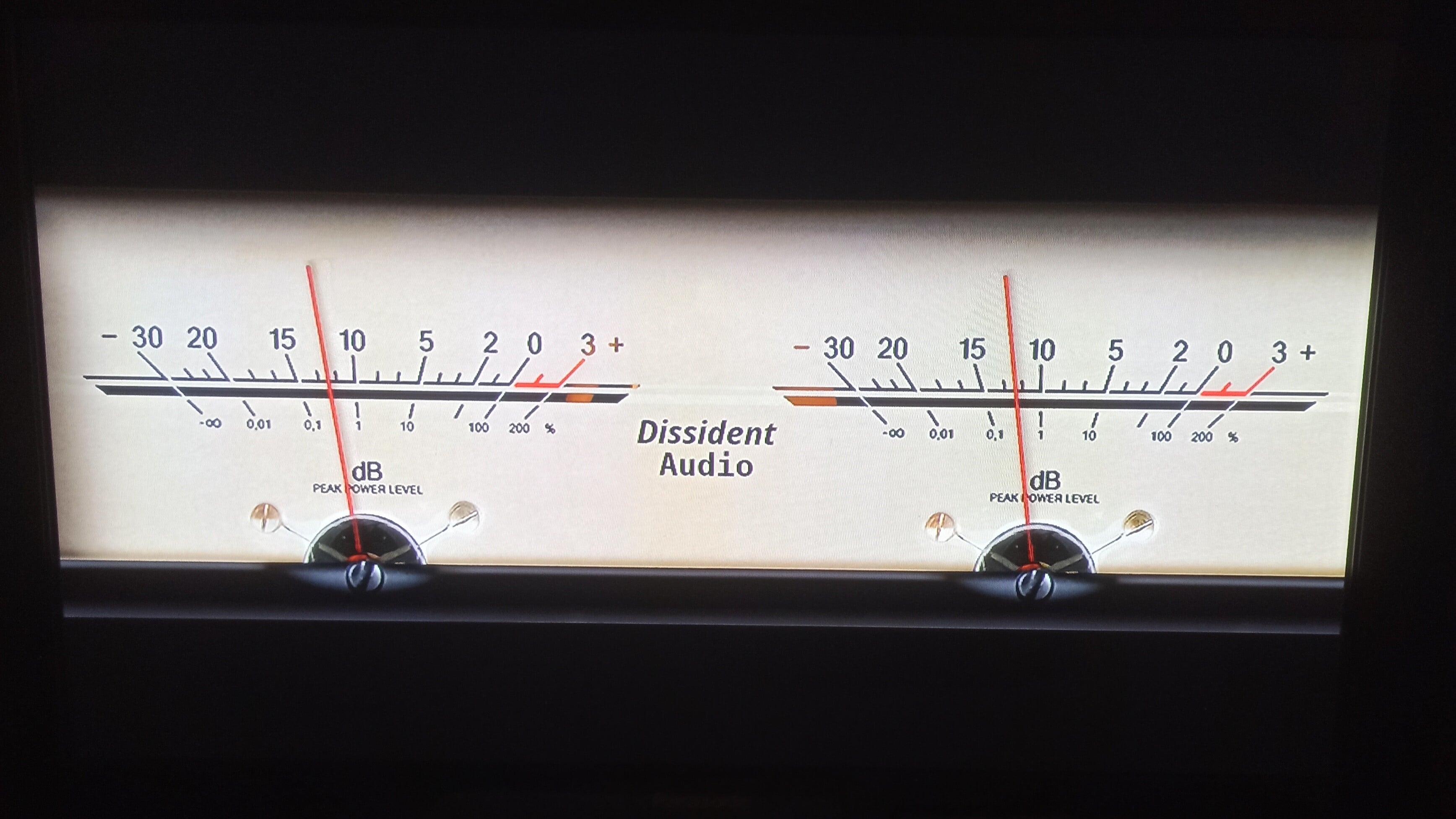
For exemple the three image
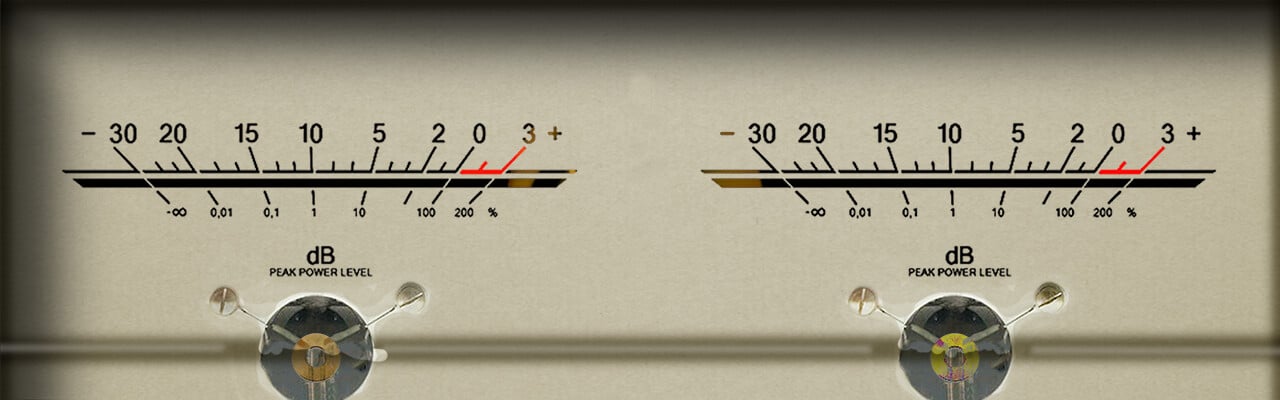


The whole description how to do this
[dietpi\_peppymeter\_guide\_en.txt](https://dietpi.com/forum/uploads/short-url/bsFqOY87chx3uF6KqFCjid3gAsu.txt) (10,2 Ko)
---
### Author:  [@Totof](https://dietpi.com/forum/u/Totof)
#### Post date: [28 August 2026 21:26 UTC](https://dietpi.com/forum/t/plugin-peppymeter-under-lyrion-music-server/25448/2 "2026-08-28T21:26:06Z")
Good evening everyone,
I’ve finished setting up PeppyMeter on my Orange Pi Zero 2W with the Waveshare 7.9" touchscreen, and it’s working perfectly.
Pressing “Play” on the screen—or via the web interface on my PC or smartphone—triggers the VU meters to appear; tapping the screen returns the display to Squeezelite, as does pressing “Pause” on the web interface.
Pressing “Play” again on either the screen or the web interface restarts PeppyMeter.
Below, you’ll find text documents explaining the various installation steps.
[dossier\_technique\_peppymeter\_en.txt](https://dietpi.com/forum/uploads/short-url/gPbmeQUCASLHBKm68M7JN8Uf8rV.txt) (10,1 Ko)
A picture of my setup