Hi Bree,
I’ve done some digging since last year, from 100% Nooblevel, and can give my advice based on the experience I gained this year.
- Batocera works best on a x86, but you will have to boot or restart the pc to directly boot into it, from either USB-stick, seperate hard disk or a 2nd partitian. It does not work via desktop. Check out the download list for Batocera-ready-devices. batocera.linux
This is a more straightforward “Noobproof” Operating System.
However, scraping game covers needs an extra account creation on screenscraper.fr (free but 1000 covers per day limit), I did it in 2 days.
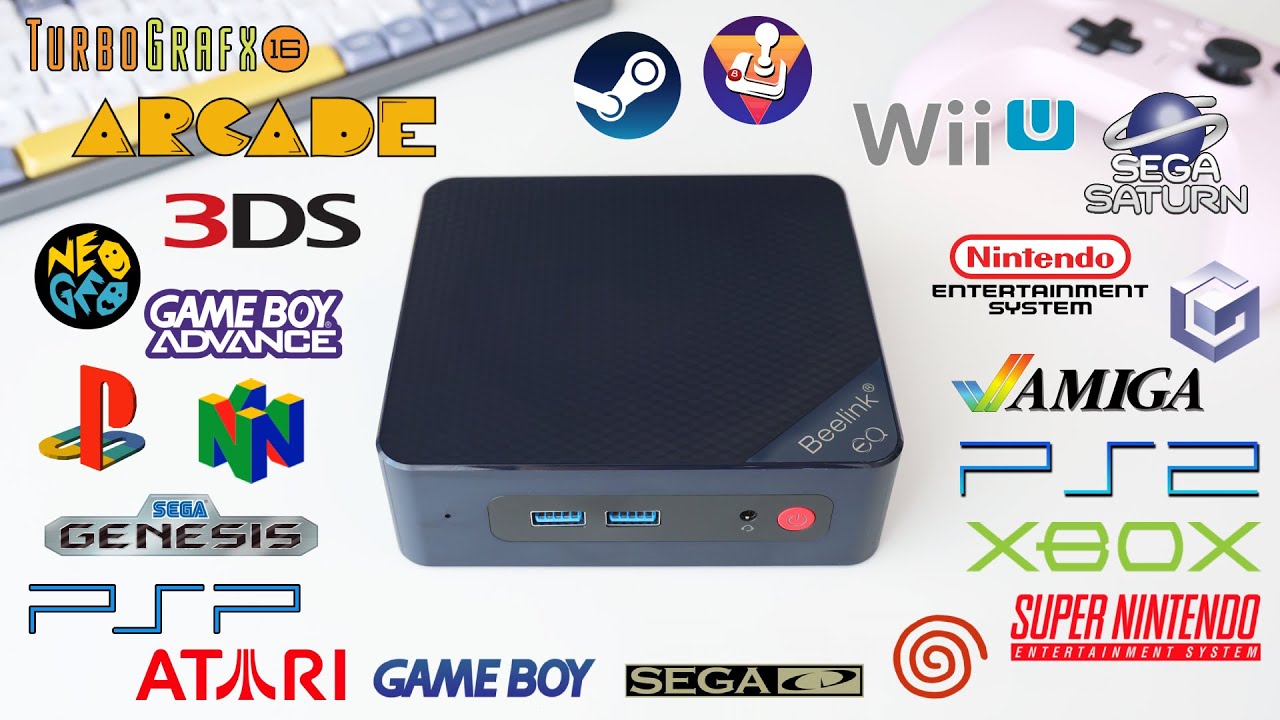
- Retropie is built for Arms devices (Or any Linux, not sure). This can however boot from the desktop. Tweaking this to boot directly into Retropie is harder for a non Rasberry pi, but achievable. Rasberry Pi has the best support for instant boot, but is not a must. Download - RetroPie
If you were to choose anything else, it is possible to install Retropie with the help from chatgpt. All you need is a browser for the basic help of mounting usb sticks etc. Tell it in the chat what kind of device you have, ask, report back the results, and wait for the next command 
For the likes of this forum. I favor Dietpi OS for some reason as tweaking Xfce environment was easy for a noob like me and with some help from chatgpt 
Setting up wifi is trickier in Dietpi OS, but youtube helped my with this. I shared it here on the forum somewhere too. Dietpi OS headless wifi setup or something.
What era of retro gaming is your must?
No matter what you choose, it will be new for you anyway, just like it was for me. If you fail, cry it out, don’t give up and ask!